
Why does an AI tool behave differently after a live demo ends?
Find the account, model, context, integration and input differences that can make an AI tool behave differently after a live demonstration in practice.
11 October 2026Read article
Twokq Tech keeps you aligned with the tools, ideas, and decisions that help people get more from technology and artificial intelligence.
Read the latestTwokq Tech is an independent technology blog based in Shoreditch, London. We explain how to use technology and AI with more confidence, care, and practical judgment.
Our editors turn fast-moving technical change into useful guidance for real work and everyday life.
About Twokq TechClear explanations, practical workflows, and grounded guidance for getting more from technology and AI.
120 articles
Find the account, model, context, integration and input differences that can make an AI tool behave differently after a live demonstration in practice.
Ask AI vendors a bounded question that reveals task fit, evidence, account limits and failure behaviour during a short product demonstration.
Turn a successful AI workshop exercise into a tested team procedure with approved inputs, human checks, failure handling and a clear owner today.

Turn a memorable claim from a London AI meetup into a precise proposition, check its primary source and run a bounded test before recommending it at work.

Recreate a London AI demonstration with recorded conditions, safe representative inputs and a pass rule that shows whether the result transfers to your real task.
Record the tool, tier, input, output and stated limits from a London AI demo while keeping attendees, private screens and unauthorised material out of your notes.
Choose a London AI workshop you can complete with synthetic material, clear account rules and no need to upload client, employer or participant information.

Separate present AI capability, customer evidence, commercial claims and future plans when assessing a startup pitch at a London demo night.
Choose a London AI policy panel or product workshop by matching the session format to the governance question or practical task you need to resolve.
Check the London journey, venue, communication, materials and AI exercise together so an event is genuinely usable with your access requirements.

Compare two AI tools shown at one London event by recording equivalent tasks, access levels, controls, review effort, costs and failure cases.
Judge a polished London AI demonstration by adding ordinary, difficult and out-of-scope cases before treating the result as product evidence.

Calculate the full cost of a London AI event and require decision-changing evidence, not vague networking value, before committing to the ticket.

Trace an AI claim from a London university lecture to its study, method, limitations and publication status before applying it to a product decision.

Assess a London AI hackathon's roles, technical setup, team formation, rights, access and time demands before deciding whether you can contribute.
Use a vendor-sponsored London AI event for product evidence without confusing hospitality, selected examples or stage polish with a fair comparison.

Screen a London AI demonstration for task fit, test conditions, audience access and failure evidence before committing money and travel time.
Choose between a London AI conference and workshop by matching the format, complete cost, access and follow-up evidence to your actual goal.
Check a London AI meetup's prerequisites, exercises, support, access and travel commitment before deciding whether it truly suits a beginner.

Compare a paid London AI workshop with free talks using its complete cost, practical outcome, feedback, accessibility and follow-up value today.
Hand over an editable video project with its media, dependencies and rights notes, then test a real revision on the recipient's system before removing originals.
Choose explainer visuals by whether they document or illustrate a claim, compare stock and generated footage costs, and check rights before using either.

Reduce a video's file size by testing difficult text frames, comparing quality settings and checking destination playback before committing to a full export.

Check vertical video crops against the action viewers must see, calculate how much width is lost, and choose reframing or a full-frame layout when cropping fails.
Check synthetic narration for changed words, numbers, names and emphasis, then verify the final audio against the approved script before using it in a video.

Turn a script into a practical shot list covering essential actions, sound and setup needs, with a filming budget that separates necessary shots from extras.
Check a video clip against its original question, qualifications and corrections, then decide whether to extend, label or reject an edit that changes the meaning.
Diagnose fixed offsets, gradual timing drift and edit-related jumps in a transcript, then choose a reversible correction checked against several audio anchors.

Create a focused webinar briefing with timed evidence, relevant caveats and clear next steps, while separating the speaker's claims from your interpretation.
Choose between transcripts and summaries by future evidence needs, permissions and review effort, with a storage example that shows where the real costs sit.
Correct interview speaker labels against the recording, separate identity from turn boundaries, and preserve uncertainty when voices overlap or remain unclear.
Save tested video links with timestamps, source details and readable fallback anchors, so you can recover the right passage even when a link behaves differently.
Capture decisions, owners, deadlines and unresolved questions during a fast meeting, then confirm the gaps without creating or reviewing a full transcript.
Separate publication, update, archive and access dates, inspect the evidence behind each, and cite an undated page without inventing when it appeared.

Revise with closed-note questions, targeted corrections and later checks, so your study time follows what you cannot yet explain rather than page count.
Trace repeated claims back to their original evidence, distinguish independent findings from copied reporting, and record what you can actually verify.
Turn PDF highlights into answerable study questions, keep accurate page references, and test which ideas need more work without copying the whole document.
Compare voice and typed notes by the effort needed to explain, check and revisit a difficult idea, with a practical trial that includes accessibility needs.
Combine research notes by comparing claims, definitions and evidence, while keeping genuine disagreements visible and deciding what they mean for your task.
Record research exclusions with clear reasons, supporting evidence and reconsideration conditions, so you avoid repeat work without hiding uncertainty.
Decide whether personal devices suit your team's work by checking support, access, staff privacy, real costs and a tested way to remove business access safely.
Check an unfamiliar software invoice against trusted accounts, payment records and authorised owners, without paying a duplicate or following a fraudulent link.
Turn a team review into a realistic change queue by separating urgent risks, evidenced problems and uncertain complaints, with time for testing and reversal.
Check notice deadlines, export access, migration assistance and data deletion before renewal, then build a practical exit timetable from your actual contract.
Build an outage timeline from dated evidence, separate observations from recollections, calculate impact honestly and turn the record into assigned improvements.
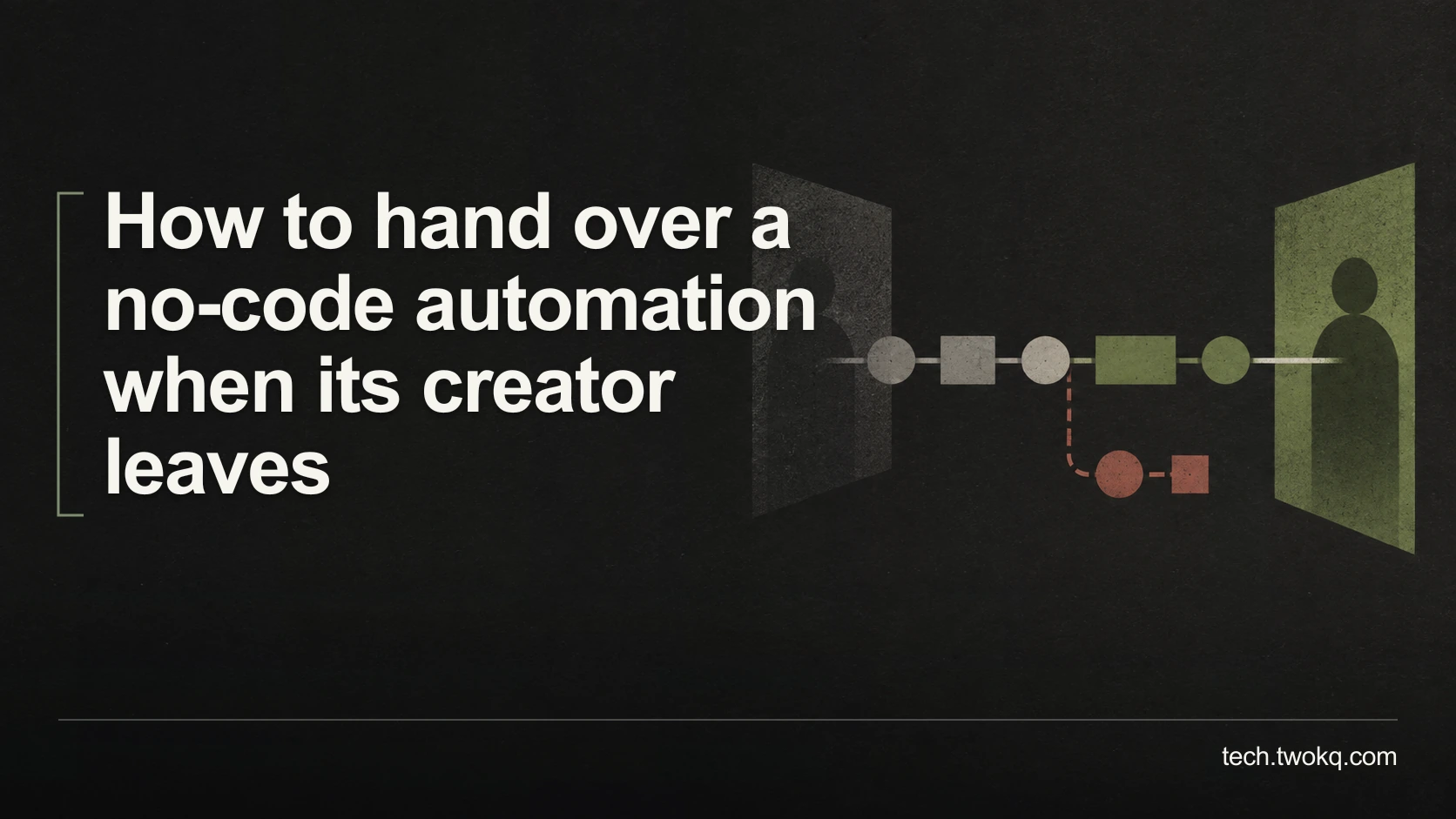
Hand over a no-code automation by checking ownership, connected accounts, triggers, alerts and recovery, then rehearse the workflow with safe dummy inputs.
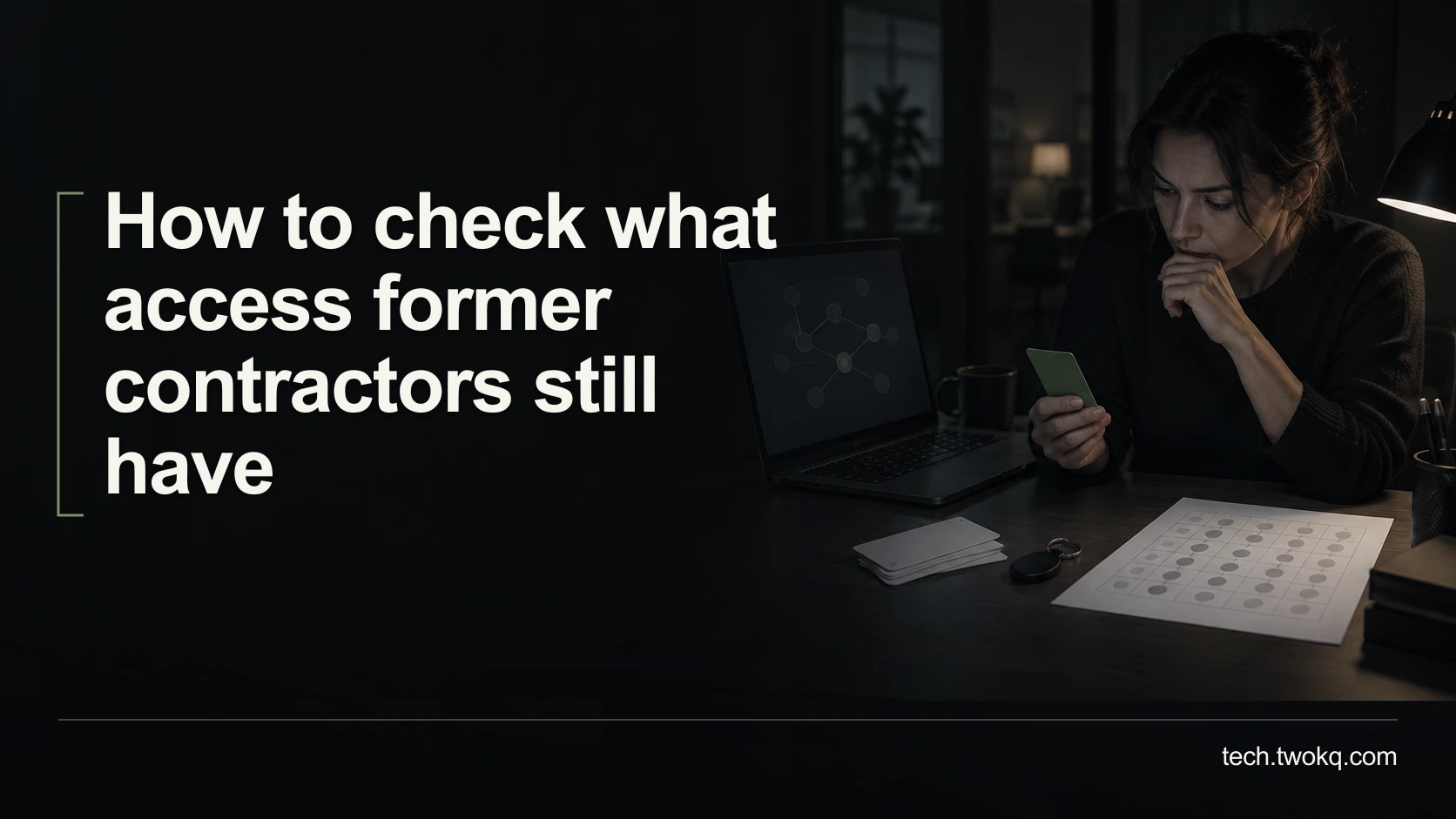
Review former contractors' direct accounts, group memberships, shared links and integrations, then close access safely while preserving ownership and records.
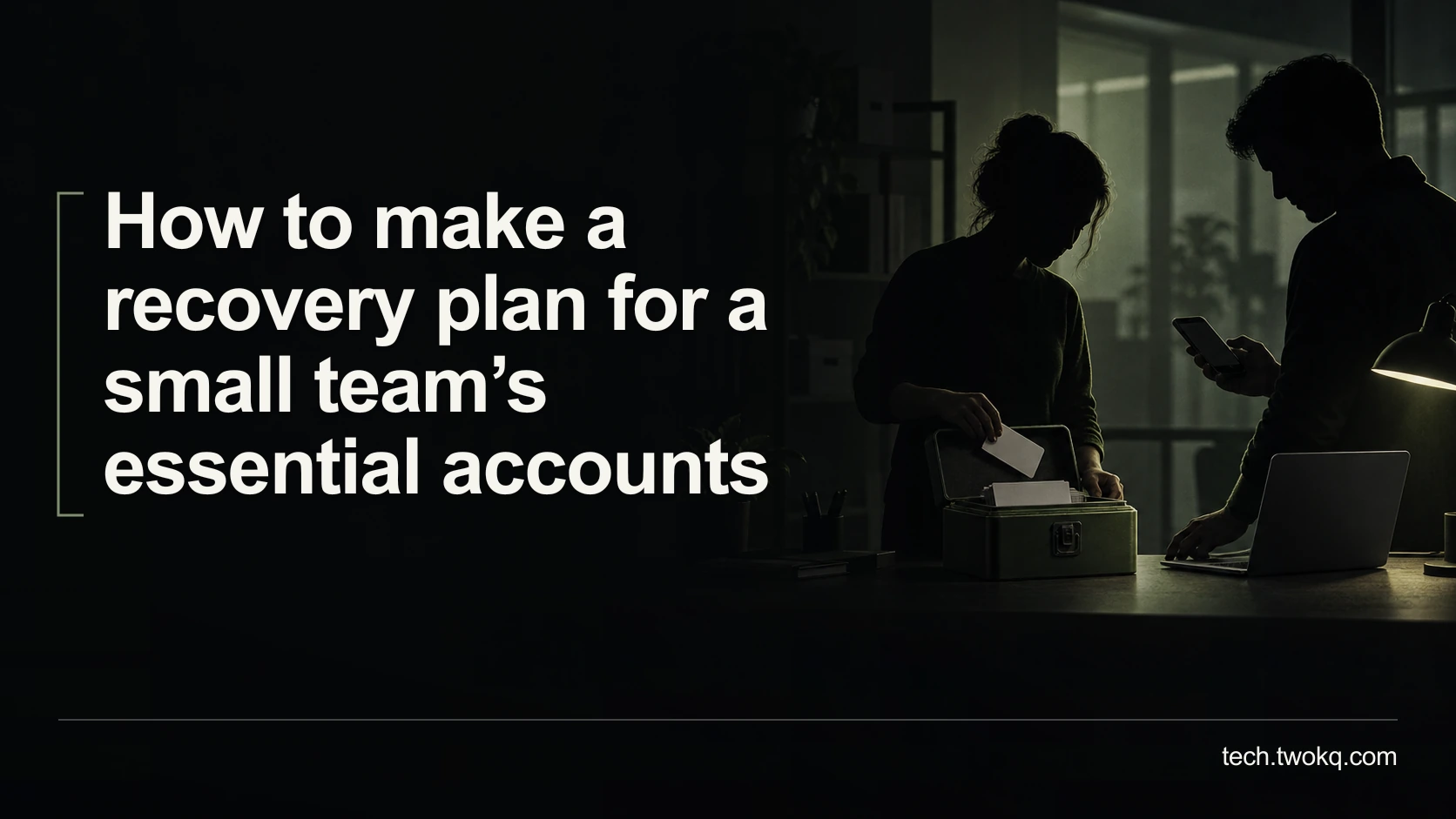
Map the accounts and recovery methods your team depends on, find circular dependencies, protect recovery credentials and rehearse access without a lockout.
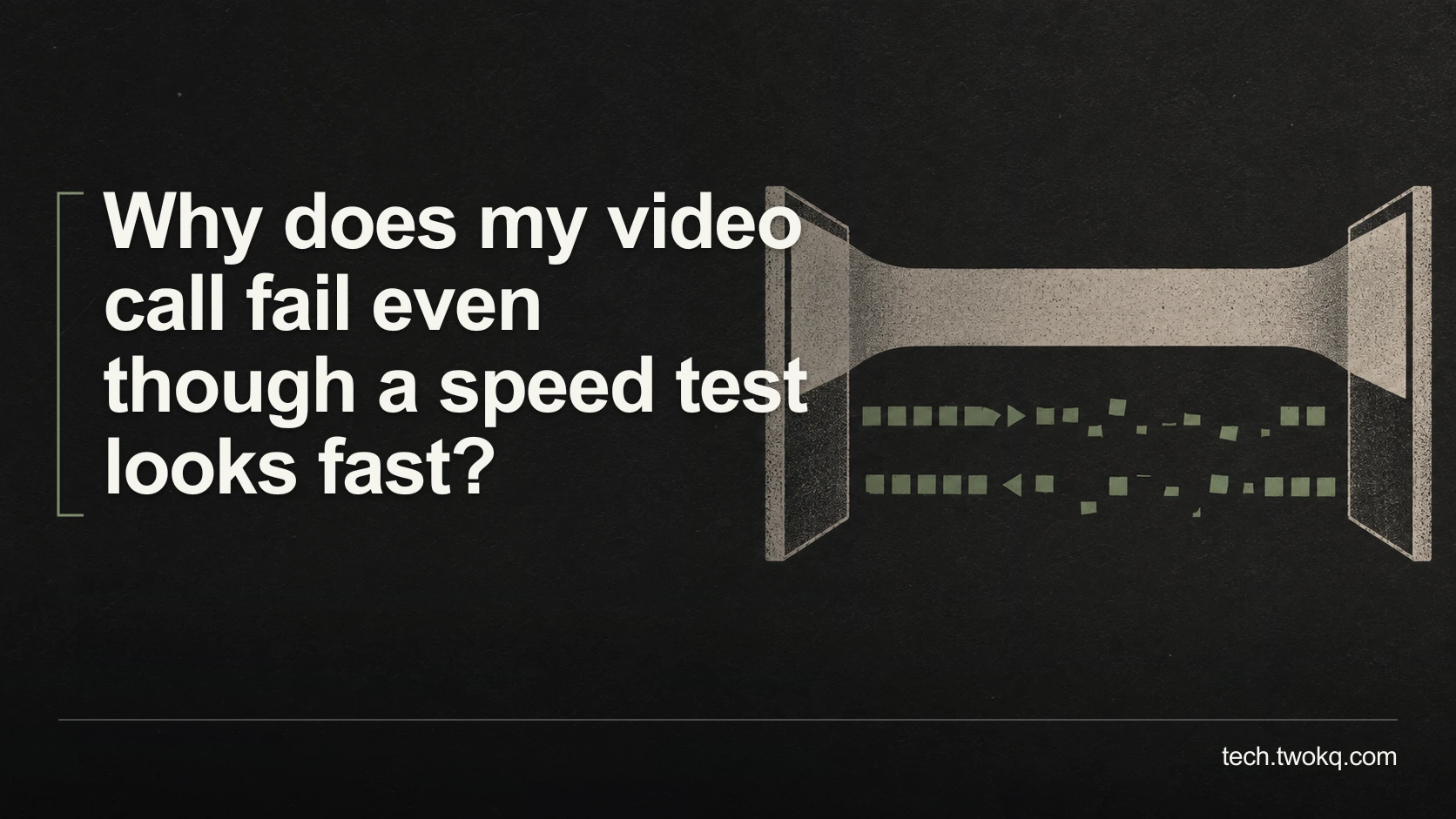
Find why a fast connection still produces broken calls by separating upload congestion, unstable packet delivery, Wi-Fi problems and an overloaded computer.
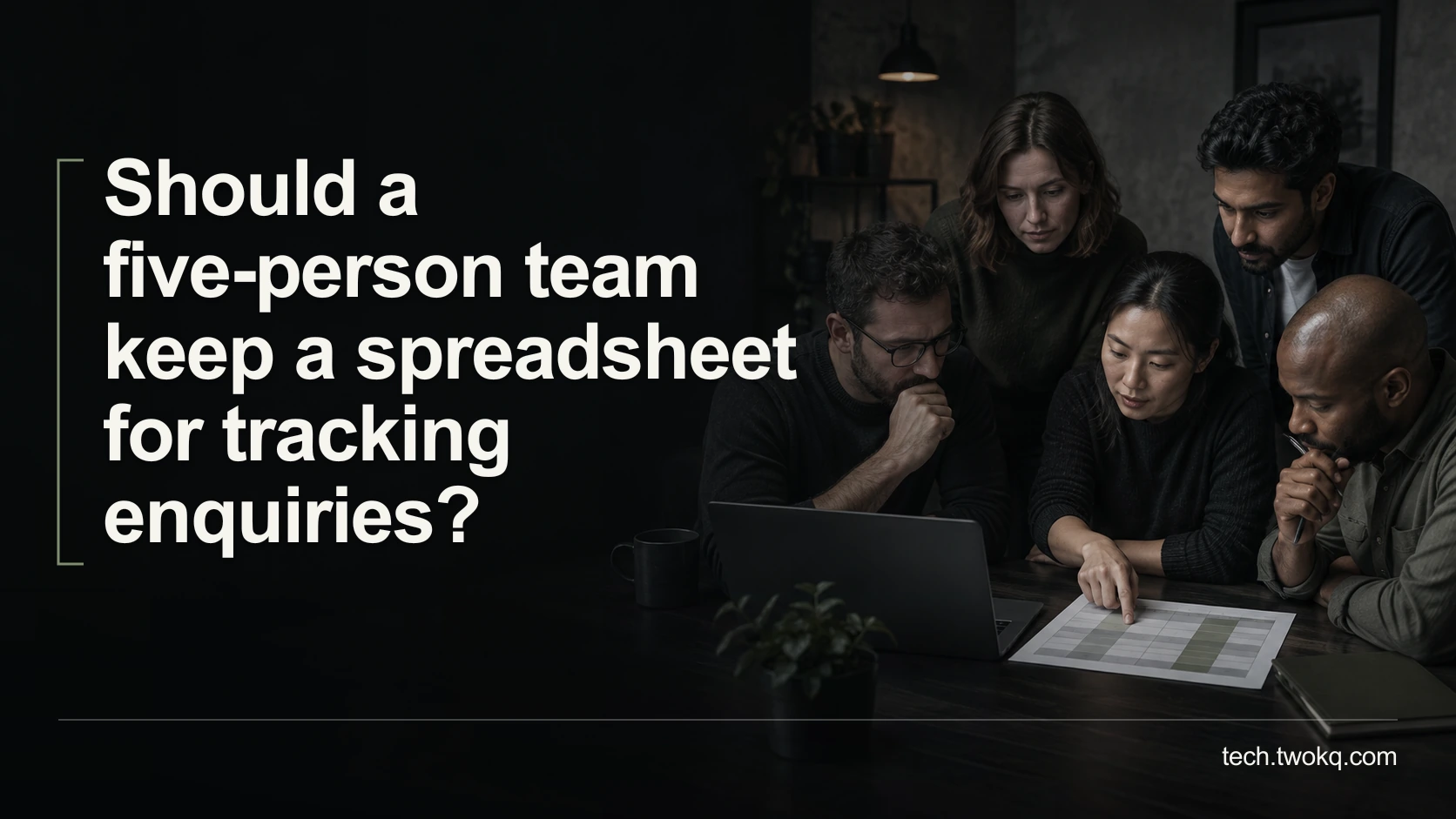
Test enquiry ownership, repeated contact records, shared editing and access needs before deciding whether to improve your spreadsheet or move to another system.
Measure blocked work, workaround effort and recovery time without double-counting colleagues, then judge whether a software fix is worth its ongoing cost.
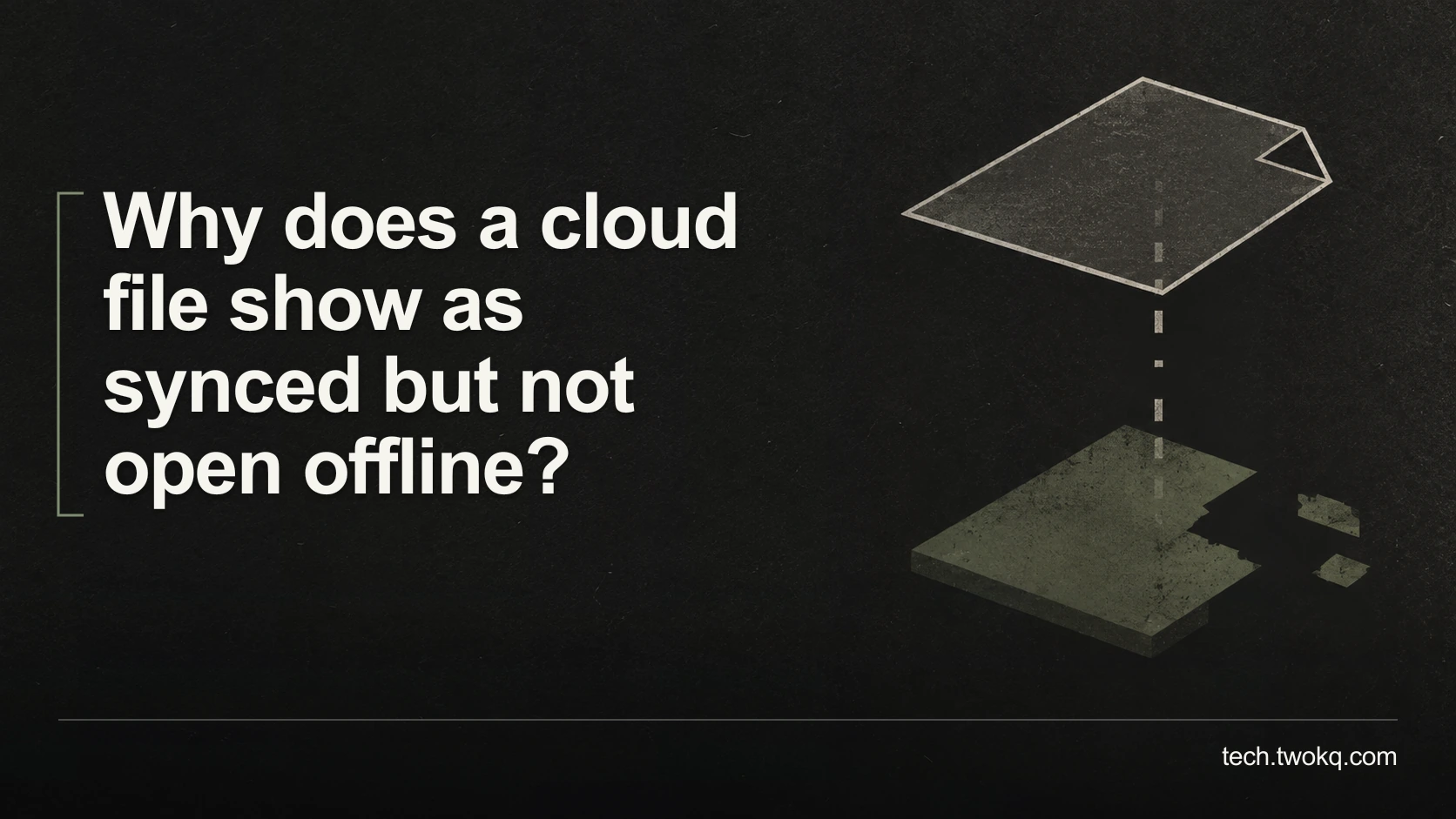
Check whether your cloud files are actually downloaded, identify app or permission failures, and prepare a tested offline working set before travelling.

Trace duplicate calendar entries to overlapping views, imported copies or a sync loop, then test a safe correction before changing meetings or deleting events.
Choose between a shared inbox and forwarding by testing message ownership, reply visibility and access, with realistic costs and a safe handover process.
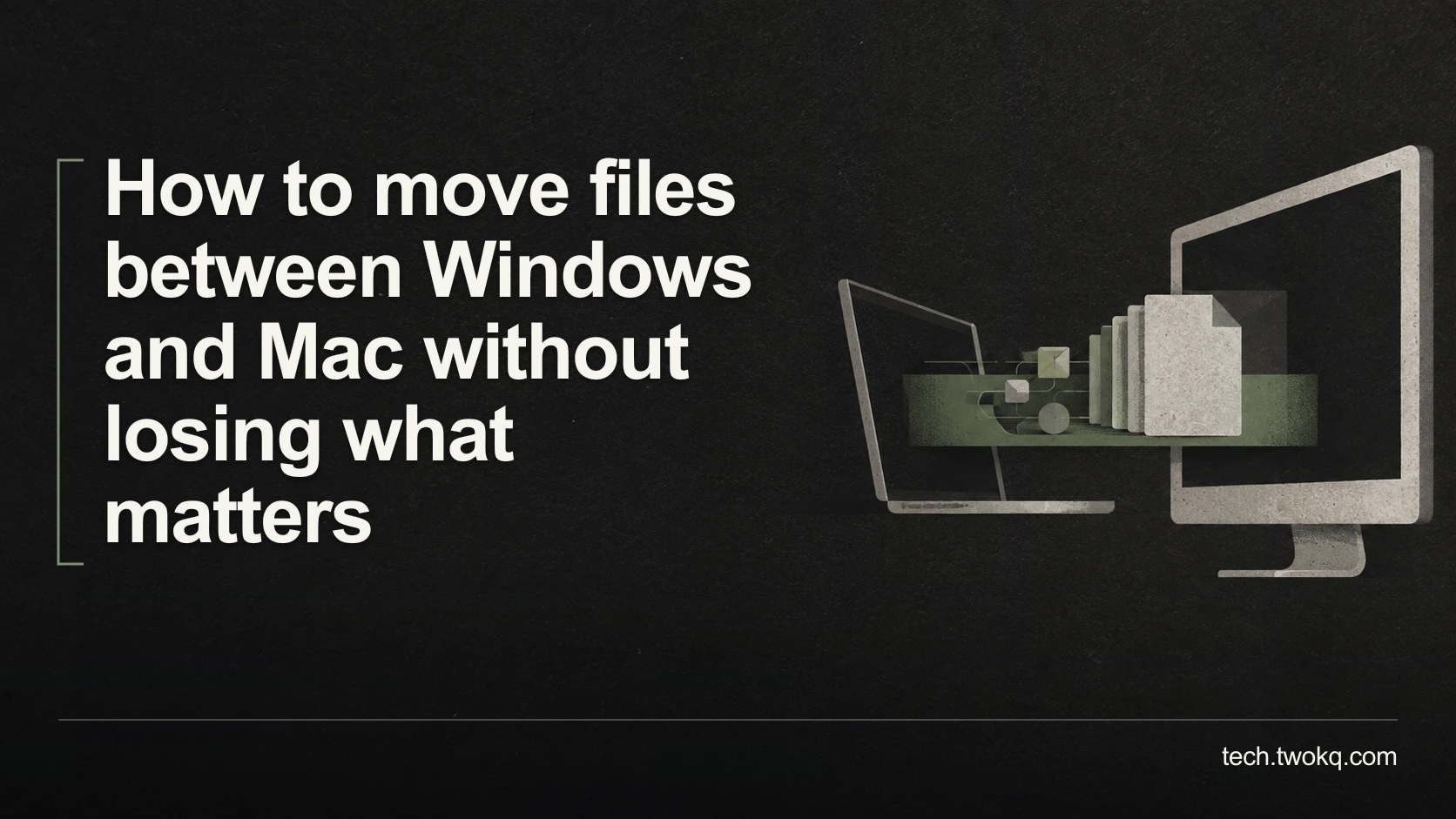
Plan a Windows-to-Mac file transfer around compatible formats, large files and essential metadata, then verify destination copies before removing any originals.
Trace where spreadsheet copies split, preserve competing edits, and restore one authoritative workbook with a supported editing route and clear ownership.
Compare the actual commitment of monthly and annual software plans for a short project, including extensions, cancellation terms, tax and time needed to leave.
Match subscription charges to their users, billing routes and included features, then identify genuine duplicates without cancelling access someone still needs.
Test a backup by restoring selected file versions to a separate location, checking their contents and measuring recovery time without risking your live work.

Separate a weak room connection from an internet-service problem, compare the same task in several locations, and test a free placement change before buying.
Set up distinct browser profiles, check account and sync boundaries with dummy tasks, and avoid mistaking a separate window for protection from other users.
Choose a charging routine that fits desk work and travel, check your laptop’s supported battery controls, and avoid confusing charge level with battery health.

Check the exact processor, Windows edition, update eligibility and seller evidence before buying a used laptop, then compare the real cost of a supported setup.
Identify whether microphone selection or Bluetooth call mode is degrading your sound, test an existing alternative and check LE Audio support before buying.

Review Windows 11 cleanup candidates safely, protect Downloads and recovery options, and measure reclaimed space before considering changes to personal files.
Decide whether a RAM upgrade is worth doing by checking your real workload, the exact laptop’s upgrade options, remaining support and total replacement cost.
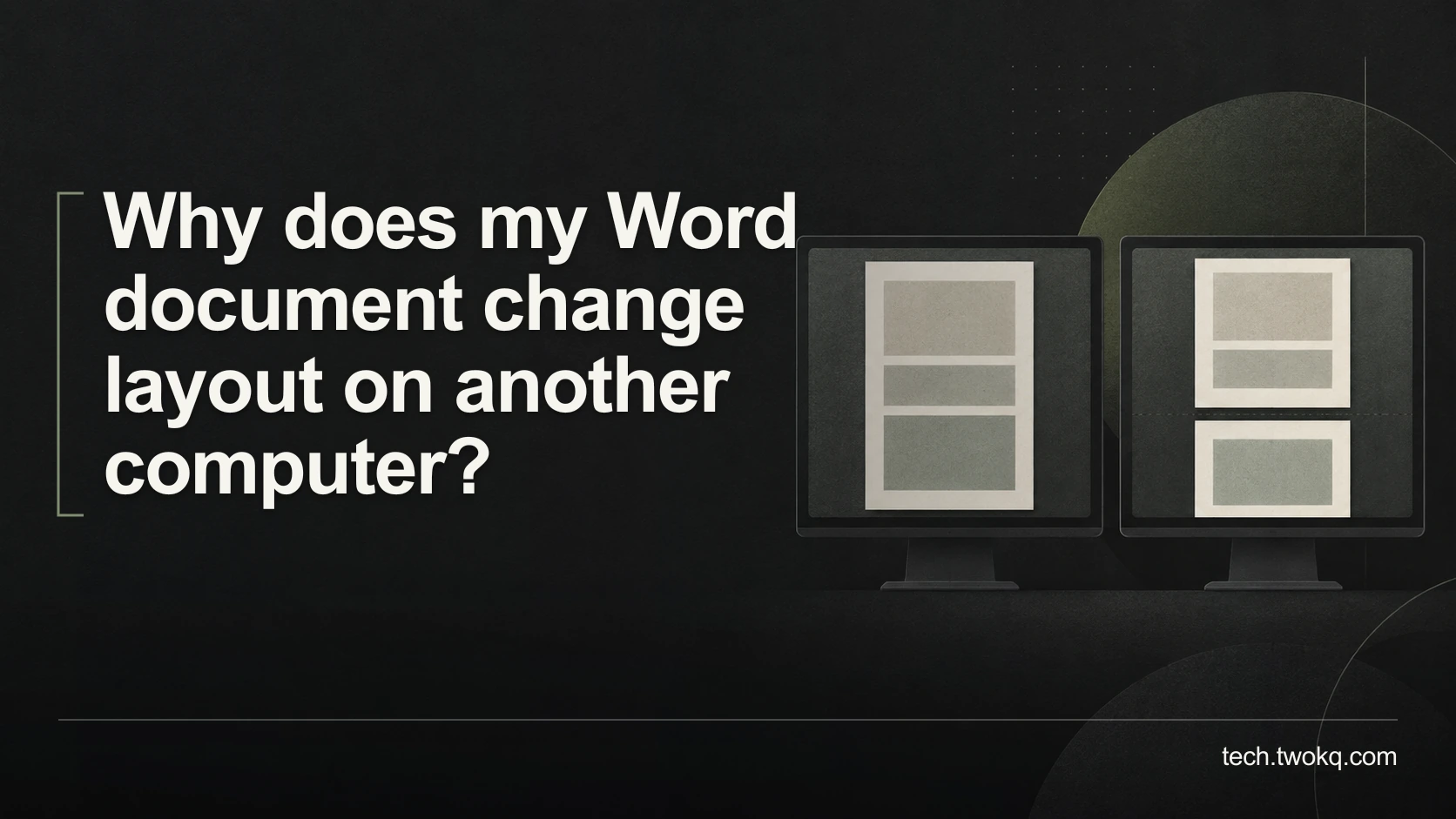
Diagnose changed Word pagination by comparing fonts, application versions and page settings, then choose a reliable editable file or fixed-layout PDF.
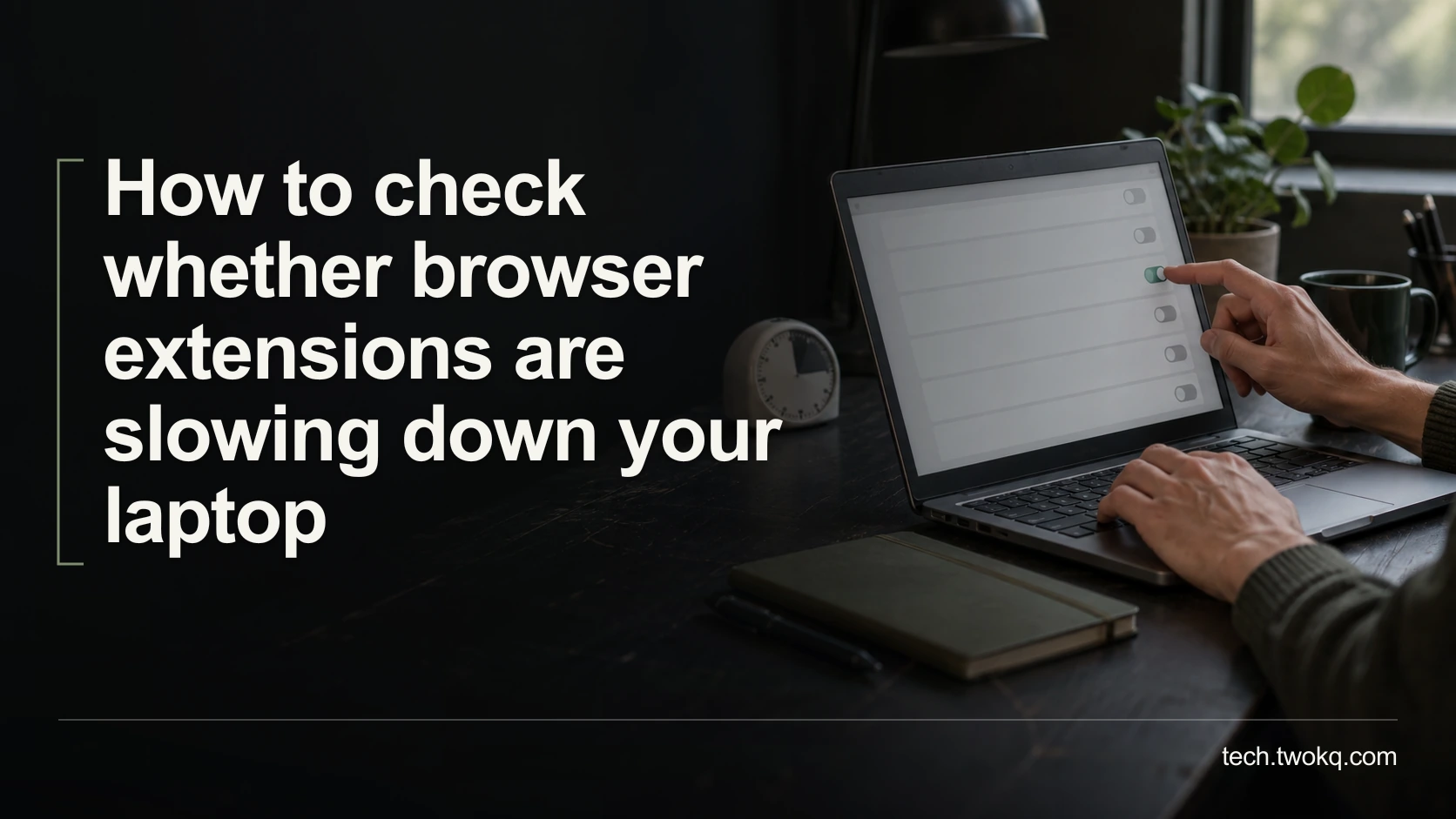
Find out whether an optional browser extension causes slowdowns with a repeatable timing test, reversible changes and a clear rule for keeping or removing it.
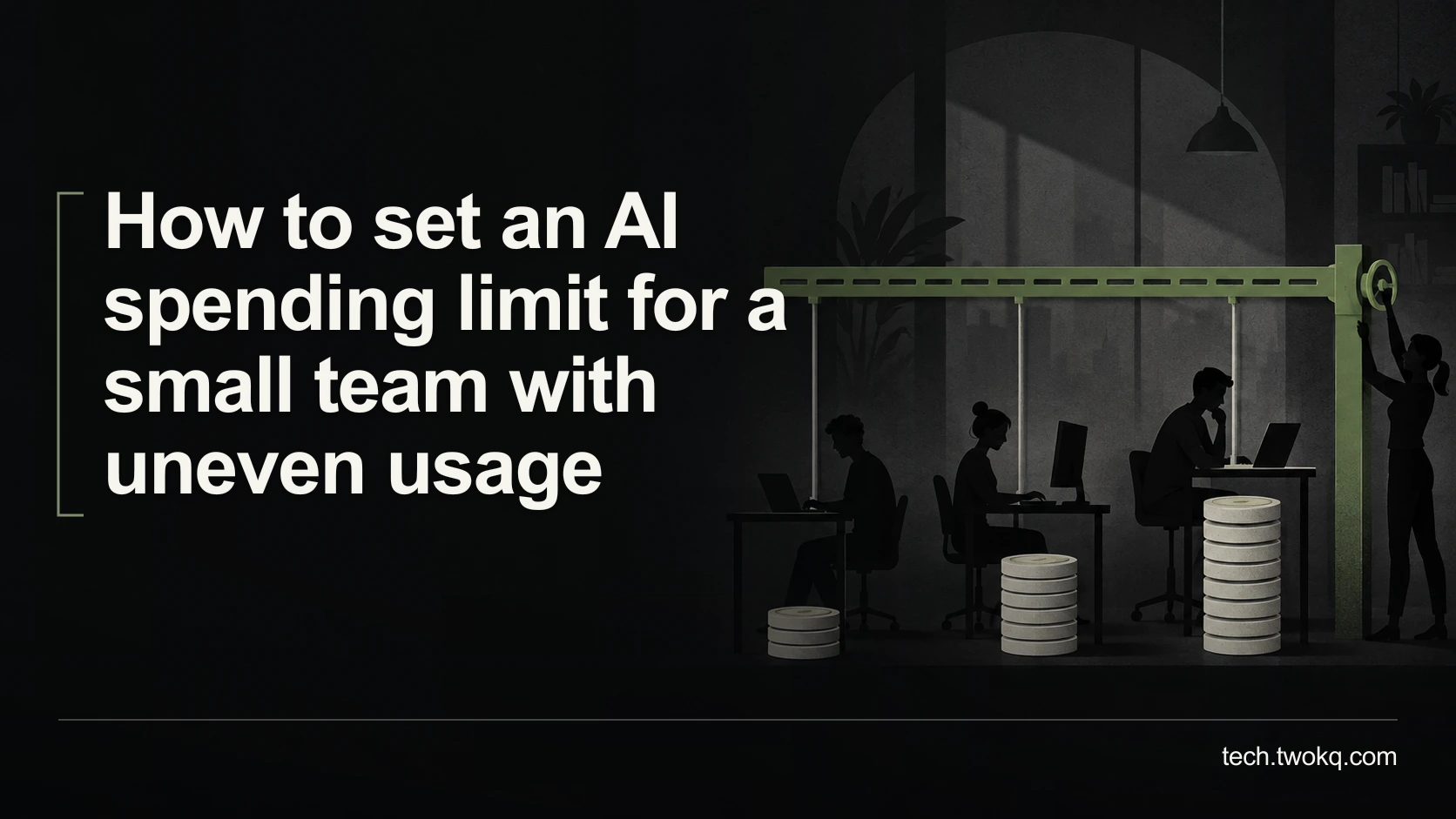
Build an AI budget around uneven workloads, fixed fees and variable charges, then distinguish spending alerts from enforceable limits and assign responsibility.
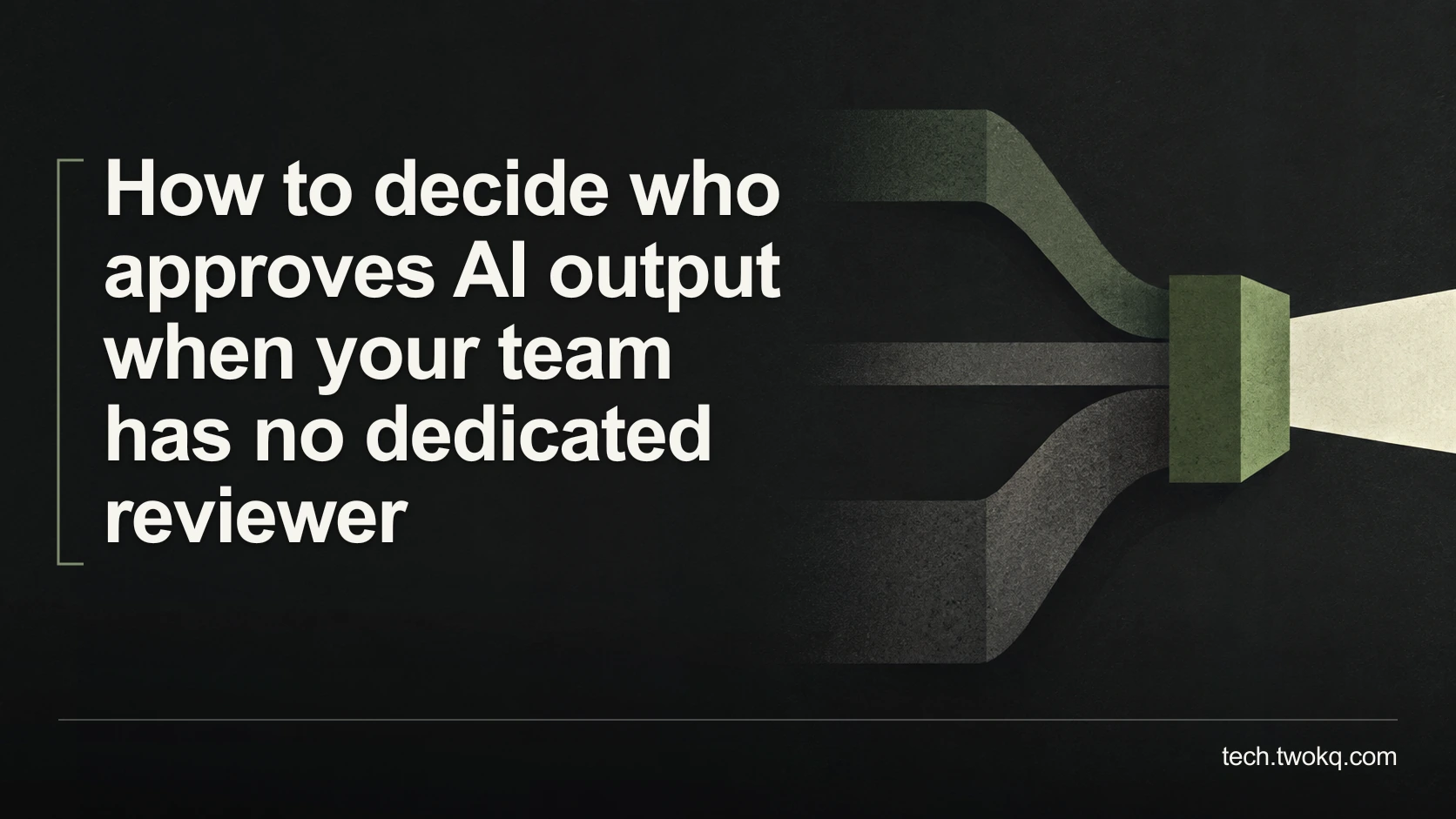
Assign AI review by competence, consequence and available time, with clear approval limits and a fallback when a small team cannot safely check every output.
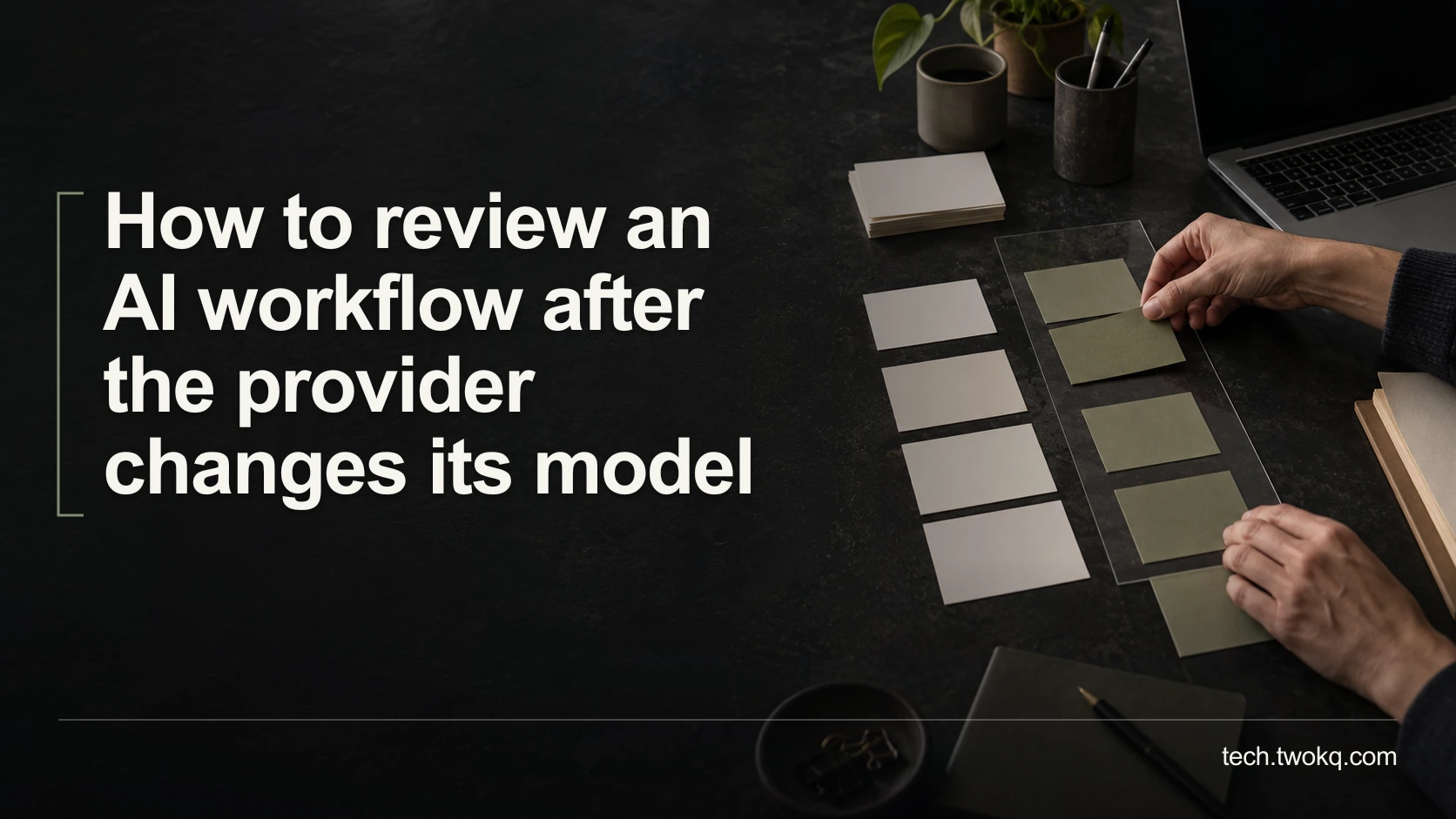
Recheck an AI workflow after a model change using held-out tasks, decision-level comparisons and a staged return to use, with clear fallback and stopping conditions.
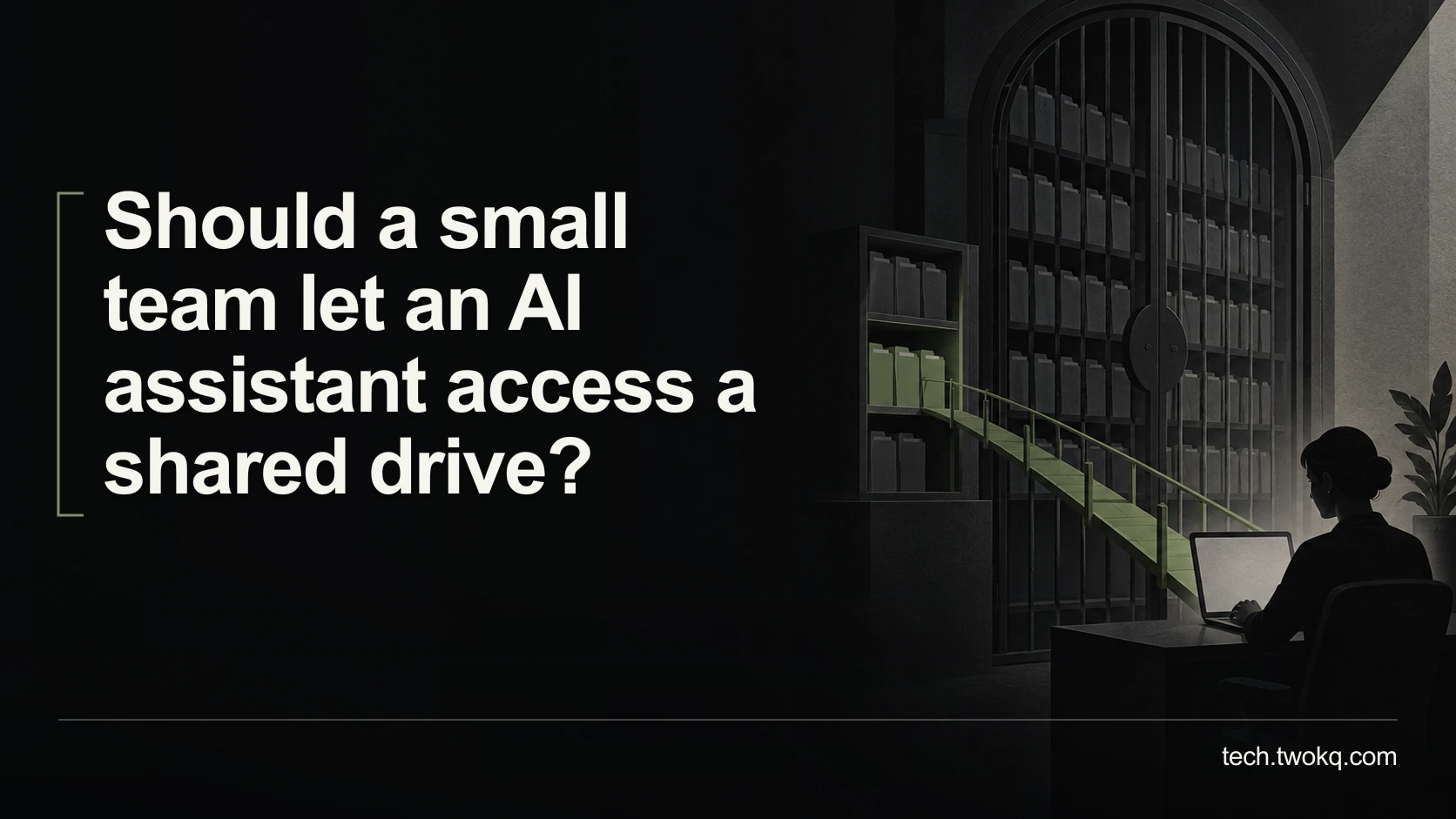
Decide whether to connect a shared drive to AI by checking real permissions, limiting relevant folders and testing access and removal before exposing team files.
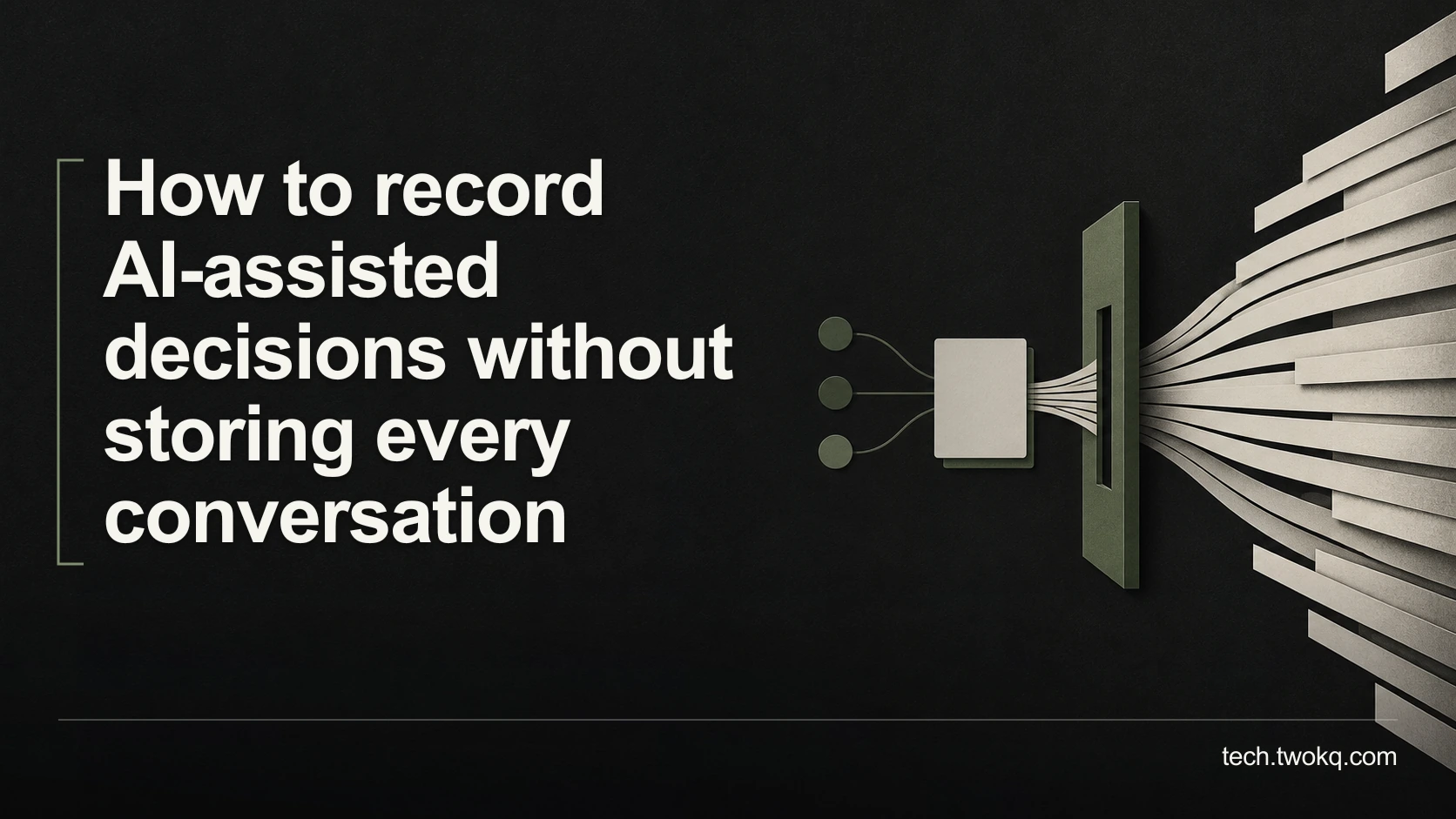
Keep a concise record of AI-assisted decisions with sources, material assumptions, reviewer and outcome, while following the retention rules that apply to your work.
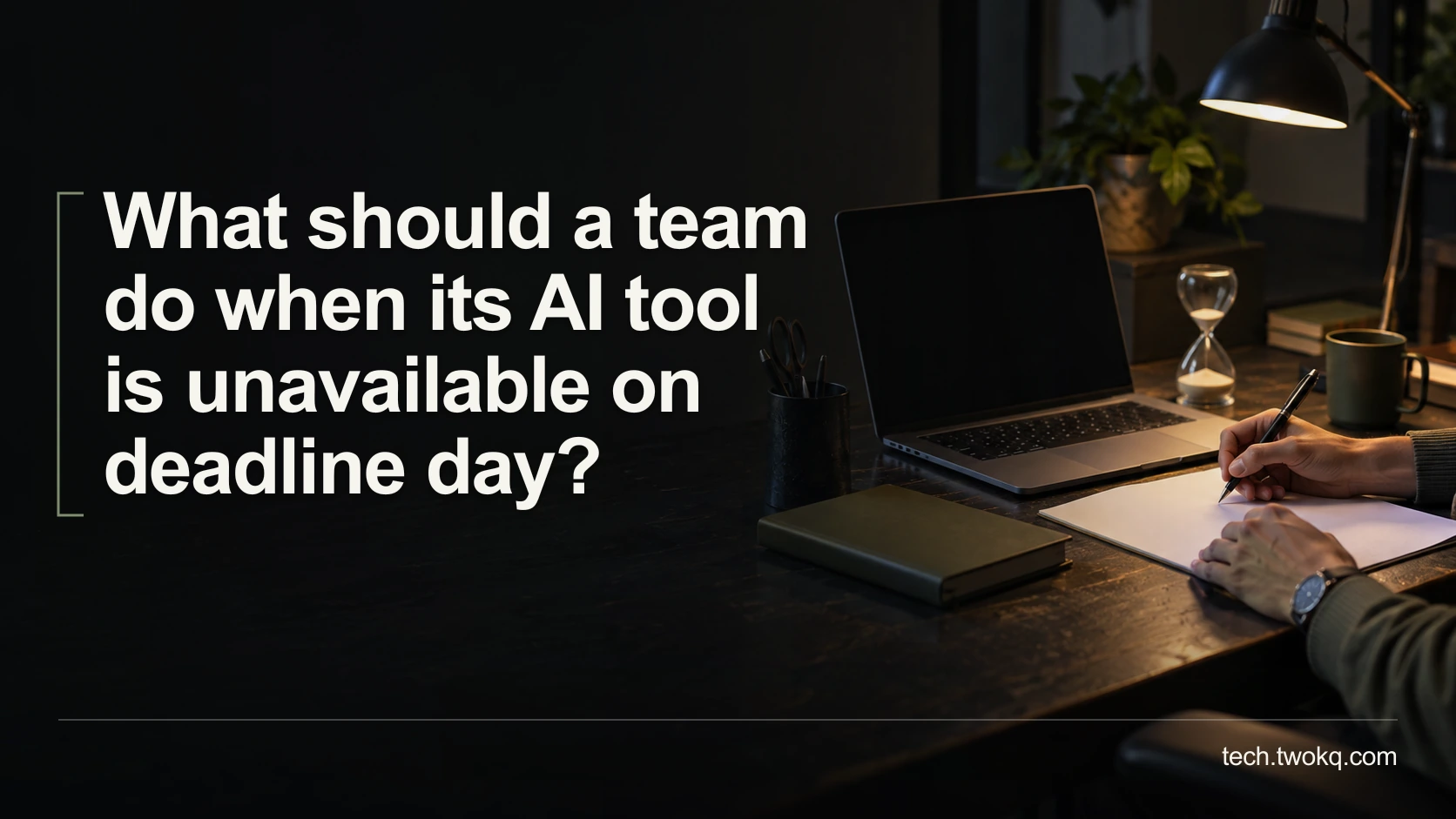
Keep deadline work moving during an AI outage by checking accessible evidence, choosing a safe manual minimum and protecting review time before switching services.
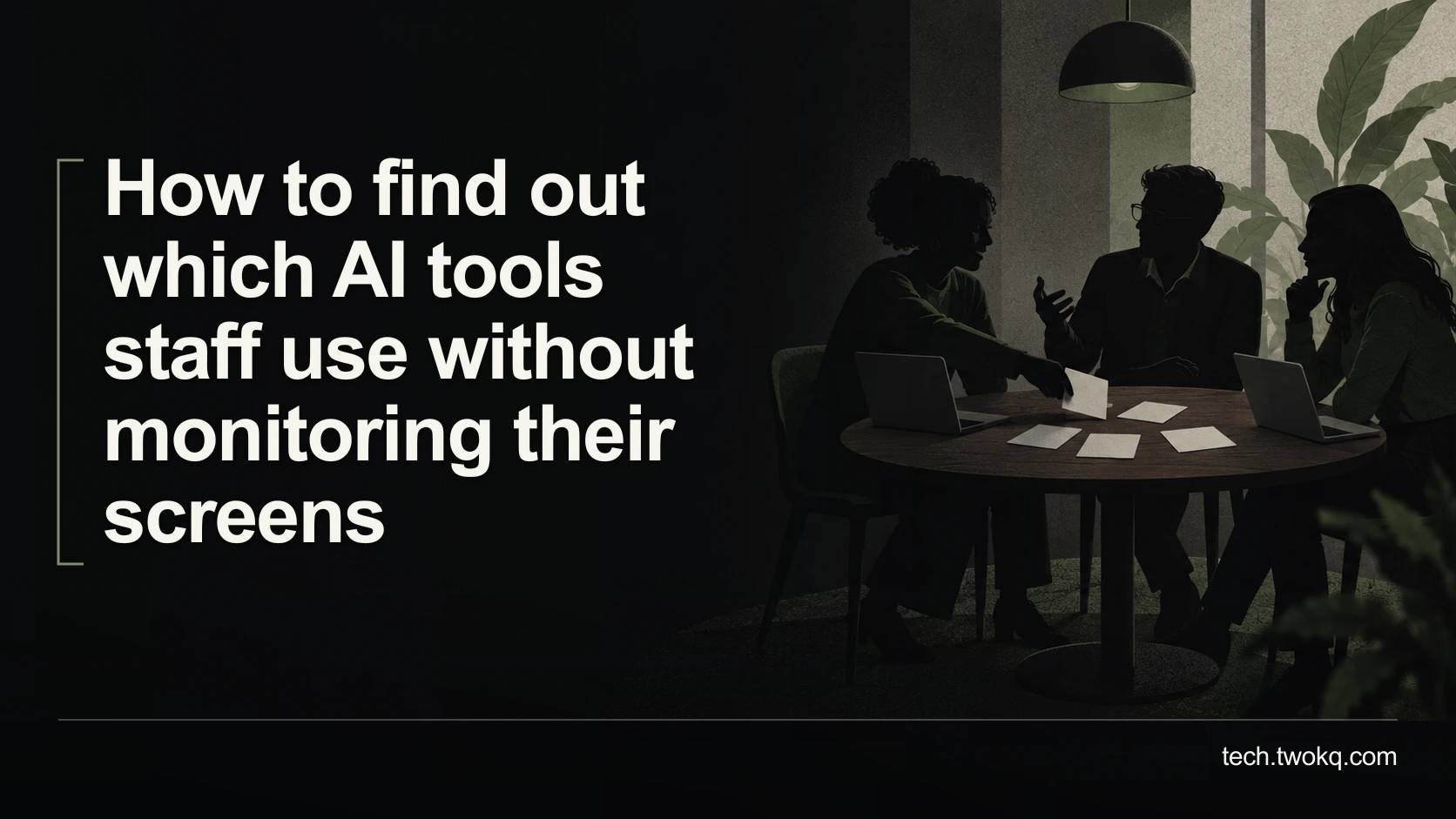
Map workplace AI use through transparent conversations about tasks, accounts and data categories, without collecting private prompts or treating silence as proof.
Decide when to tell a client about AI assistance by checking the contract, material contribution, data exposure and review, with clear disclosure examples.
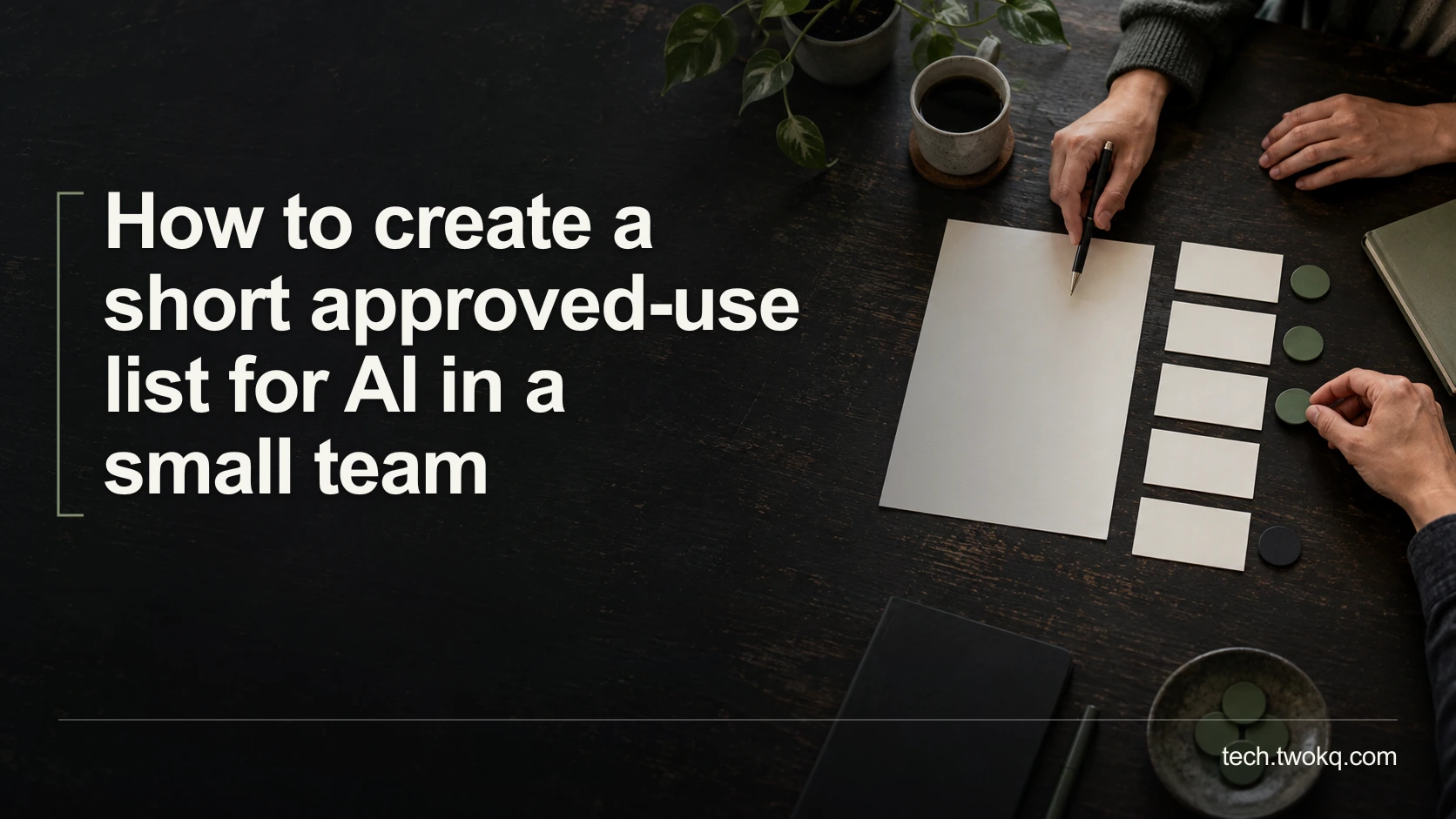
Create a short AI approved-use list that names allowed tasks, inputs, accounts, reviewers and stop conditions, with a practical check on review capacity.
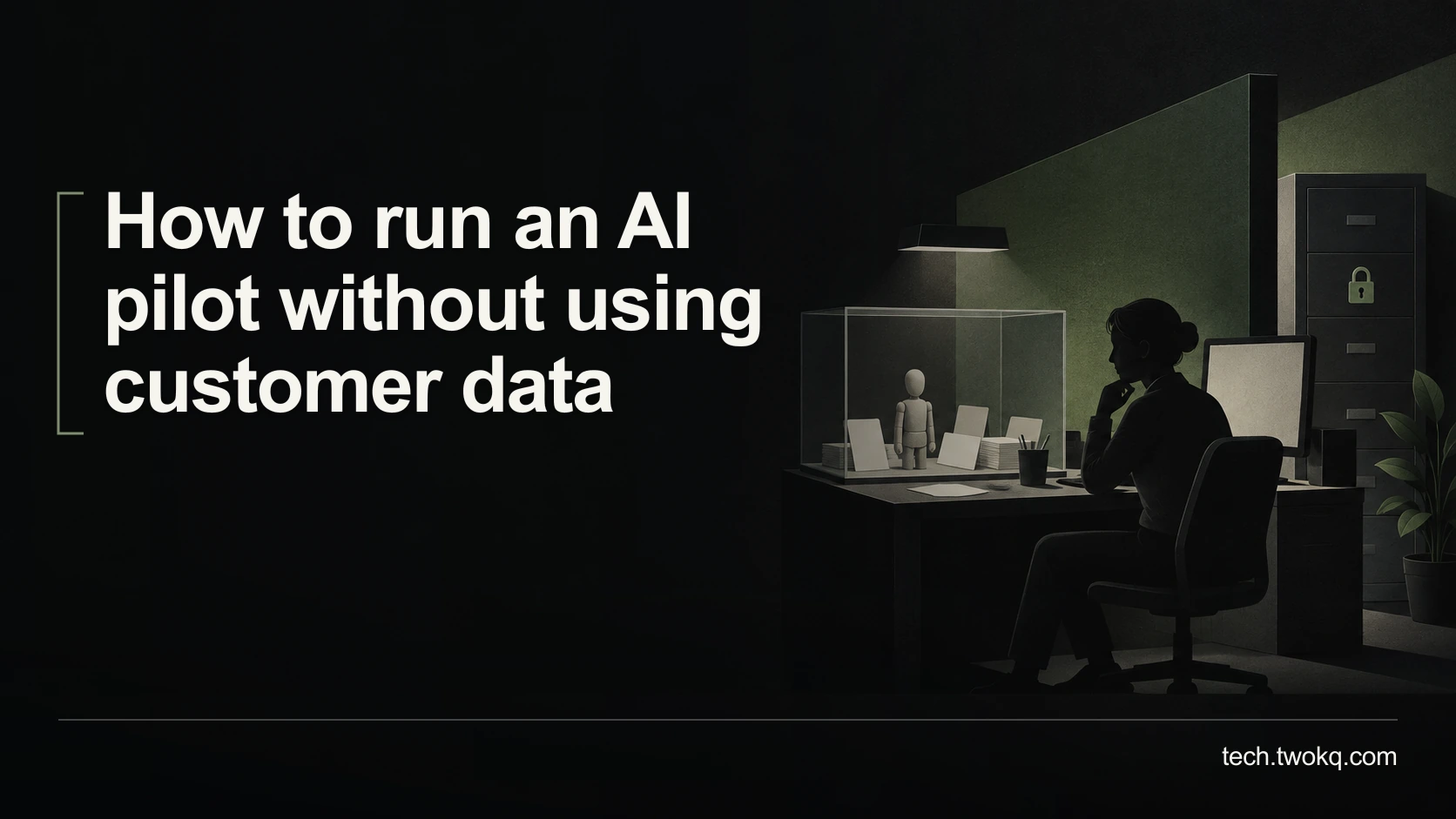
Build a useful AI pilot with fictional cases, realistic exceptions and explicit review criteria, without copying customer records or overstating the results.
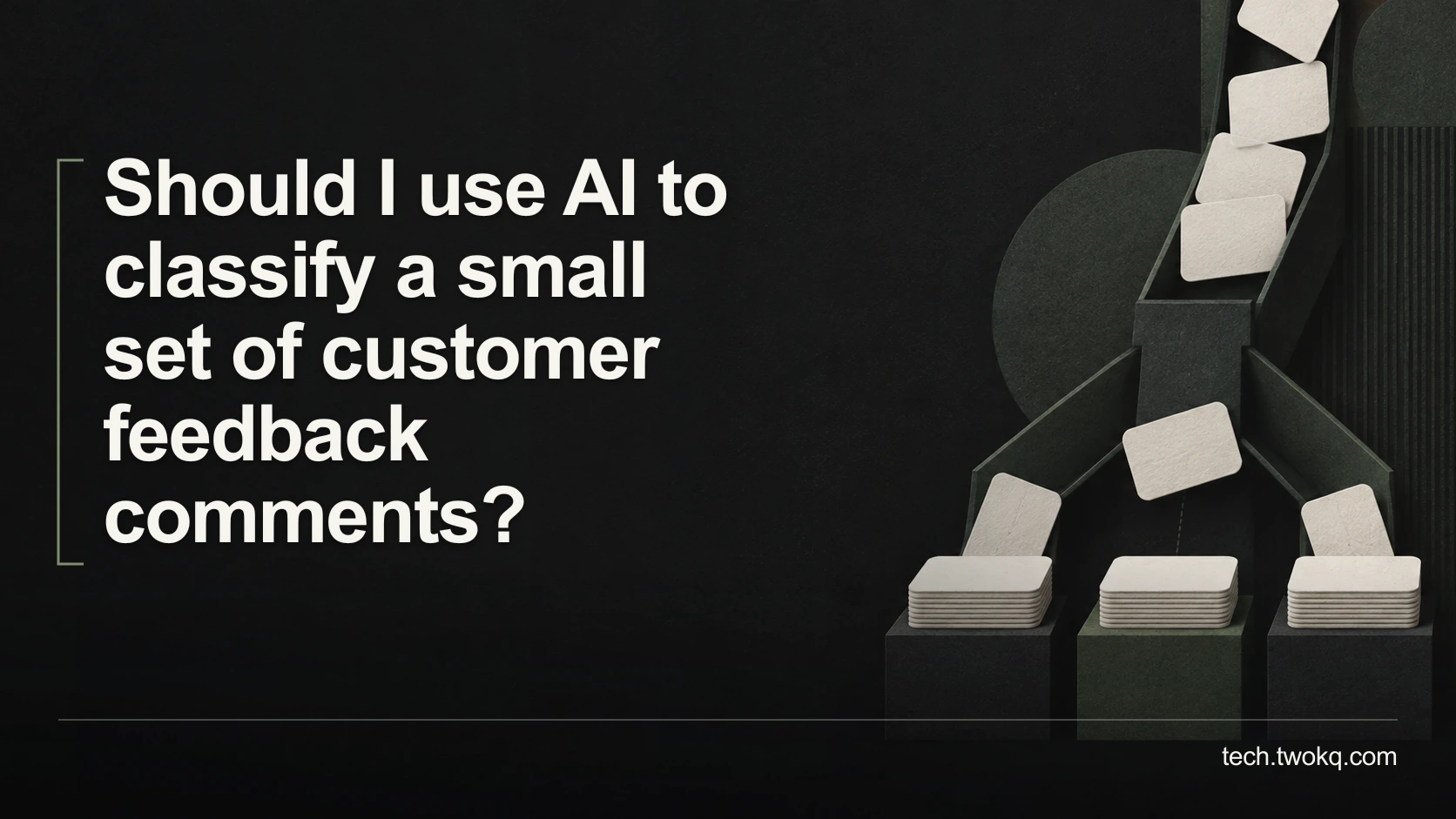
Decide whether AI is worthwhile for a small feedback batch, define useful categories, review ambiguous comments and compare the full effort with manual coding.
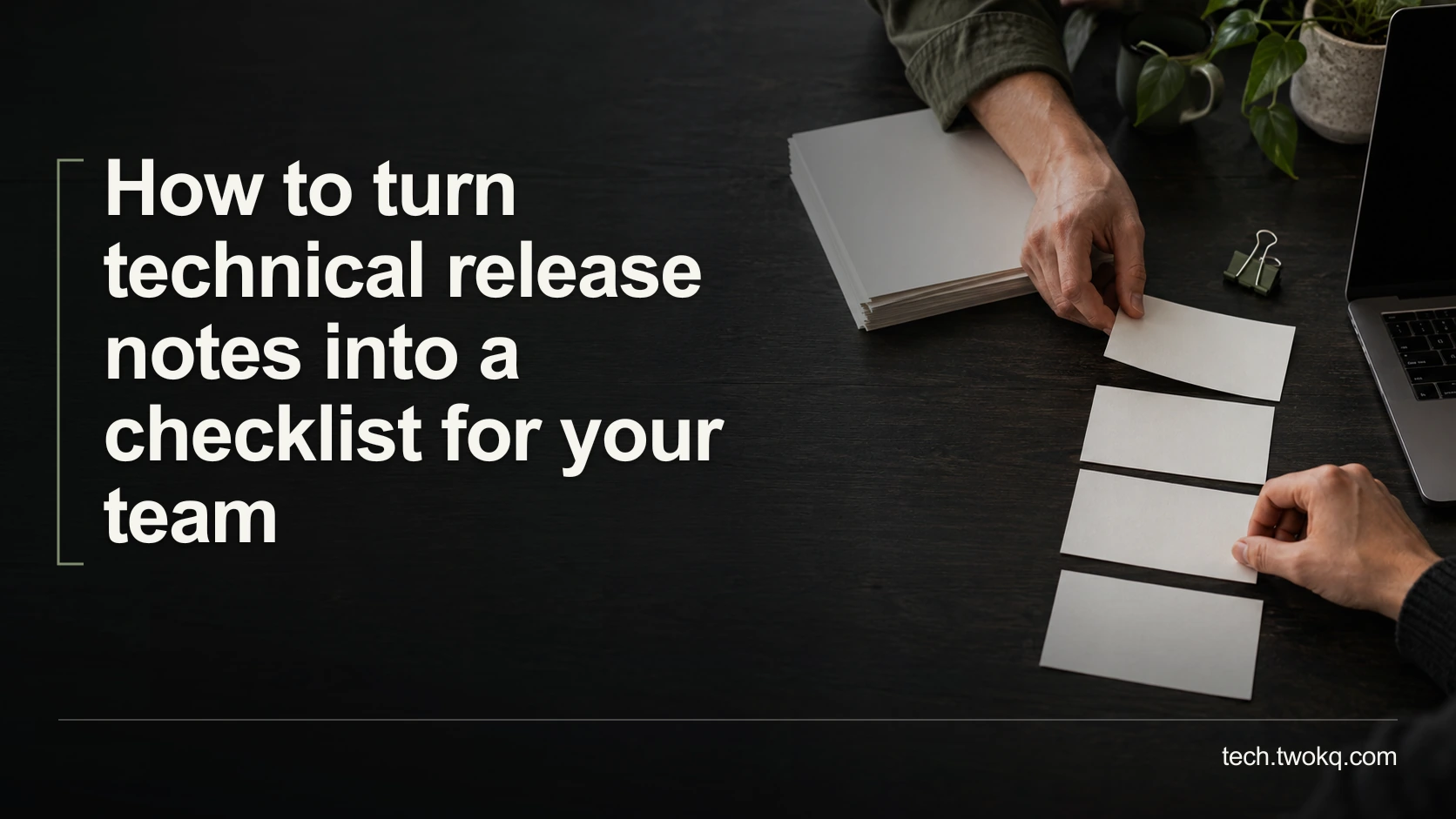
Turn release notes into specific checks for your team's versions and workflows, with source links, assigned owners and a safe way to verify each change.
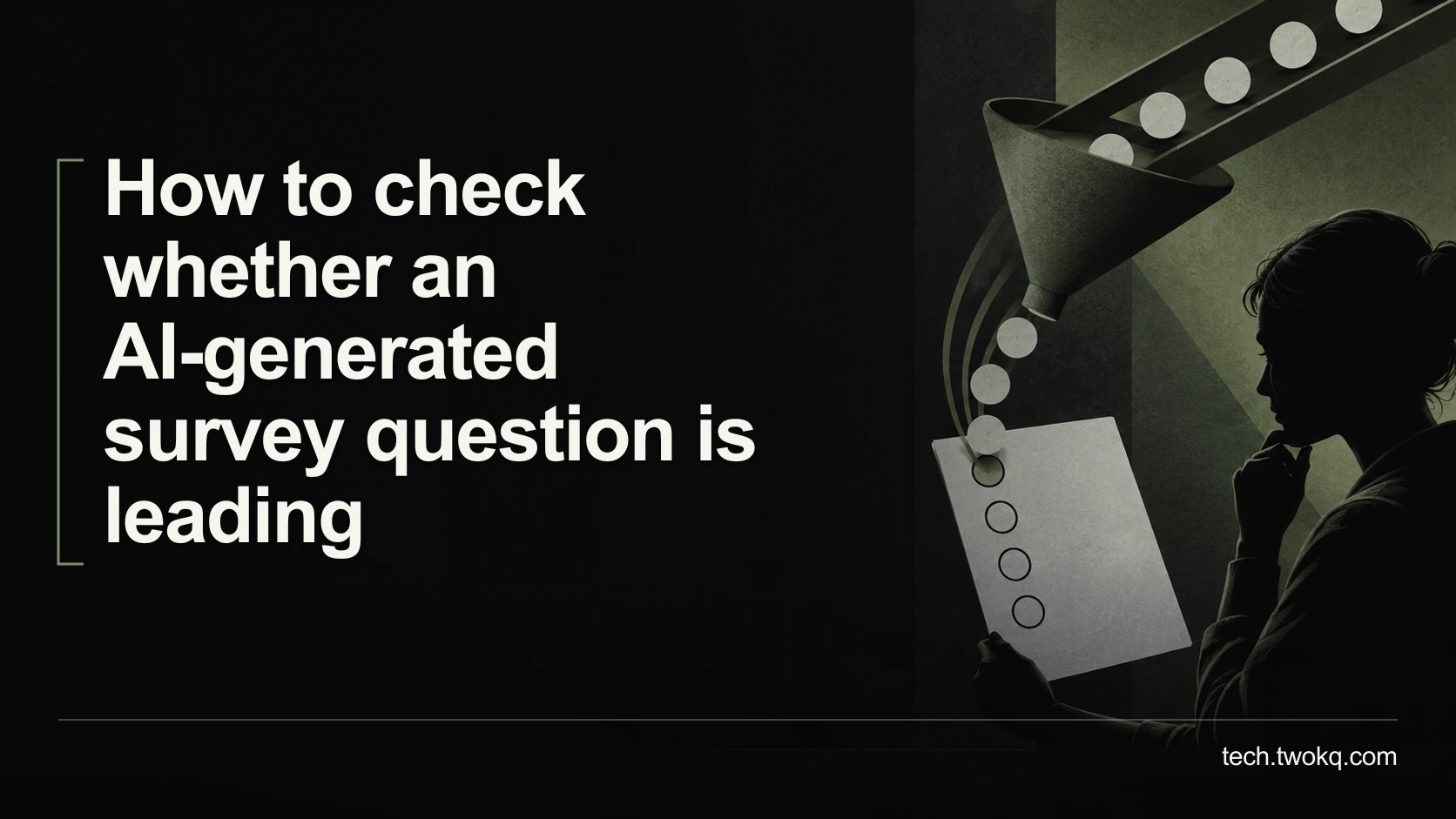
Review AI-written survey questions for assumptions, loaded wording and missing answer options, then test whether people can express a genuinely different view.
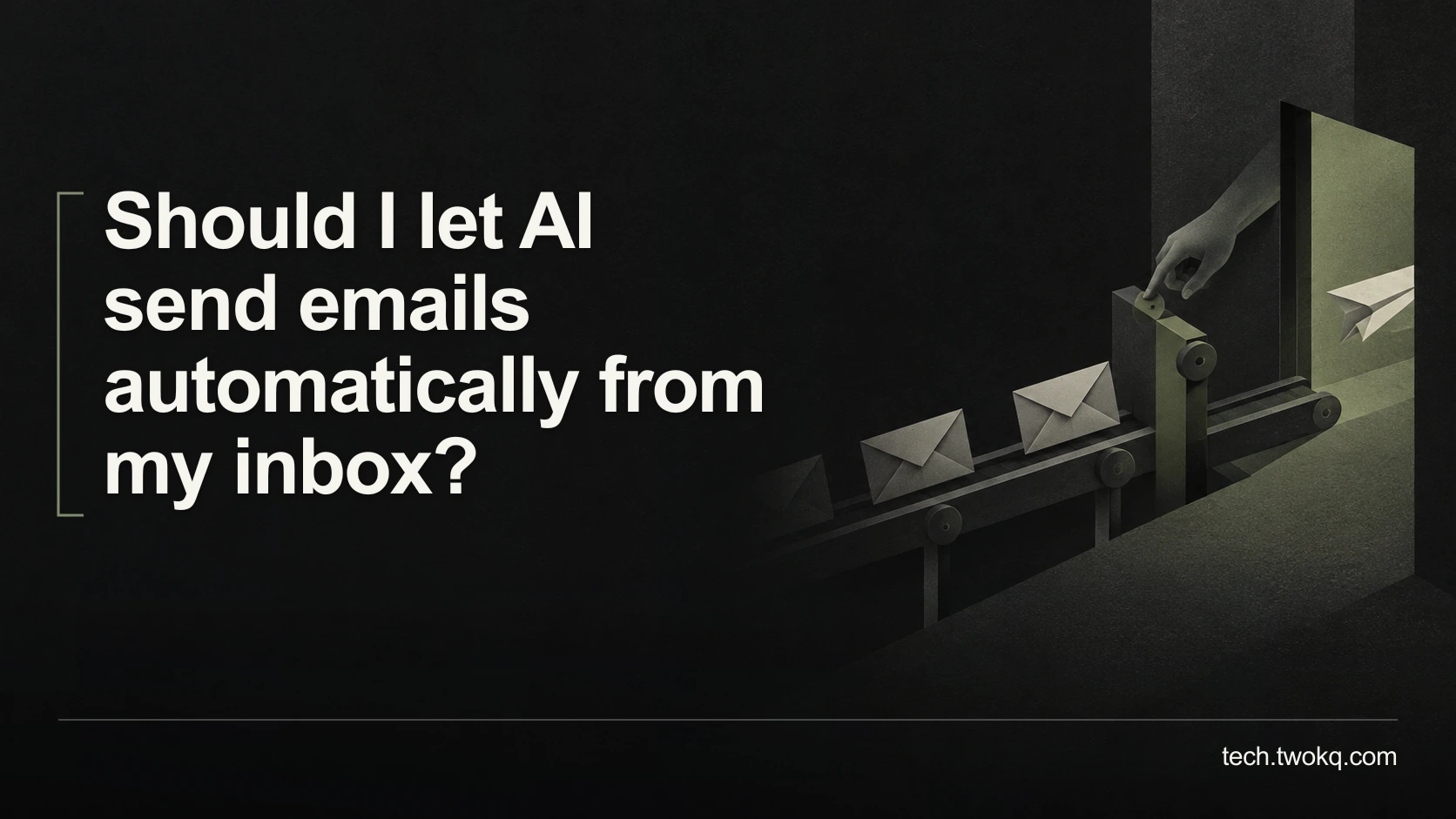
Decide whether AI should send email by separating reading, drafting and sending authority, testing exceptions and keeping consequential messages under your control.
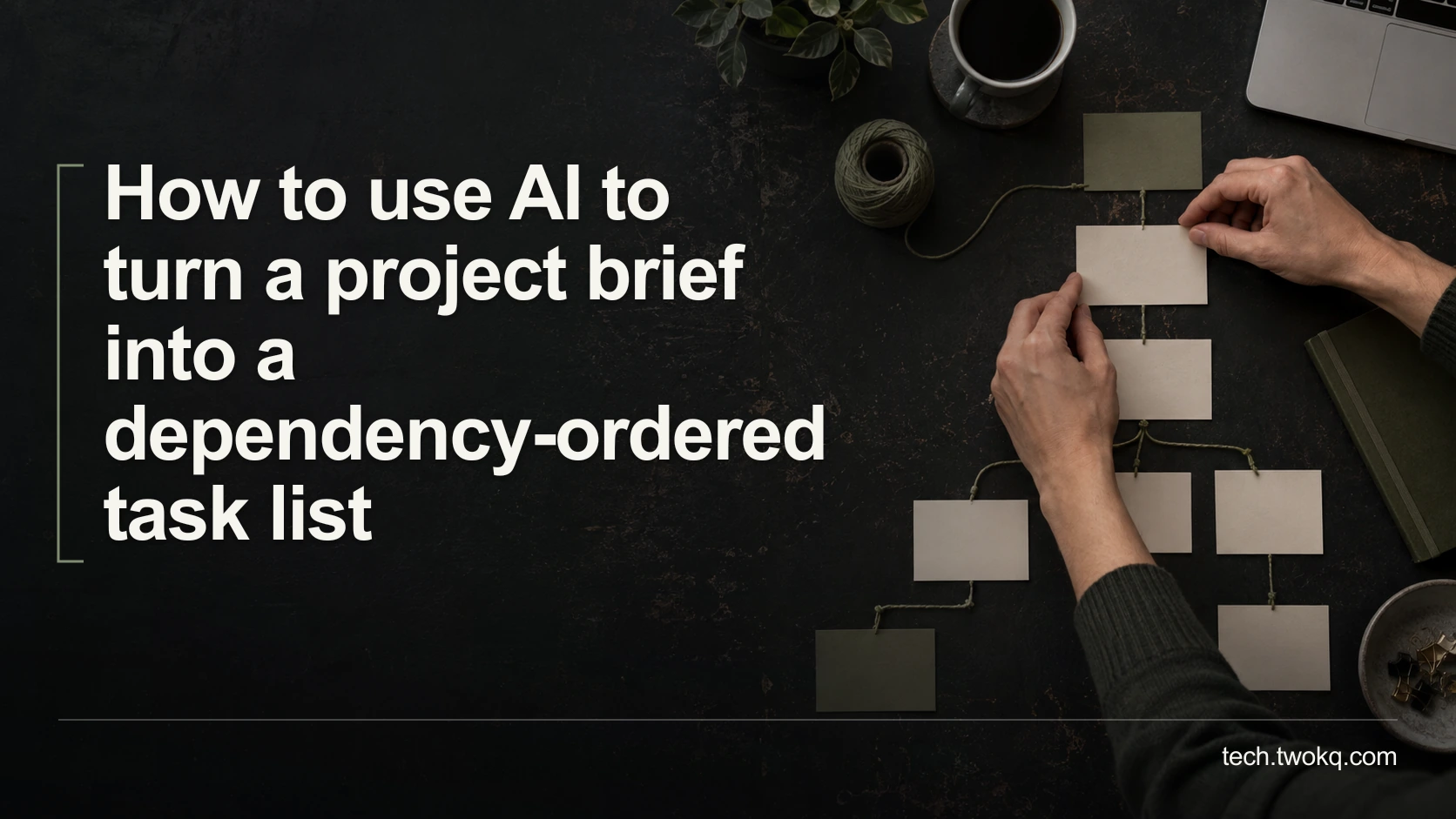
Turn a brief into a checked task sequence by separating real prerequisites, available owners and parallel work before trusting an AI-generated project schedule.
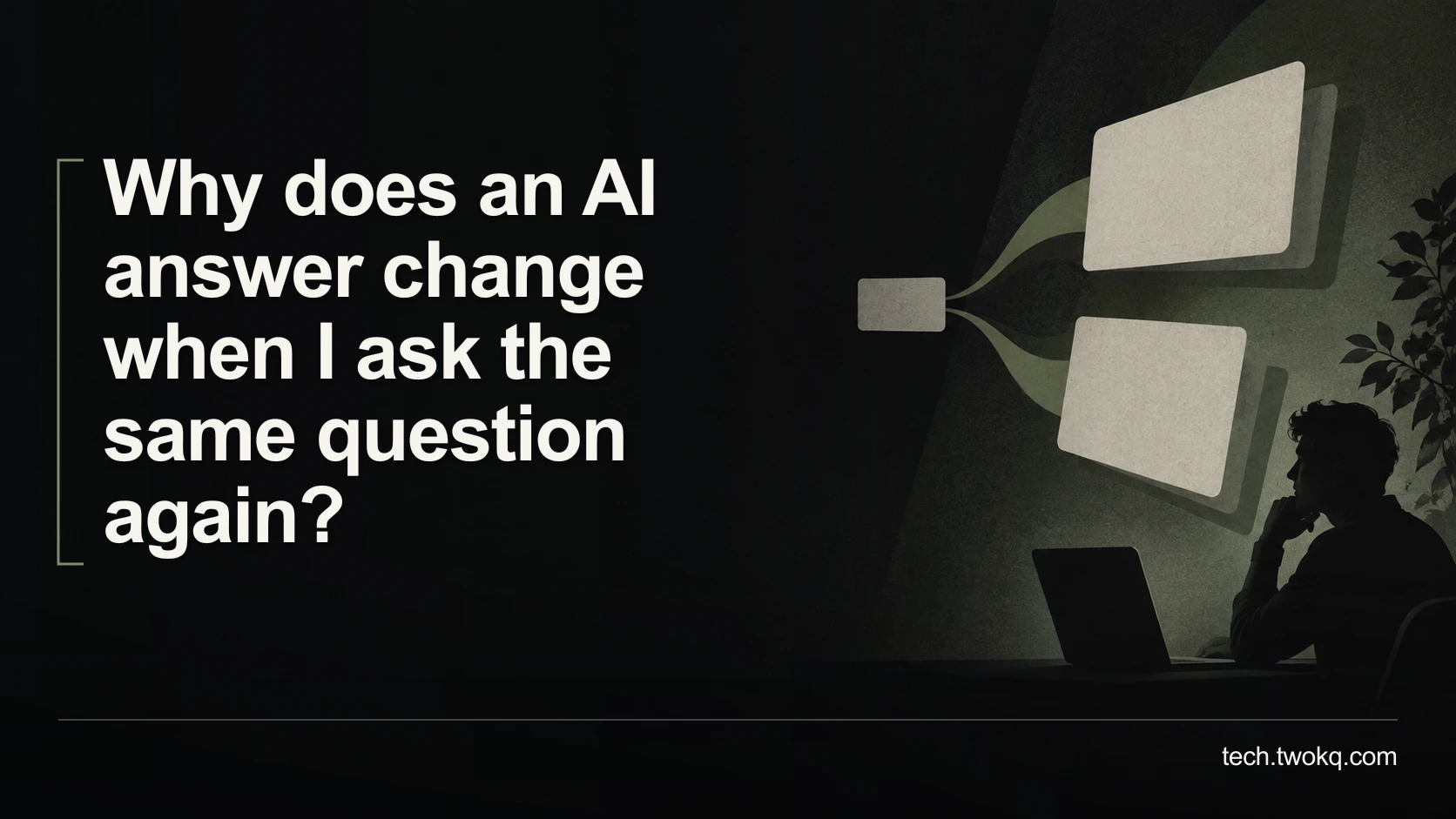
Separate harmless wording changes from unstable facts by comparing repeated AI answers, recording context and checking any difference that changes your decision.
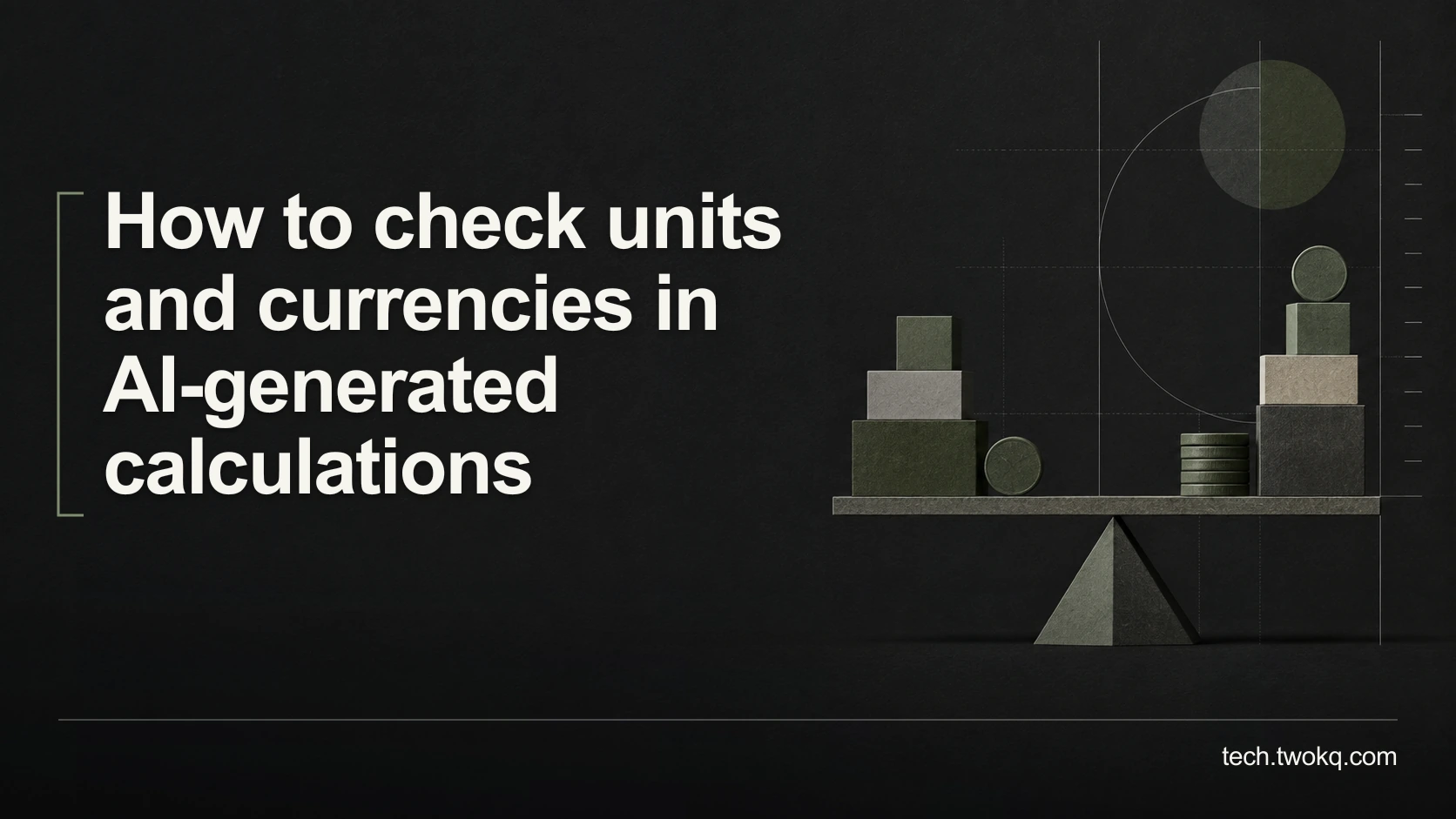
Check AI calculations by carrying units, currency, billing periods and rounding through every step, then compare the result with a reproducible manual example.
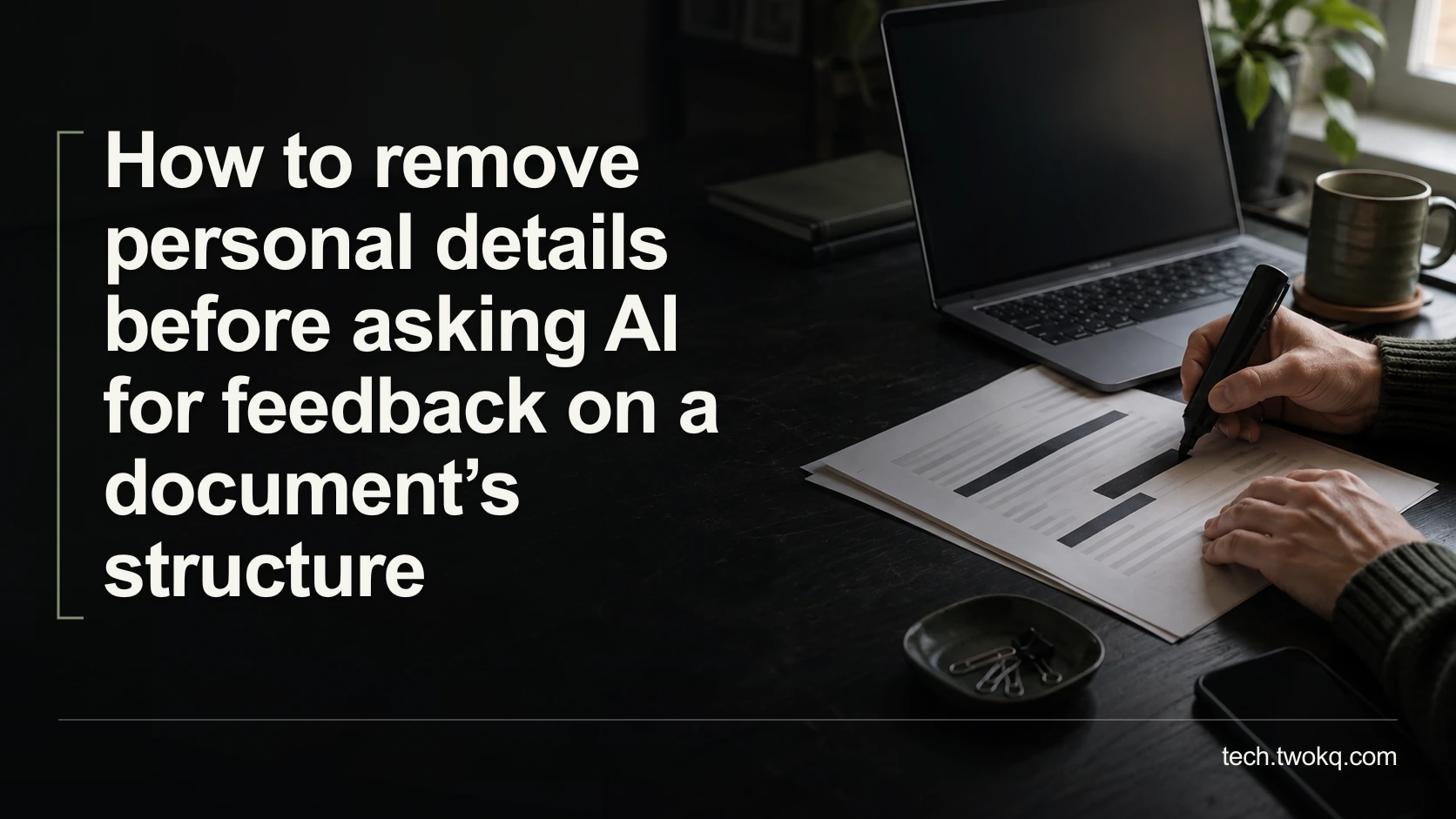
Prepare a minimal, synthetic document outline for AI feedback, check direct and indirect identifiers, and inspect hidden information without claiming anonymity.
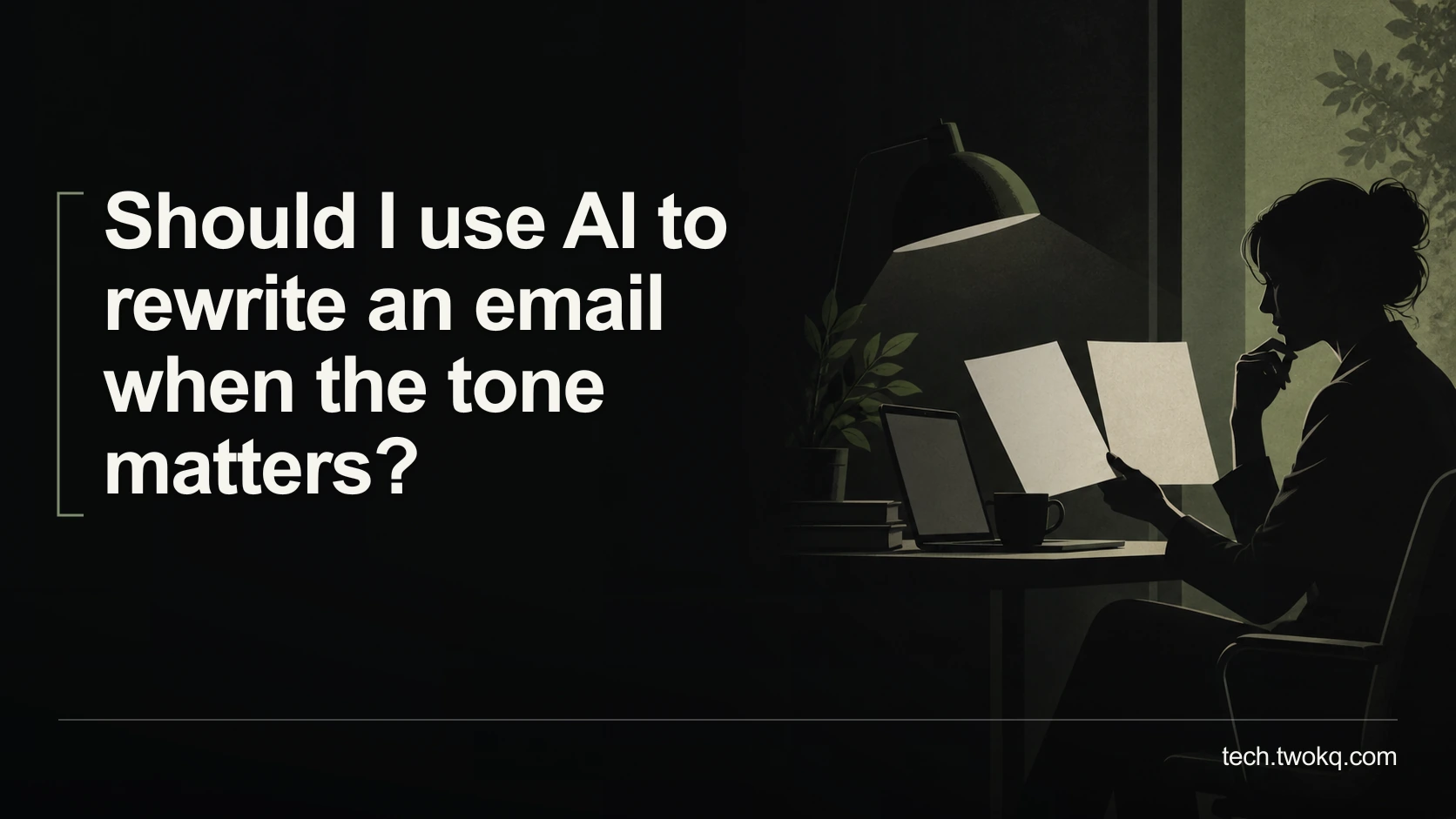
Use AI to revise an email's tone without changing promises, deadlines or boundaries, then check the final wording against what you genuinely intend to say.
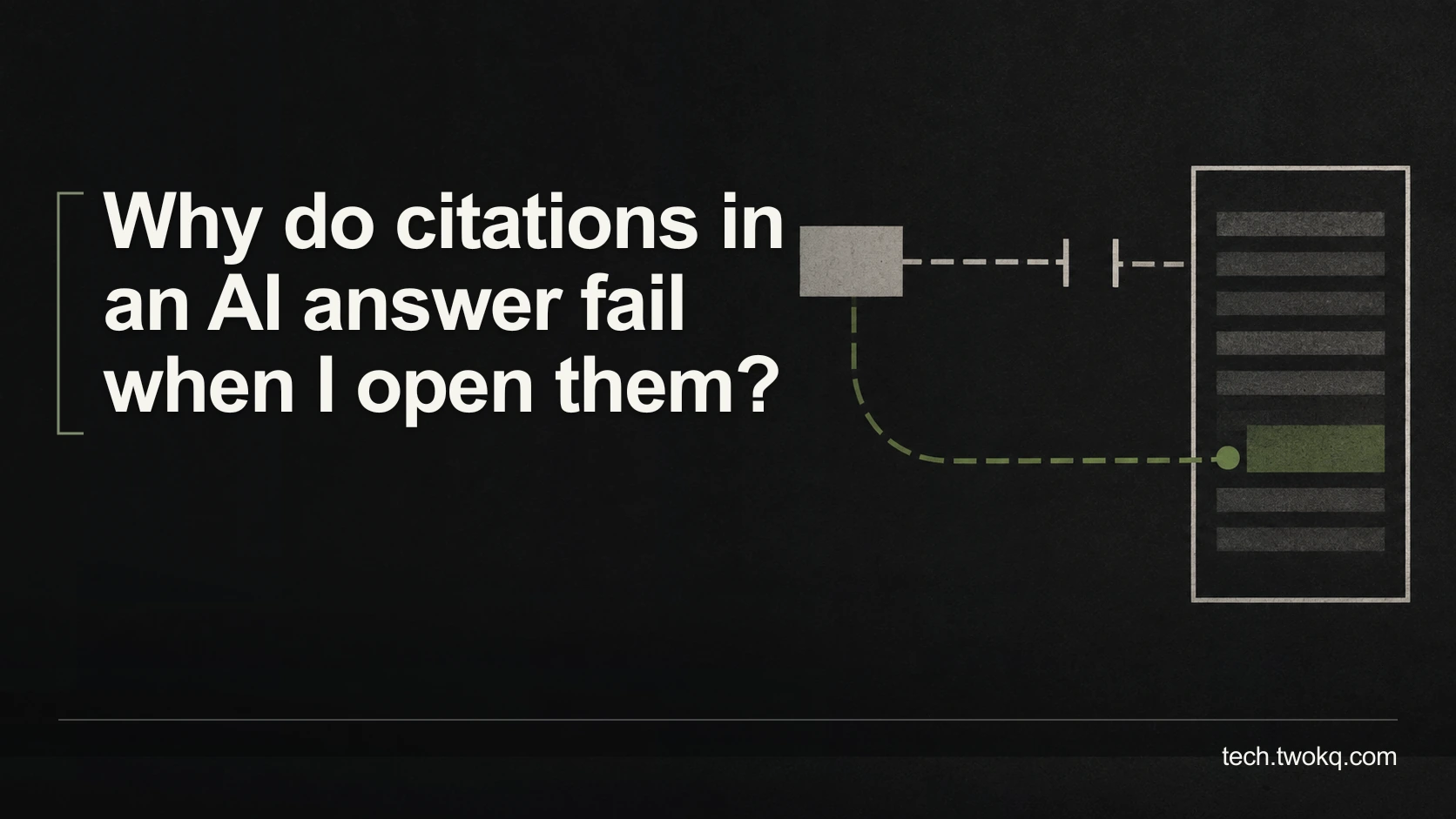
Diagnose broken AI citations by checking source identity, locating moved pages and verifying the actual claim before treating a reference as usable evidence.
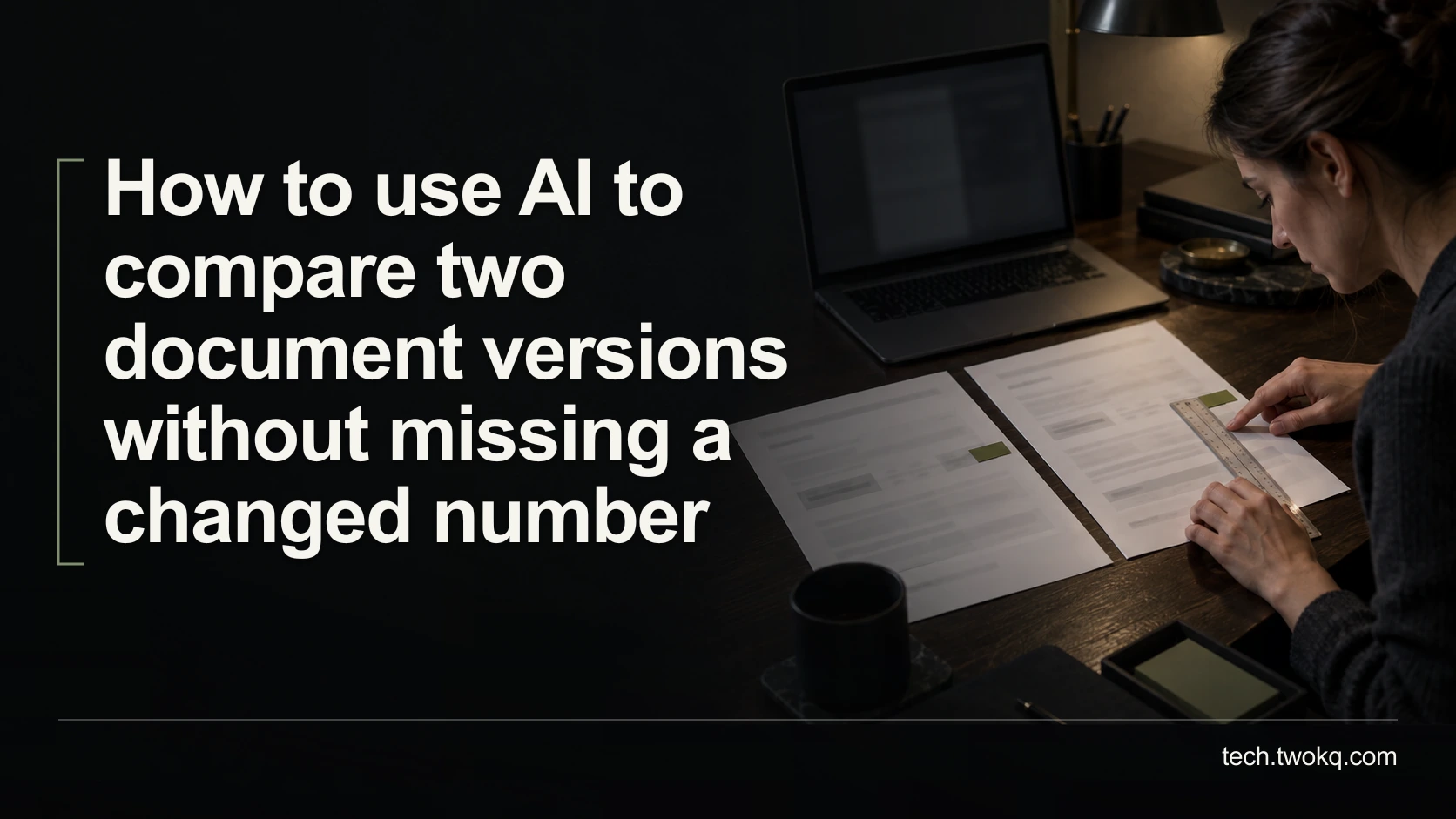
Compare document versions with a native difference check, reconcile changed figures to exact source locations and use AI only to explain verified changes.
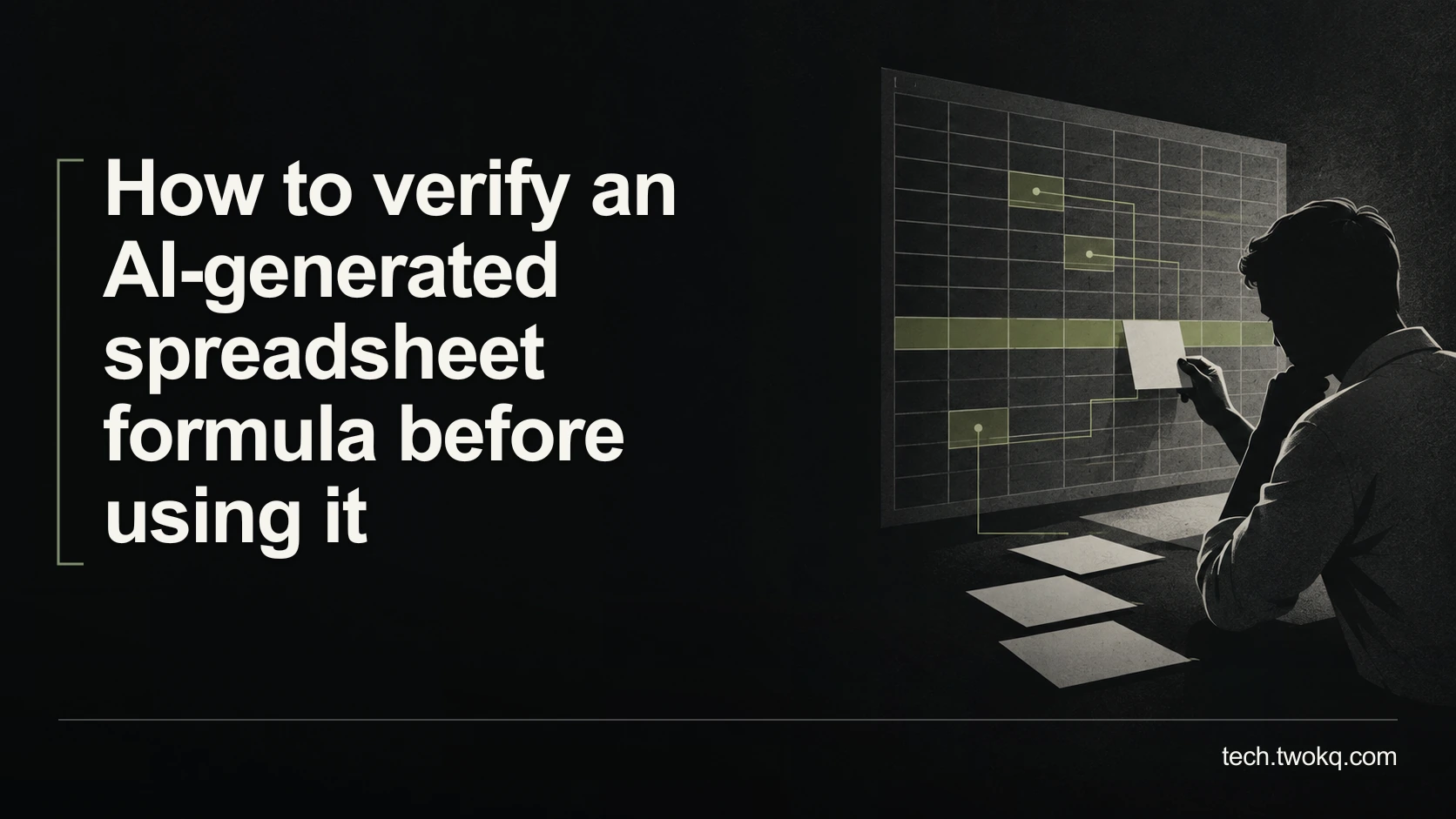
Test an AI-generated spreadsheet formula against hand-calculated boundary cases, inspect its references and keep a recoverable copy before applying it to real data.
Assess local AI on an older laptop by checking support, memory, storage and normal-work responsiveness, then test one small task without risking your files.
Decide whether an AI meeting assistant is necessary by comparing confirmed actions, ownership, review effort and recording risks with simple shared notes.
Compare an AI subscription with metered API access using your actual workload, interface costs, setup effort and spending controls before choosing either route.
Choose an interview transcription workflow by testing speaker labels, timecodes, corrections, export and privacy against the transcript you actually need.
Check an AI extension's website permissions, restrict unnecessary access and test a public page before deciding whether its convenience justifies installing it.
Compare AI apps by checking model identity, instructions, supplied context, tool access and output limits before deciding why apparently identical models disagree.
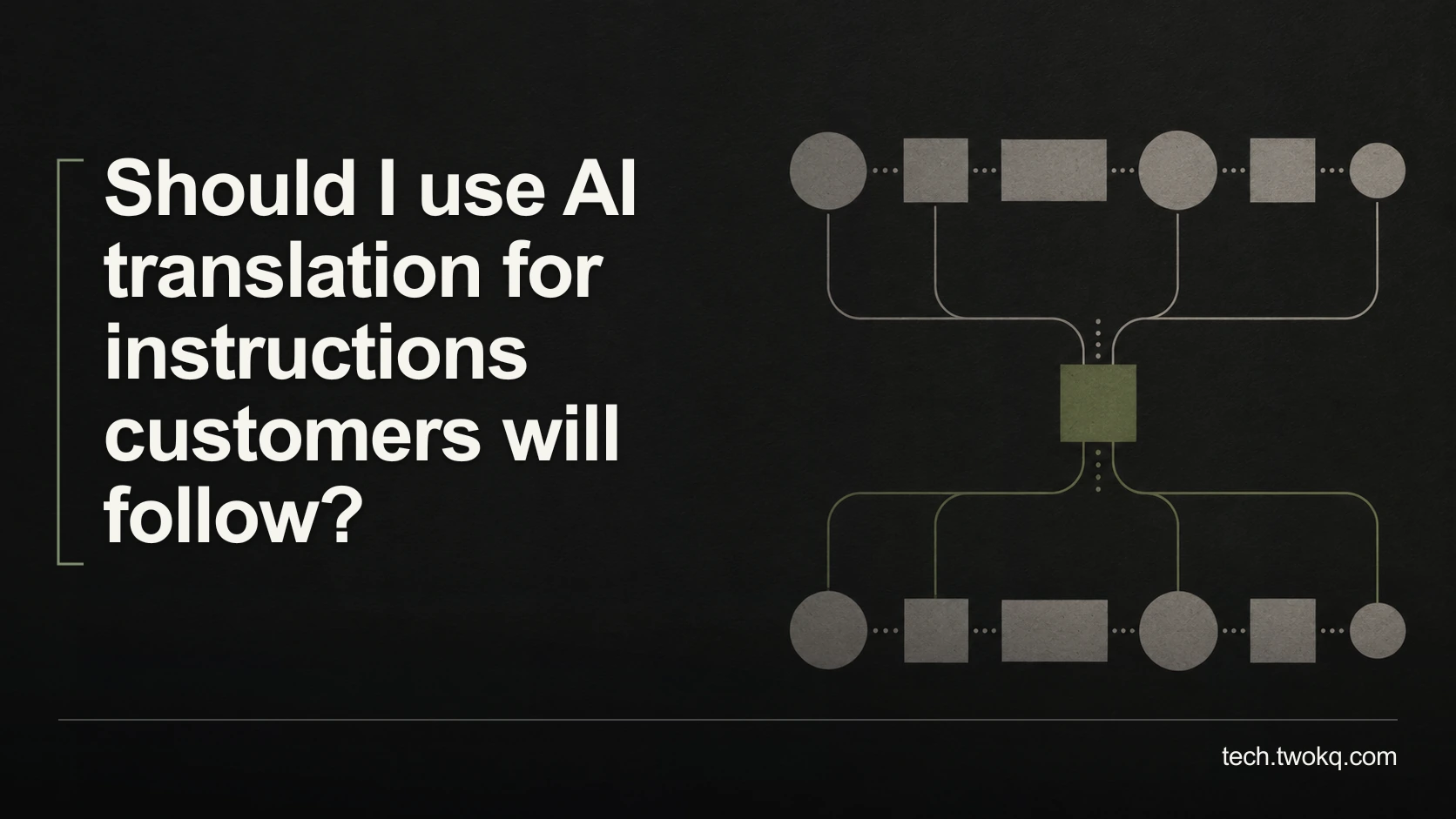
Decide when AI translation is suitable for customer instructions by checking meaning, numbers, warnings, qualified review and the cost of correcting mistakes.
Choose a proofreading method by separating spelling, grammar and consistency from changes to meaning, then compare review effort using a practical editing sequence.
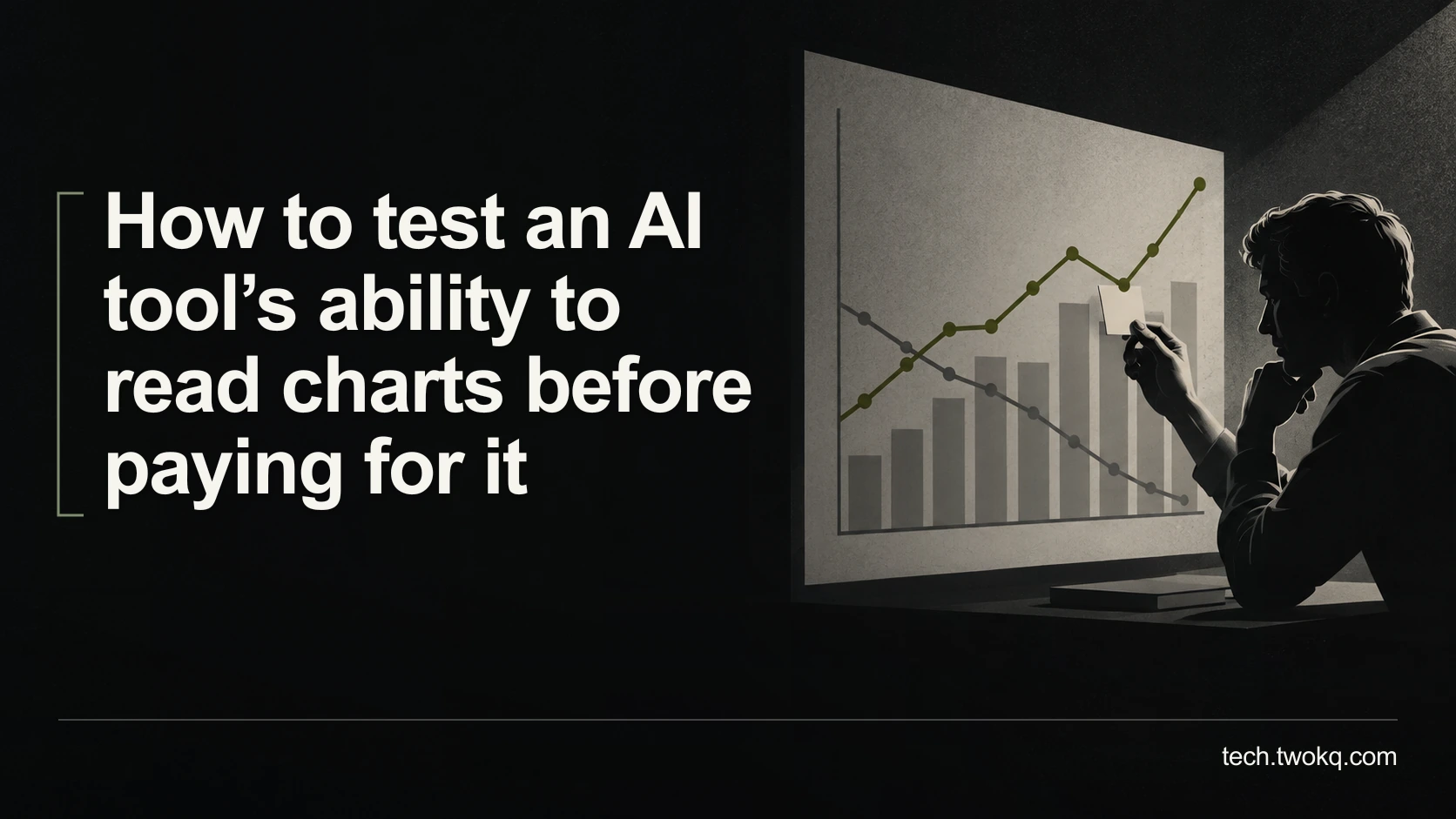
Test AI chart reading with known examples, checking axes, units, legends and uncertainty before paying for a tool or relying on its interpretation at work.
Check whether employer-provided AI covers your needs by separating work permission, personal privacy, account ownership and the cost of paying for separate access.
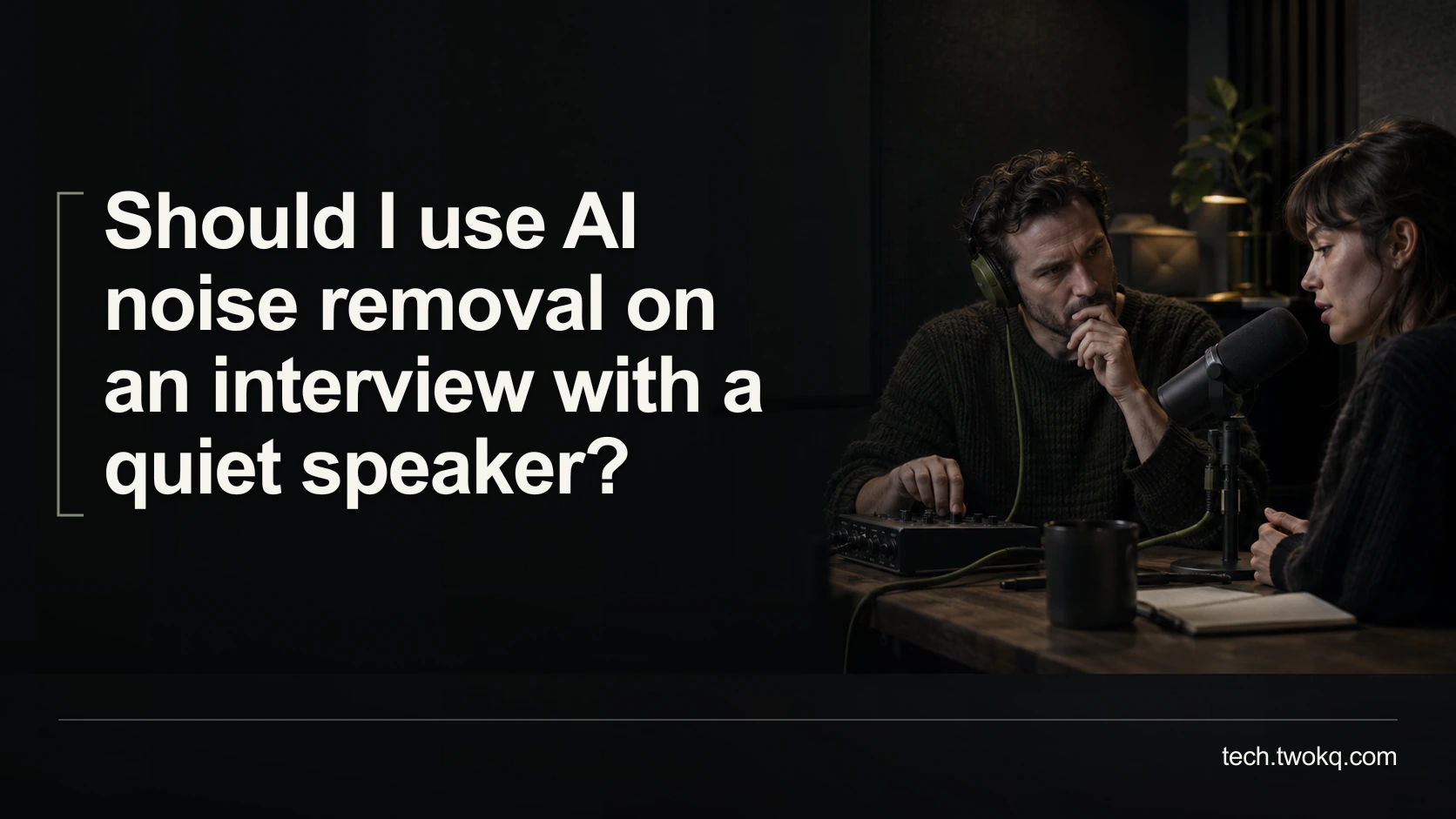
Compare a quiet interview’s original and processed audio, check whether words survive, and decide when light noise reduction or a new recording is safer.

Check caption wording, timing, size and placement on a real phone, then fix the parts that make your video difficult to follow without relying on sound.
Find a missing podcast quotation by checking the episode version, searching nearby ideas and verifying the recording before saving or citing the words.

Build research notes that distinguish exact quotations, paraphrases and your interpretation, preserve source locations, and repair ambiguous older notes.
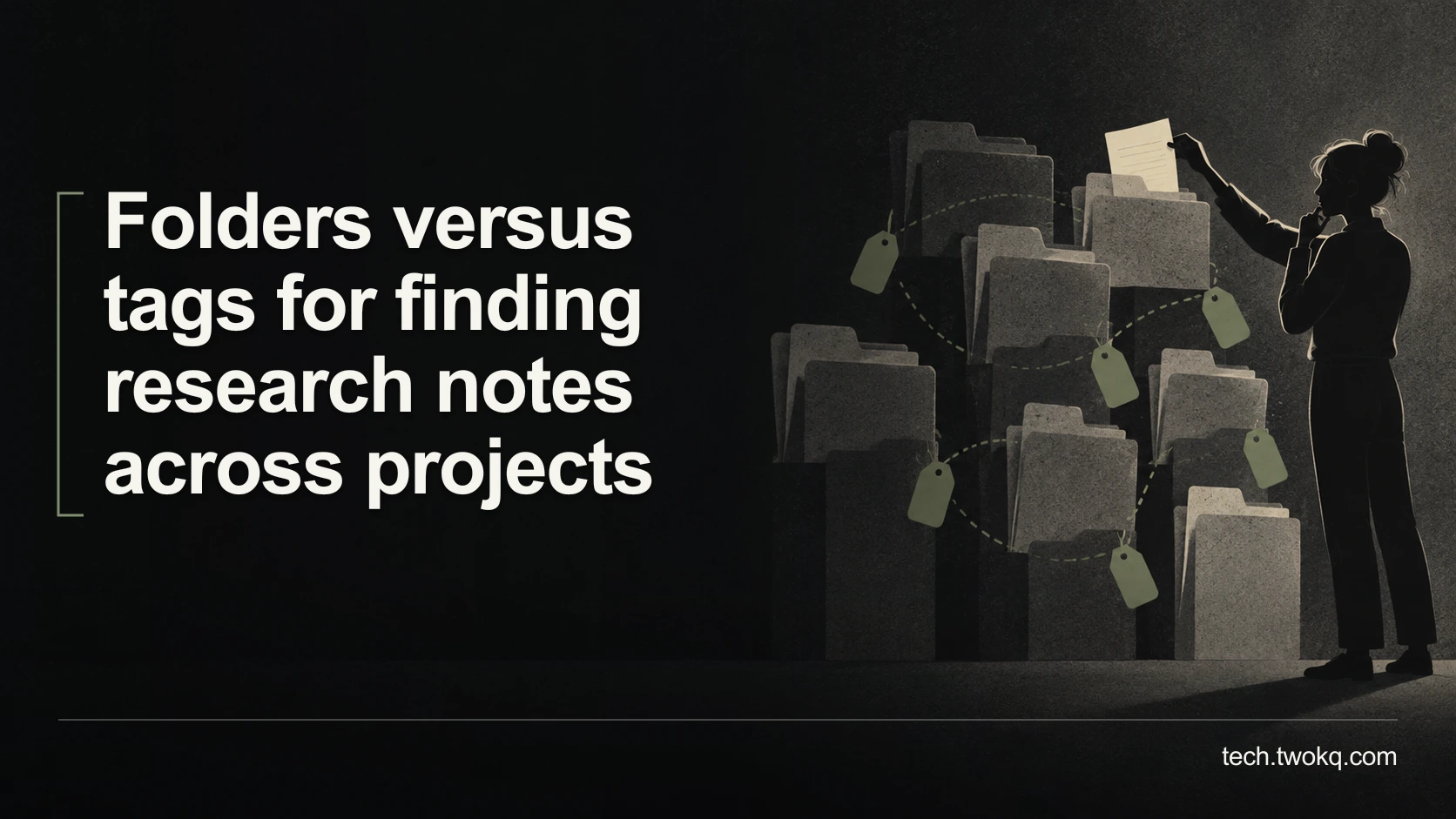
Compare folders and tags with a timed retrieval exercise, measure the upkeep each adds, and choose a simple structure for research notes across projects.
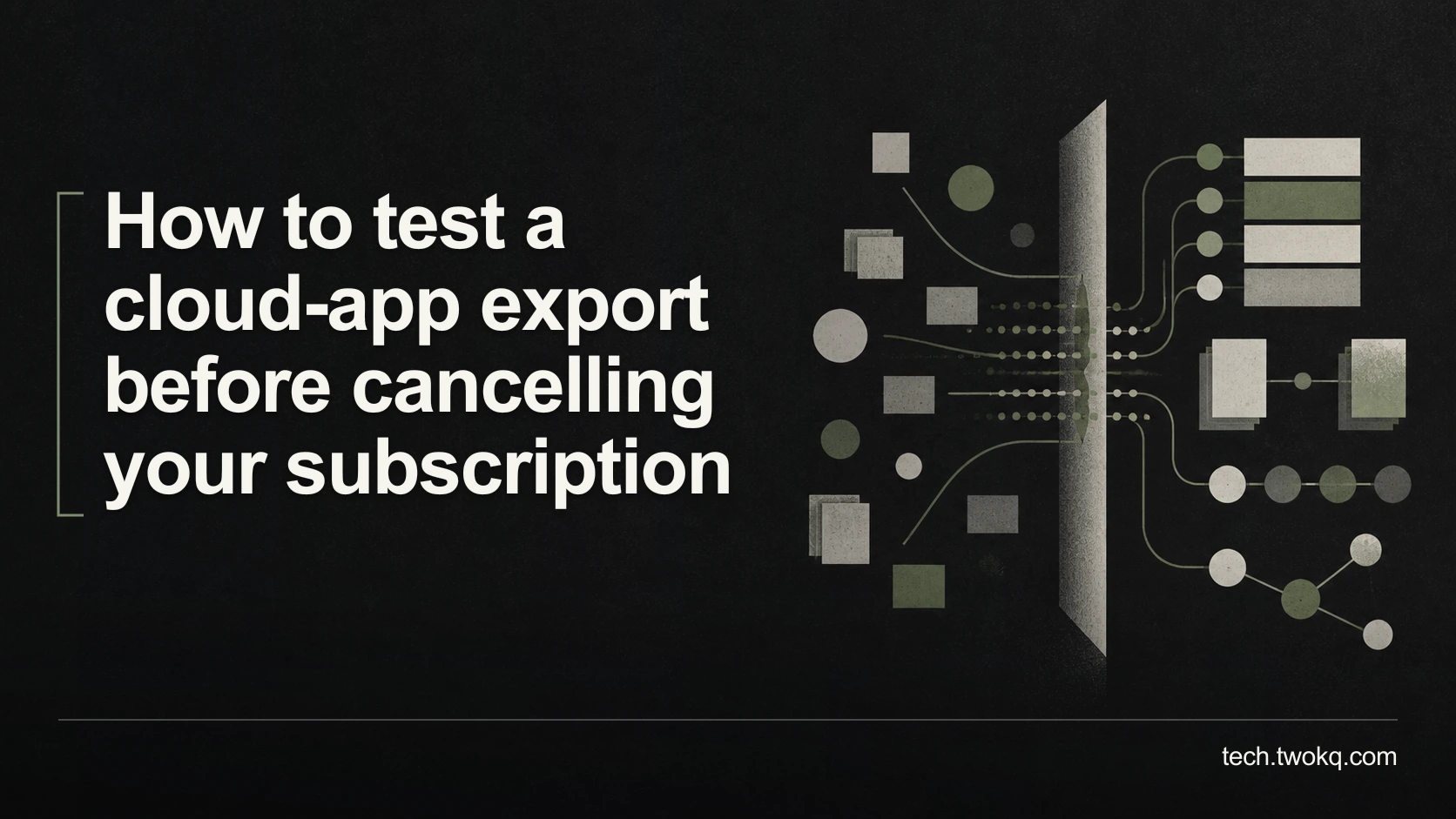
Check exported records, attachments, dates and relationships before cancelling a cloud app, then test whether you can read and use them outside the service.
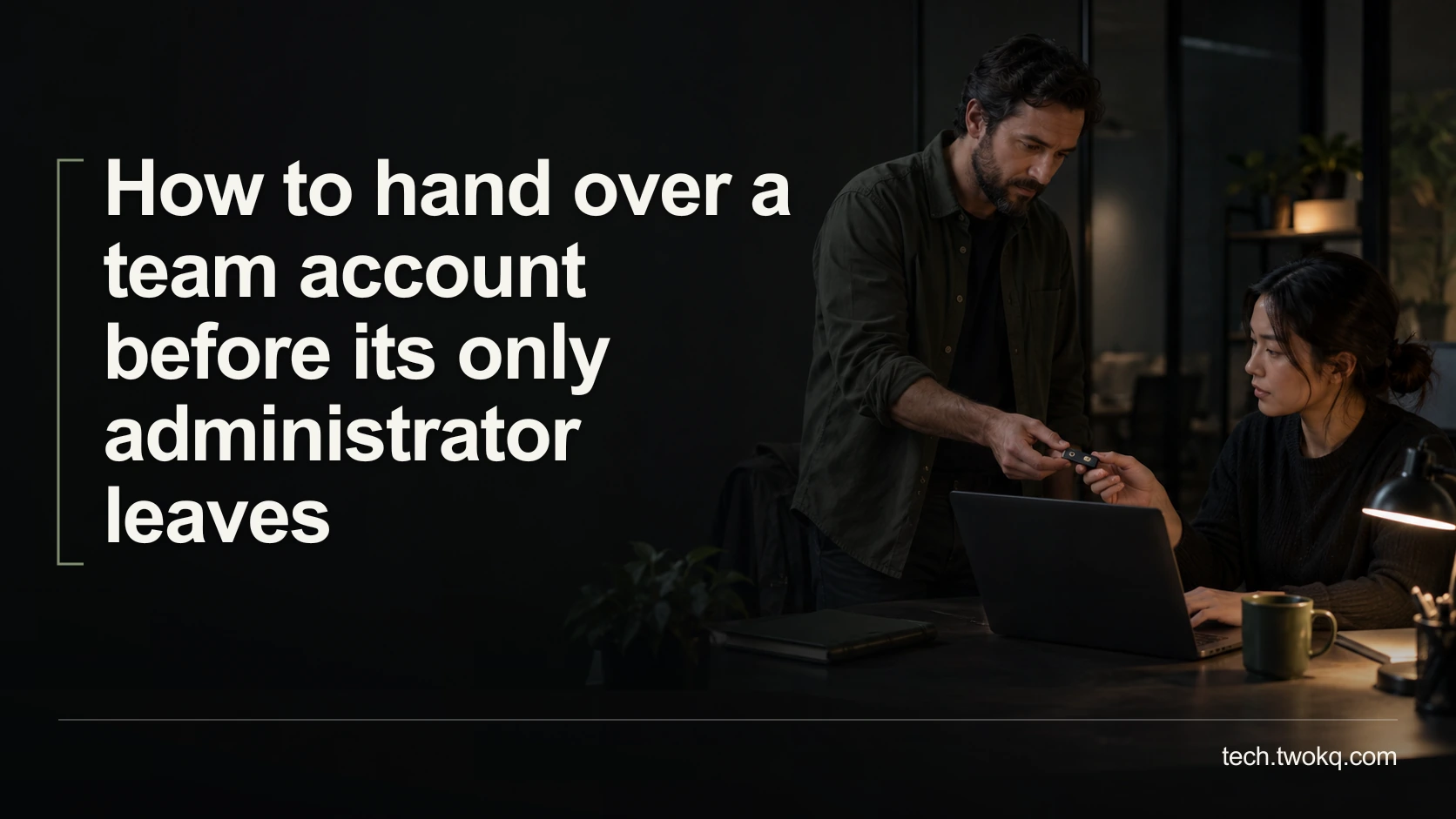
Transfer team-account control before your only administrator leaves, with successor sign-in checks, recovery rehearsals and a staged access-removal plan.
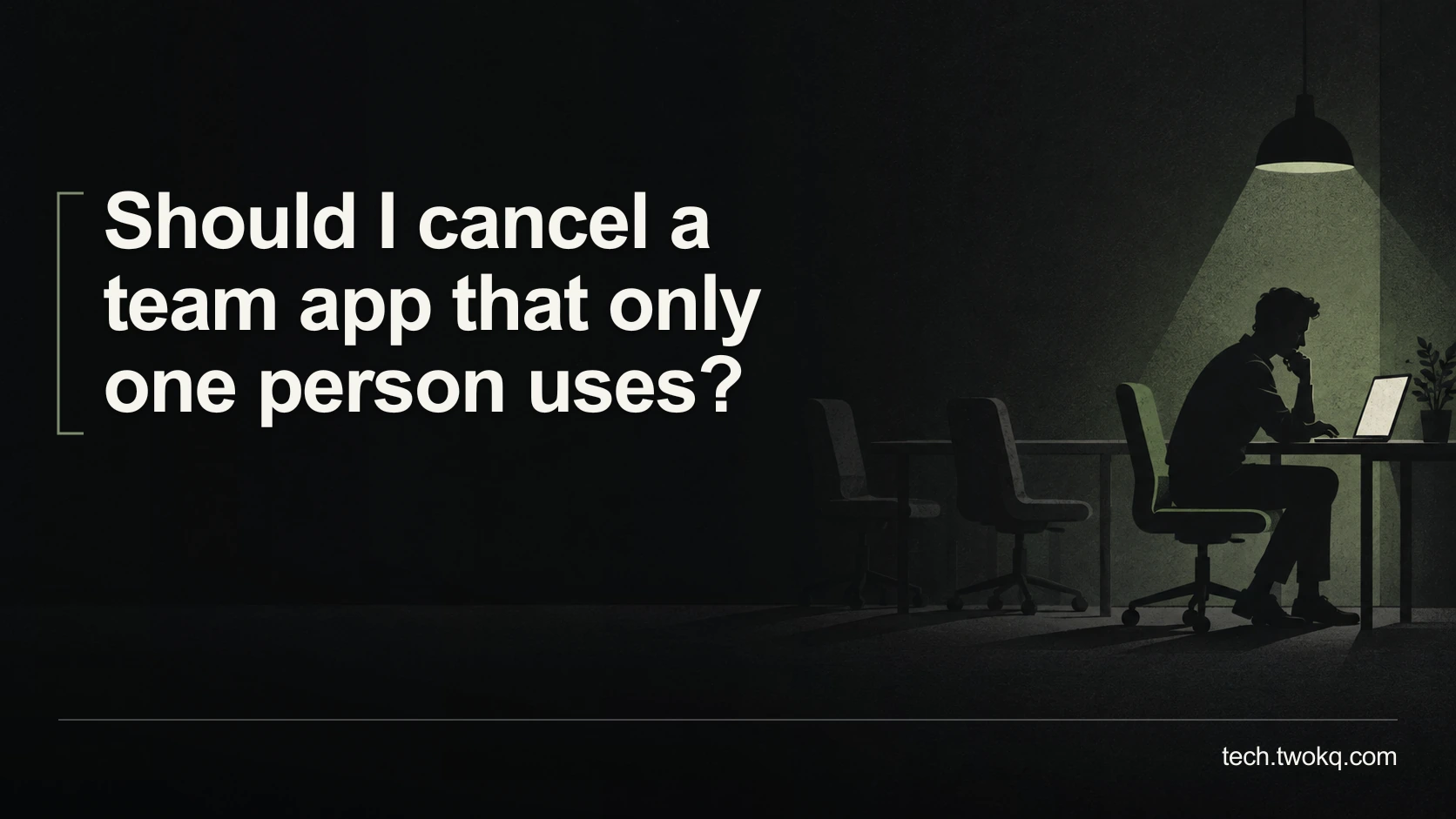
Decide whether a little-used team app earns its cost by tracing who needs its output, testing alternatives and checking what a downgrade would change.
Measure form-to-spreadsheet automation against manual entry, including setup, review, failed runs and maintenance, so you can decide whether it is worth keeping.

Find where a USB-C display connection fails, check the laptop port and cable, and decide whether an existing HDMI connection can avoid an unnecessary purchase.
Choose between clearing cloud files and upgrading storage by measuring space, growth and recovery risk, with a household example and safe checks before deletion.

Find out what delays your Windows 11 laptop after sign-in, measure a repeatable baseline and test reversible startup changes before paying for an upgrade.
Stop an incorrect AI reply spreading, identify affected customers and issue a useful correction, with a practical record and clear conditions for restarting.
Decide how to give a small team AI access without shared logins, unclear ownership or unnecessary seats, using account checks and a worked cost comparison.
Choose how to extract fields from a small PDF batch by comparing setup, privacy, checking and correction time, with a worked example and a repeatable test.
Diagnose a missed AI instruction by isolating conflicts, missing context and task complexity, then test a smaller prompt and decide when to finish manually.
Check an AI summary against its source for missing conditions, exclusions and dates, using an exception ledger that shows which omissions change your decision.
Find software instructions that match your version and account by comparing AI search with web search, tracing sources and checking steps before making changes.
Decide where confidential documents can be summarised by checking permission, processing location, retention, device limits and the work needed to verify results.
Compare paid AI, free access and manual reading for a weekly report, including checking time, privacy, document limits and the real cost of a subscription.