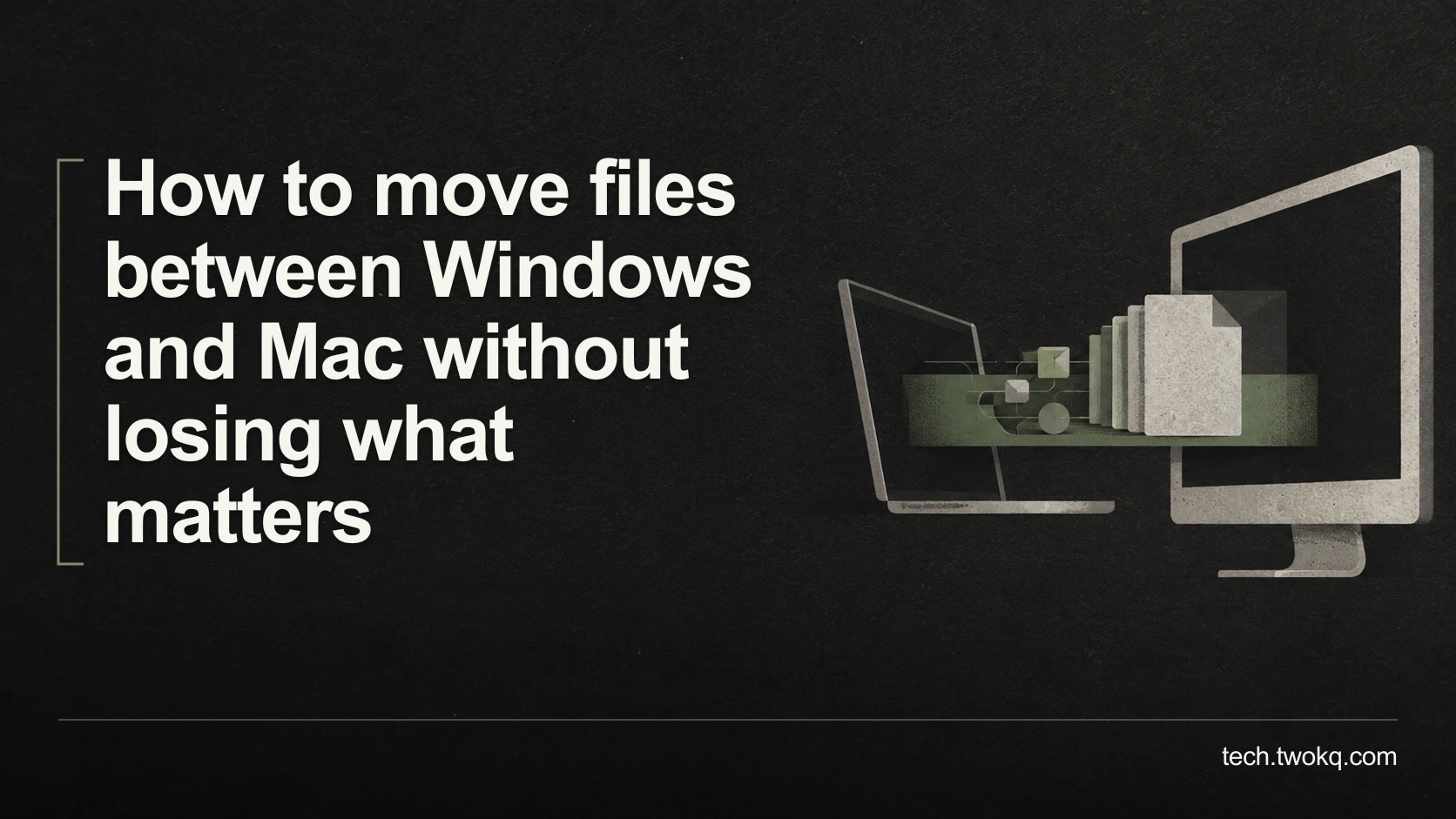
Plan a Windows-to-Mac file transfer around compatible formats, large files and essential metadata, then verify destination copies before removing any originals.
Direct answer: Copy a representative sample through a route both computers support, open it on the destination and verify the content, dependencies and metadata you need before transferring everything. Keep the originals until the full transfer has passed those checks. If an external drive needs reformatting, stop and back up its existing contents first; available capacity does not prove that its file system can hold your largest file.
A file appearing on the other computer is only the first part of success. The destination may lack the application, font, linked media or permission needed to use it. Some information belongs to the original storage system rather than the document itself.
The right transfer route depends on what must survive. A folder of ordinary PDFs is different from a video project with linked footage, or a shared work archive whose permissions have operational meaning.
Applies to: file transfers between supported Windows and macOS computers. File-system examples use official Apple and Microsoft documentation; no transfer speed or compatibility test is claimed for a particular drive.
Make the cross-platform transfer check
The cross-platform transfer check is an editorial method that separates bytes, usability and context. It asks whether the data arrives, whether the destination can use it, and whether ownership or organisation has changed in a way that matters. That is a practical interoperability check within assessing your technology stack.
Before copying, save and close files that are actively changing. Identify the source, destination and backup, and confirm the destination has adequate space. Obtain permission before moving workplace or client material to another device or service.
Do not format a drive merely because the destination cannot read it. Formatting can destroy the existing contents. Verify the physical device and preserve a usable backup before any deliberate erase, following the manufacturer's procedure. This guide does not require formatting as the first step.
Define what must survive
List the essential file types, largest individual file and any supporting resources. For a video project, that may include footage, audio and fonts. For a spreadsheet, it may include external files or data connections. For photographs, you may care about embedded capture dates and the original files, not only exported previews.
Distinguish file content from storage metadata. Folder permissions, some labels and application-library relationships may depend on the platform or chosen route. Record what you need to preserve instead of assuming every visible property travels identically.
Choose a sample containing the awkward cases: one large file, a nested folder, a document with essential formatting and a file with required metadata. A successful transfer of a tiny text file tells you little about an entire editing project.
Also check whether the recipient needs editable sources or only final outputs. A rendered video is useful for viewing but cannot substitute for all the materials needed to revise its edit.
Choose a route both systems support
For an external transfer drive, Apple identifies MS-DOS FAT and ExFAT as Windows-compatible formats in its Disk Utility format guidance. That makes ExFAT a possible interchange choice, not a universal recommendation for every archive or security requirement.
Microsoft's file-system comparison lists a much smaller maximum file size for FAT32 than for ExFAT. A single 7 GB video does not fit within FAT32's approximately 4 GB file limit, even if the drive has ample unused space.
Do not infer that converting the video is necessary when the actual constraint is the transfer medium. Choose a compatible route that carries the original, or use an approved network or cloud transfer with verified account access and capacity.
If using cloud storage, establish what leaves the device, who can access the destination and whether the applicable workplace policy permits it. If using a physical drive, protect it according to the information it carries. Cross-platform readability does not itself provide confidentiality.
Copy first, verify second, remove last
Use a copy operation for the sample and full transfer, preserving the original source. Keep source and destination folder names distinguishable. Do not use a cut operation as a substitute for an orderly migration plan when the only copy matters.
After the sample arrives, open it from the destination folder using the intended application. Check the file's actual contents: play the video through representative difficult sections, inspect the document's formatting and symbols, and confirm required metadata is visible where it will be used.
Check dependencies from the receiving computer. A project may appear complete on the original machine because its linked resources remain available there. Test after the destination has only the transferred set and the access it will normally retain, without deleting or disconnecting anything that would endanger the source.
If a file opens differently, determine whether the transfer changed it or the destination application interprets it differently. A byte-for-byte comparison can help with the first question, but it cannot prove the destination workflow works. Do not overwrite the source with a converted version while investigating.
Keep a useful verification record
Record file counts, expected total size and the exceptions you inspected. Different systems may present units or folder overhead differently, so a small displayed-size difference needs explanation rather than an automatic accusation of corruption.
For important individual files, checksums can compare their bytes when generated with a trusted tool. A checksum is a calculated fingerprint: matching values for the same algorithm provide evidence that the copies match. It does not prove the original was the correct revision or that a required linked file was included.
Use a content checklist alongside that comparison. Note which copy opens, what was checked and which dependencies or metadata remain unresolved. If the destination lacks a necessary application or licence, count that as an incomplete working transfer even when every byte arrived intact.
Calculate a realistic transfer allowance
Suppose you need to copy a 7 GB video plus 2 GB of small documents, for a total of 9 GB. These are illustrative decimal quantities, with 1 GB = 1,000 MB for this calculation.
Assume the chosen route sustains an illustrative 30 MB per second for the workload. The idealised copy time is 9,000 MB ÷ 30 MB/s = 300 seconds, or five minutes. This is a planning assumption, not a benchmark of a drive, port or cloud service.
Small-file overhead, changing transfer rates and verification add time. Suppose organising the set takes eight minutes and destination checks take twelve. The planned session becomes 8 + 5 + 12 = 25 minutes, before allowing for problems. A five-minute copy bar does not mean a five-minute completed migration.
If the drive uses FAT32, the 7 GB file is the obstacle regardless of the calculation. Buying a larger FAT32-formatted drive does not resolve that individual-file constraint. Confirm the route's compatibility before reserving time for a transfer that cannot complete as planned.
No money is saved merely because copying is quick. If conversion, software access or manual metadata reconstruction becomes necessary, add the actual work and cost before choosing between routes.
Prefer the simplest verified handover
My default is an approved existing transfer route and a copy-and-check process, not immediate drive reformatting or a new synchronisation service. A dedicated compatible drive may be preferable when the data is large, the network is poor or cloud transfer is not permitted, but it still needs an appropriate protection and verification plan.
- Spend ten minutes listing file types, largest files, dependencies and the intended destination access.
- Transfer and inspect the representative sample before scheduling the full set.
- Copy the complete set, then reconcile counts and check the consequential files and dependencies.
- Keep the originals through a normal working session on the destination. Stop if essential content or permissions are unresolved; remove old copies only under a separate, explicit retention decision.
Related guides
Frequently asked questions
Why will a large file not copy when the drive has enough free space?
The file system may impose an individual-file limit that is smaller than the file you are copying. Check the drive's format as well as its free capacity. A 7 GB video, for example, exceeds FAT32's relevant limit even on a much larger drive. Do not immediately compress or re-encode the only original to work around the error. Choose an approved compatible transfer route, preserving the source. If changing the drive format is necessary, first verify its identity and back up everything already on it, because reformatting is a separate consequential operation rather than a harmless copying adjustment.
Will ExFAT preserve every Windows or Mac permission?
Do not assume so. File-system compatibility for reading and writing is different from preserving every platform's access-control information. Identify which permissions matter and check the chosen route's documented behaviour. If the files are confidential, protect the transfer and destination using an approved arrangement rather than relying on the old folder permissions to appear unchanged. Test who can access the copied material on the receiving system. For an organisational archive, ask the administrator to define the intended destination access before moving it; an easily readable cross-platform drive can otherwise broaden access in a way you did not intend.
Should I convert all documents into a common format first?
Only when the receiving task requires it and you have verified what conversion preserves. A PDF can be appropriate for reading, while an editable source may be necessary for revisions. Keep the original and convert a representative copy first, checking formatting, formulas, links and other relevant features. Do not replace an entire collection merely because one destination application cannot open one file. The transfer route and application compatibility are separate questions. Resolve the actual requirement before accepting a conversion that makes the files easier to open but removes something important from future work.
Is matching the total folder size enough verification?
No. It is a useful check but cannot establish that every required file and revision arrived correctly. Compare the file set and inspect important contents, then check dependencies and metadata where they matter. Differences in displayed units or storage overhead can also complicate a simple size comparison. A checksum comparison can support byte equality for selected files, but it still does not identify a missing linked resource or prove the source was authoritative. Use a small verification record that explains what was tested rather than declaring success from one total that happens to look similar on both computers.
Can I delete the originals as soon as the copy finishes?
Wait until the destination has passed the relevant checks and supported a normal working session. A completed copy operation is not the same as a usable replacement for the source. Keep a separate backup and resolve any missing application, dependency or metadata before considering removal. If space pressure makes keeping both copies difficult, plan another protected temporary location rather than deleting early and reducing your recovery options. Removal should be an explicit retention decision with the exact target checked, not an automatic final step that runs before you have opened the transferred files on the receiving computer.
What if the files open correctly only while the old computer is connected?
Investigate dependencies or network links that still point to the old location. The destination may be opening local project files while obtaining images, media or data from the source machine. Identify those links using the application's documented tools and include the required material through an approved process. Test the destination under the conditions it will actually have after handover, while preserving the originals. Do not assume a project is portable because its main file copied successfully. If rights or account permissions prevent transferring a dependency, document that limitation before promising the recipient an independently usable project.
Sources and verification
- Apple: Disk Utility file-system formats and Microsoft: file-system functionality comparison, checked 11 September 2026 for interchange support and individual-file limits.
- The parent was read from the supplied website source; its public route could not be retrieved. Transfer rates and durations are illustrative, not tested performance.
This article is practical guidance. Apply it in proportion to your tools, evidence, risks, and responsibilities.