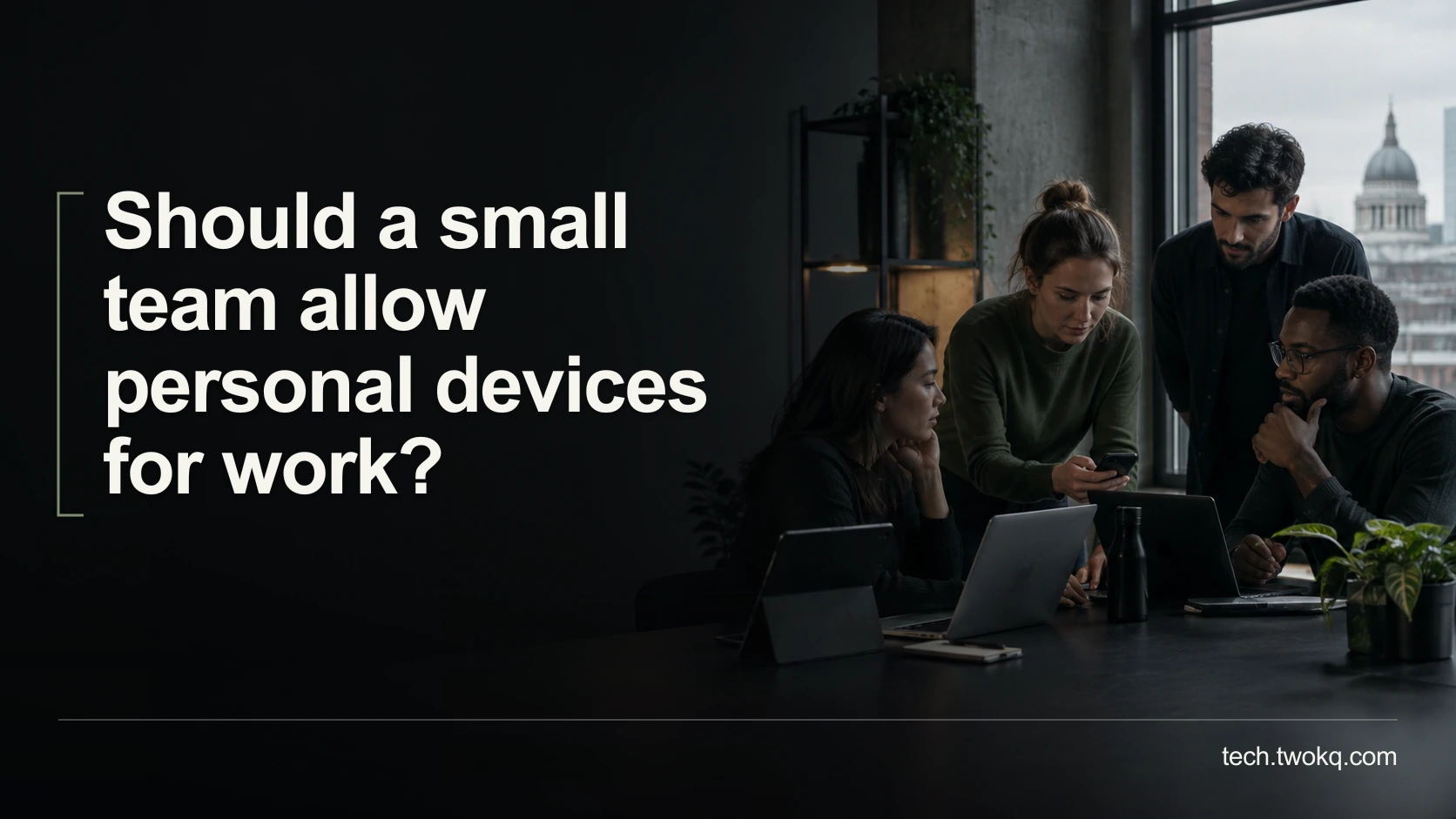
Should a small team allow personal devices for work?
Decide whether personal devices suit your team's work by checking support, access, staff privacy, real costs and a tested way to remove business access safely.
29 September 2026Read article
Clear explanations and practical guidance from Twokq Tech.
Decide whether personal devices suit your team's work by checking support, access, staff privacy, real costs and a tested way to remove business access safely.
Check an unfamiliar software invoice against trusted accounts, payment records and authorised owners, without paying a duplicate or following a fraudulent link.
Turn a team review into a realistic change queue by separating urgent risks, evidenced problems and uncertain complaints, with time for testing and reversal.
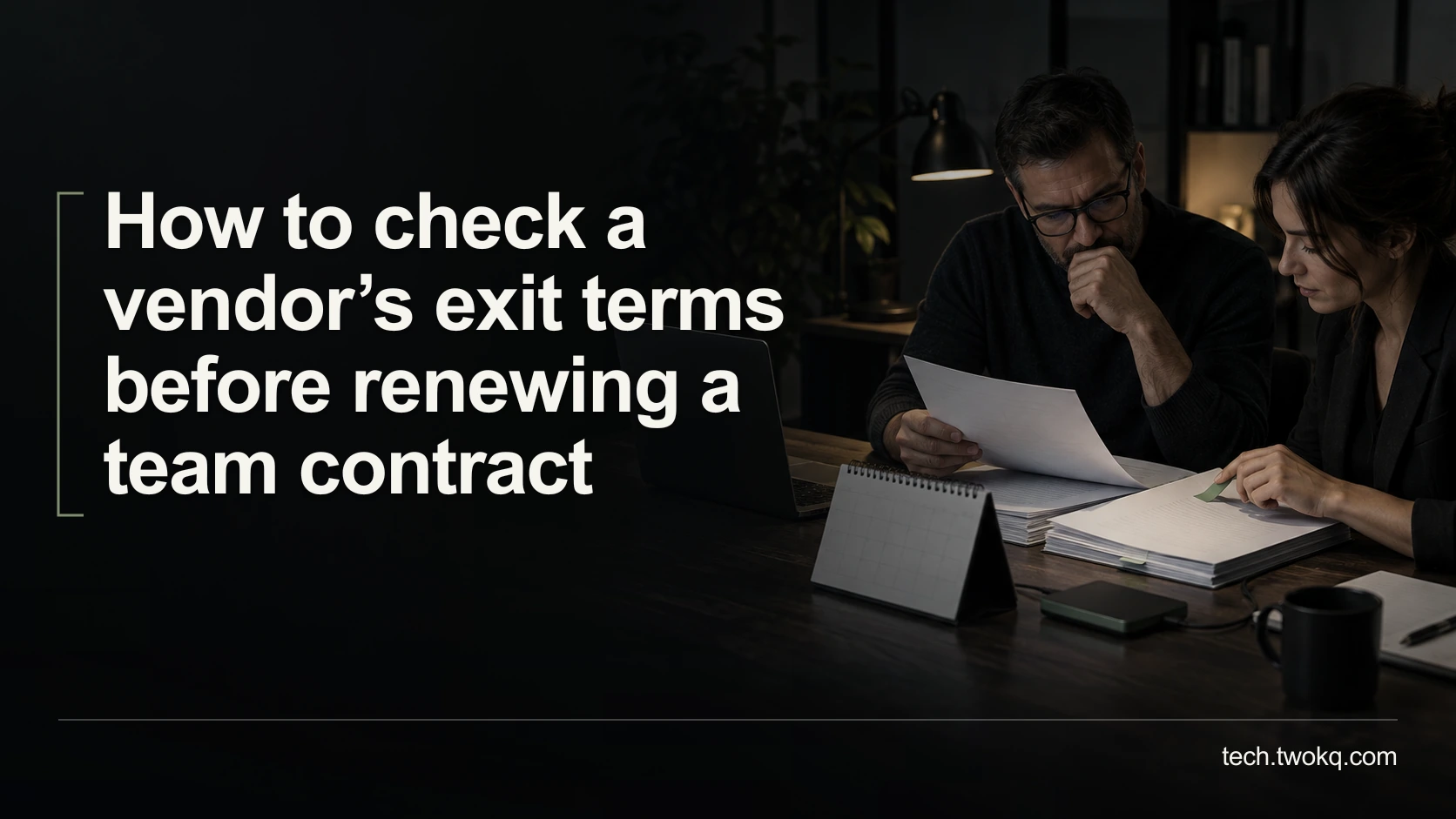
Check notice deadlines, export access, migration assistance and data deletion before renewal, then build a practical exit timetable from your actual contract.
Build an outage timeline from dated evidence, separate observations from recollections, calculate impact honestly and turn the record into assigned improvements.
Hand over a no-code automation by checking ownership, connected accounts, triggers, alerts and recovery, then rehearse the workflow with safe dummy inputs.
Review former contractors' direct accounts, group memberships, shared links and integrations, then close access safely while preserving ownership and records.
Map the accounts and recovery methods your team depends on, find circular dependencies, protect recovery credentials and rehearse access without a lockout.
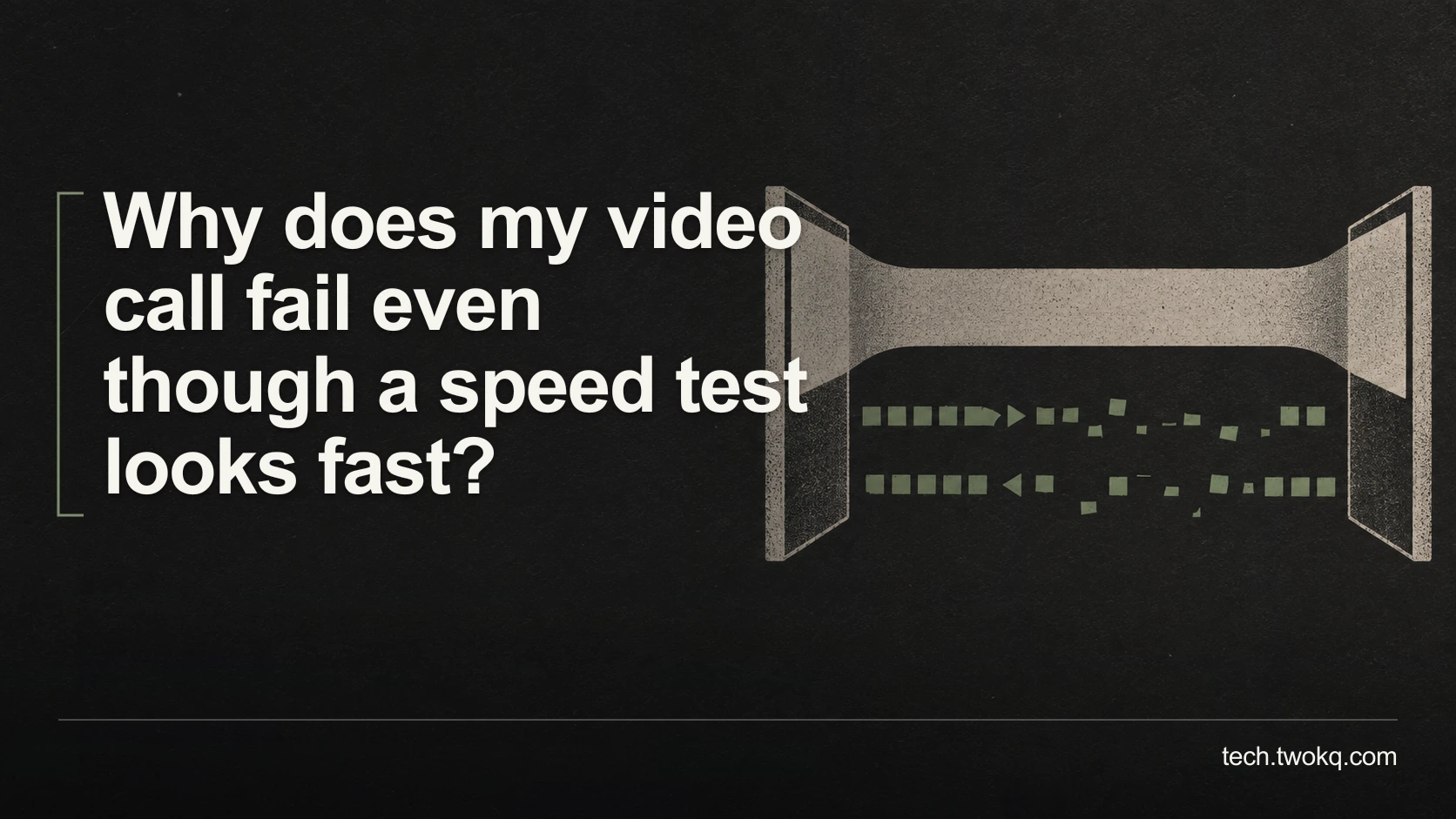
Find why a fast connection still produces broken calls by separating upload congestion, unstable packet delivery, Wi-Fi problems and an overloaded computer.
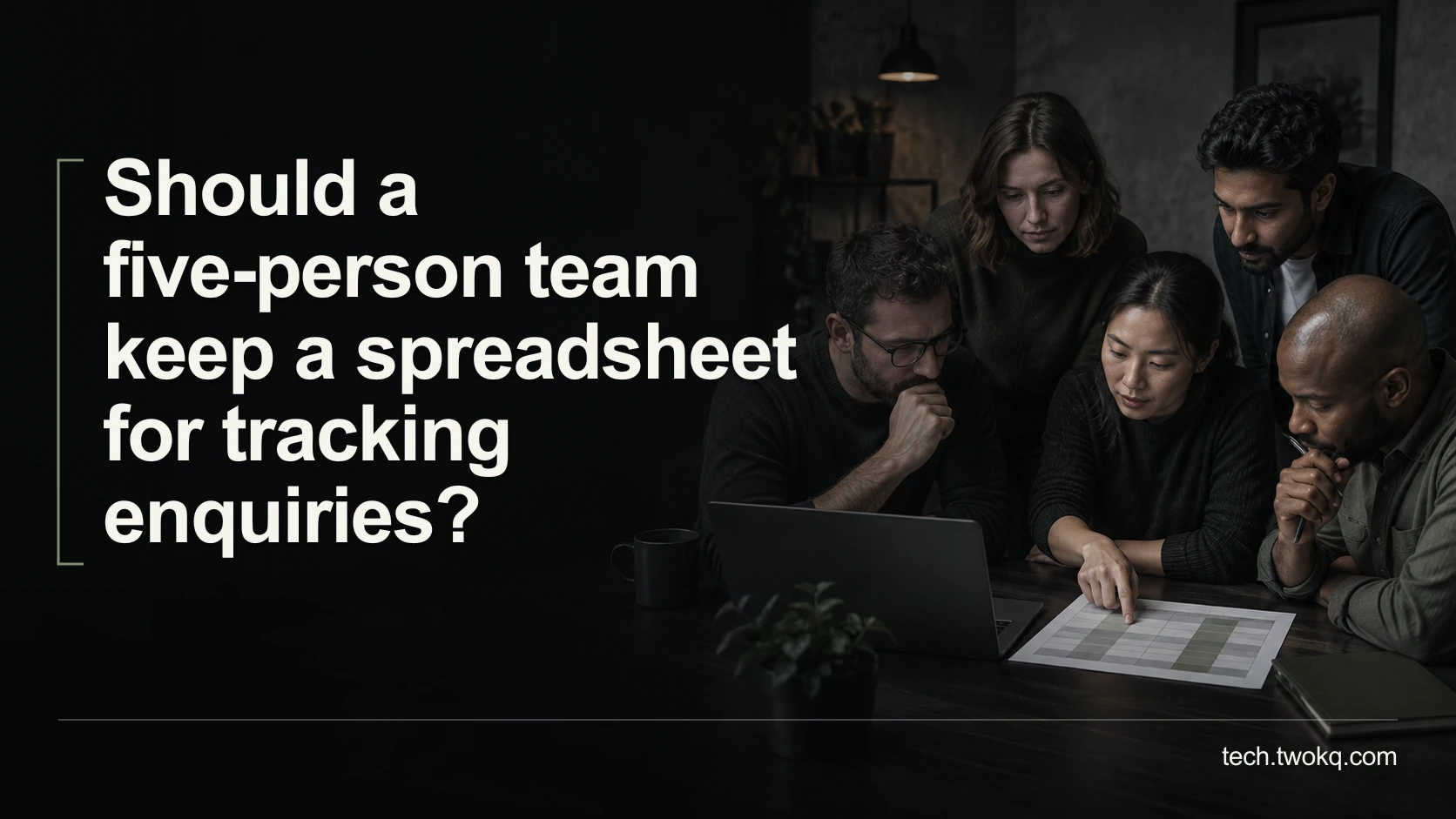
Test enquiry ownership, repeated contact records, shared editing and access needs before deciding whether to improve your spreadsheet or move to another system.
Measure blocked work, workaround effort and recovery time without double-counting colleagues, then judge whether a software fix is worth its ongoing cost.
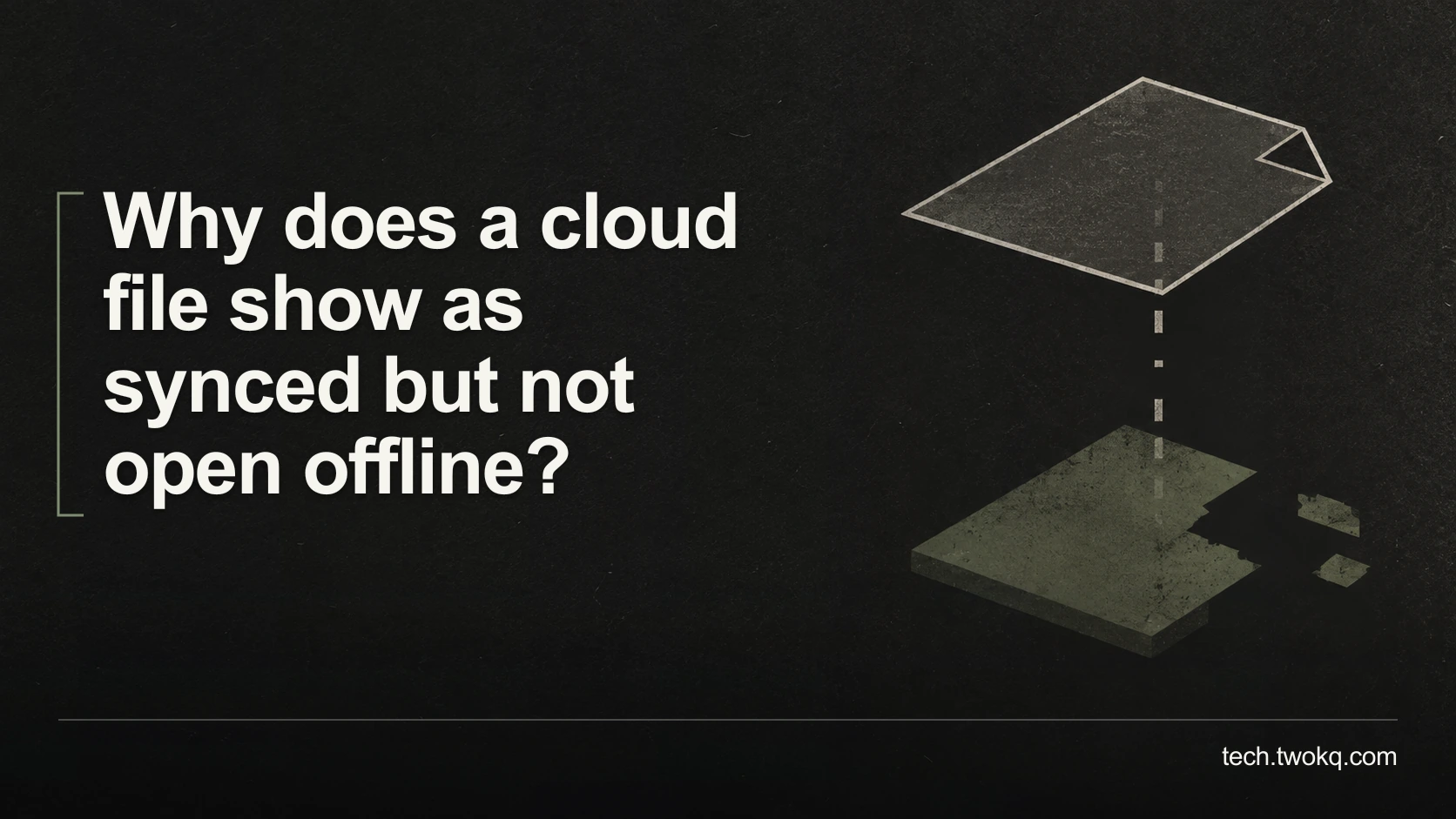
Check whether your cloud files are actually downloaded, identify app or permission failures, and prepare a tested offline working set before travelling.

Trace duplicate calendar entries to overlapping views, imported copies or a sync loop, then test a safe correction before changing meetings or deleting events.
Choose between a shared inbox and forwarding by testing message ownership, reply visibility and access, with realistic costs and a safe handover process.
Plan a Windows-to-Mac file transfer around compatible formats, large files and essential metadata, then verify destination copies before removing any originals.
Trace where spreadsheet copies split, preserve competing edits, and restore one authoritative workbook with a supported editing route and clear ownership.
Compare the actual commitment of monthly and annual software plans for a short project, including extensions, cancellation terms, tax and time needed to leave.

Match subscription charges to their users, billing routes and included features, then identify genuine duplicates without cancelling access someone still needs.
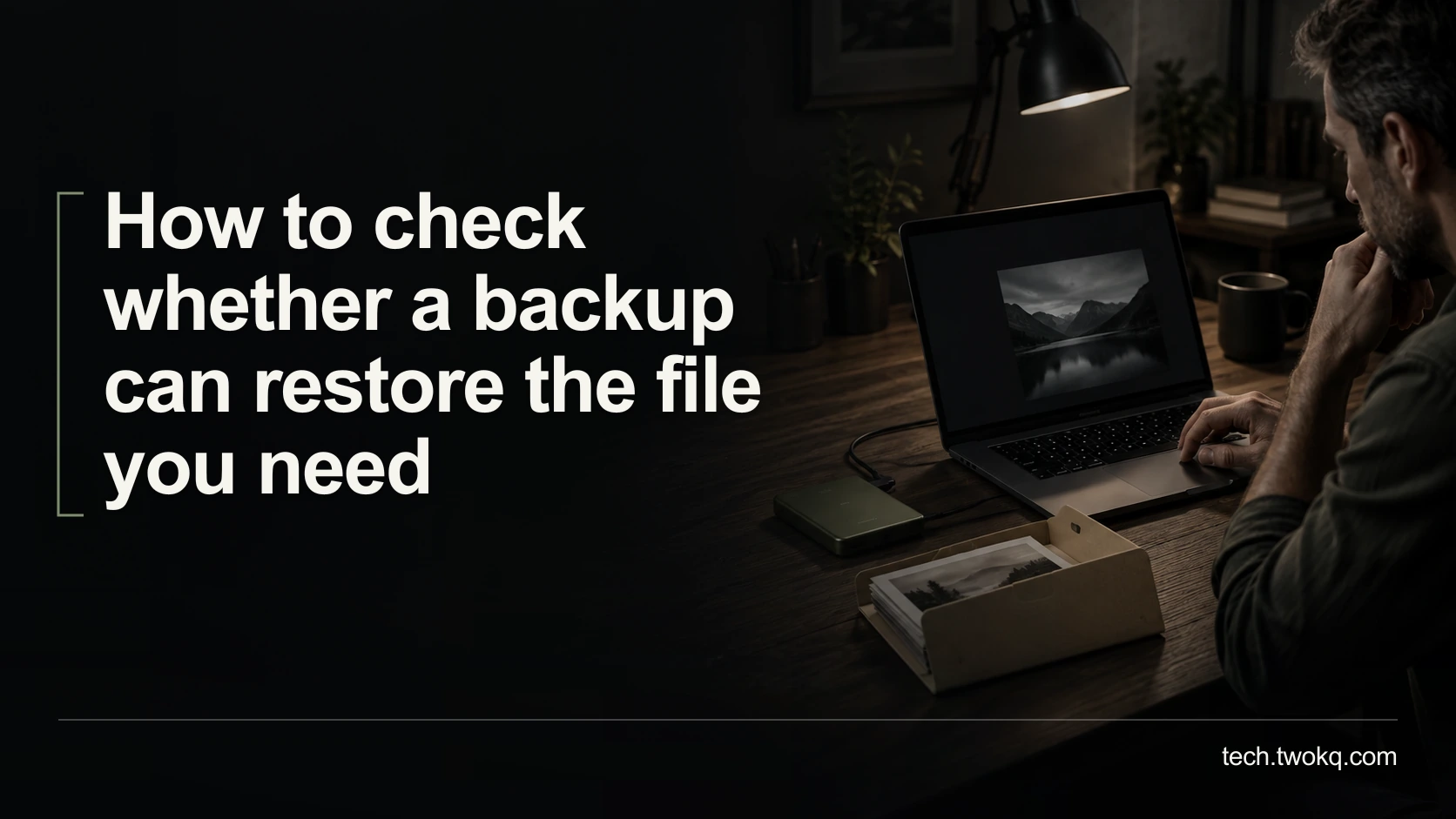
Test a backup by restoring selected file versions to a separate location, checking their contents and measuring recovery time without risking your live work.
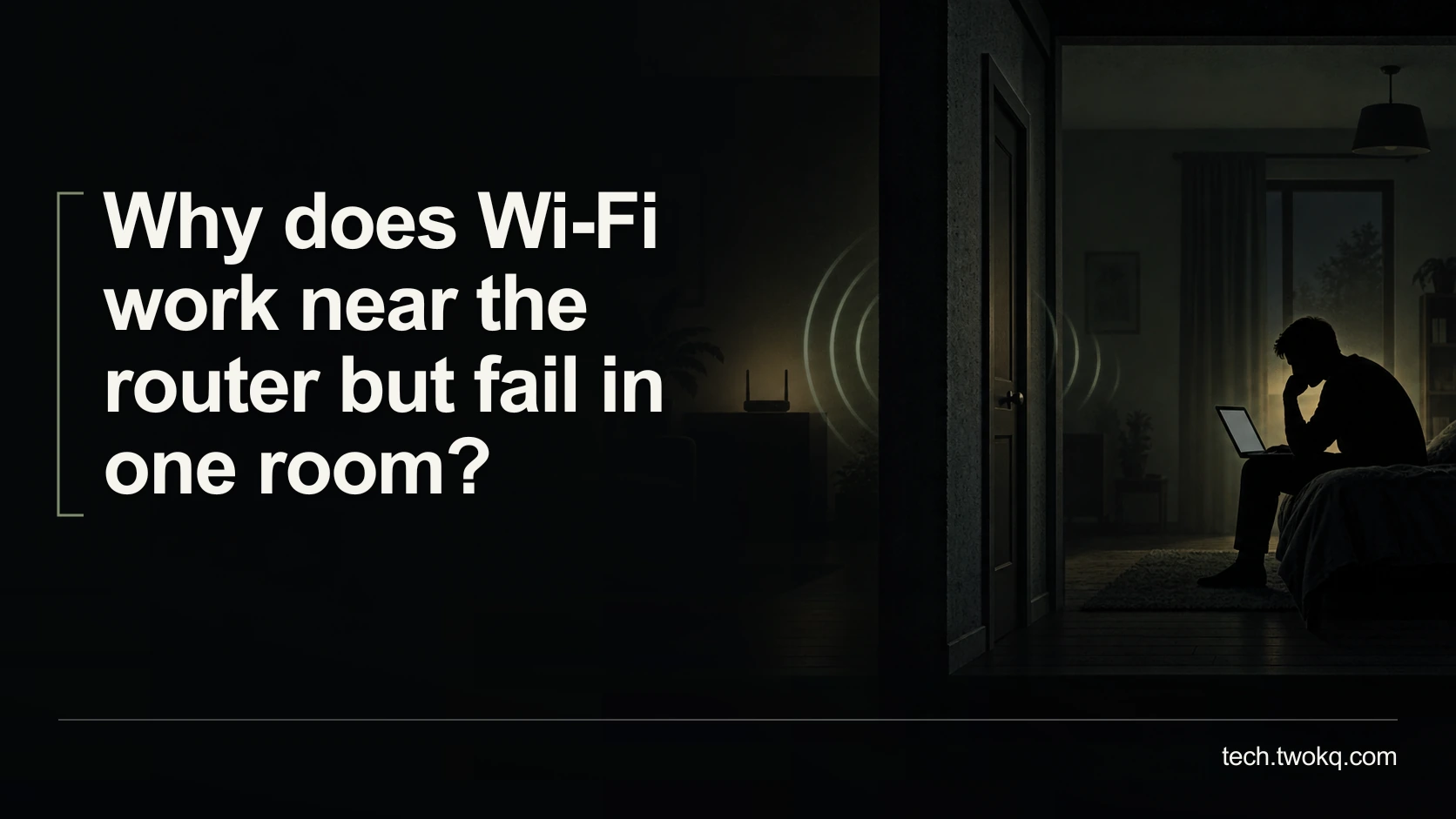
Separate a weak room connection from an internet-service problem, compare the same task in several locations, and test a free placement change before buying.
Set up distinct browser profiles, check account and sync boundaries with dummy tasks, and avoid mistaking a separate window for protection from other users.
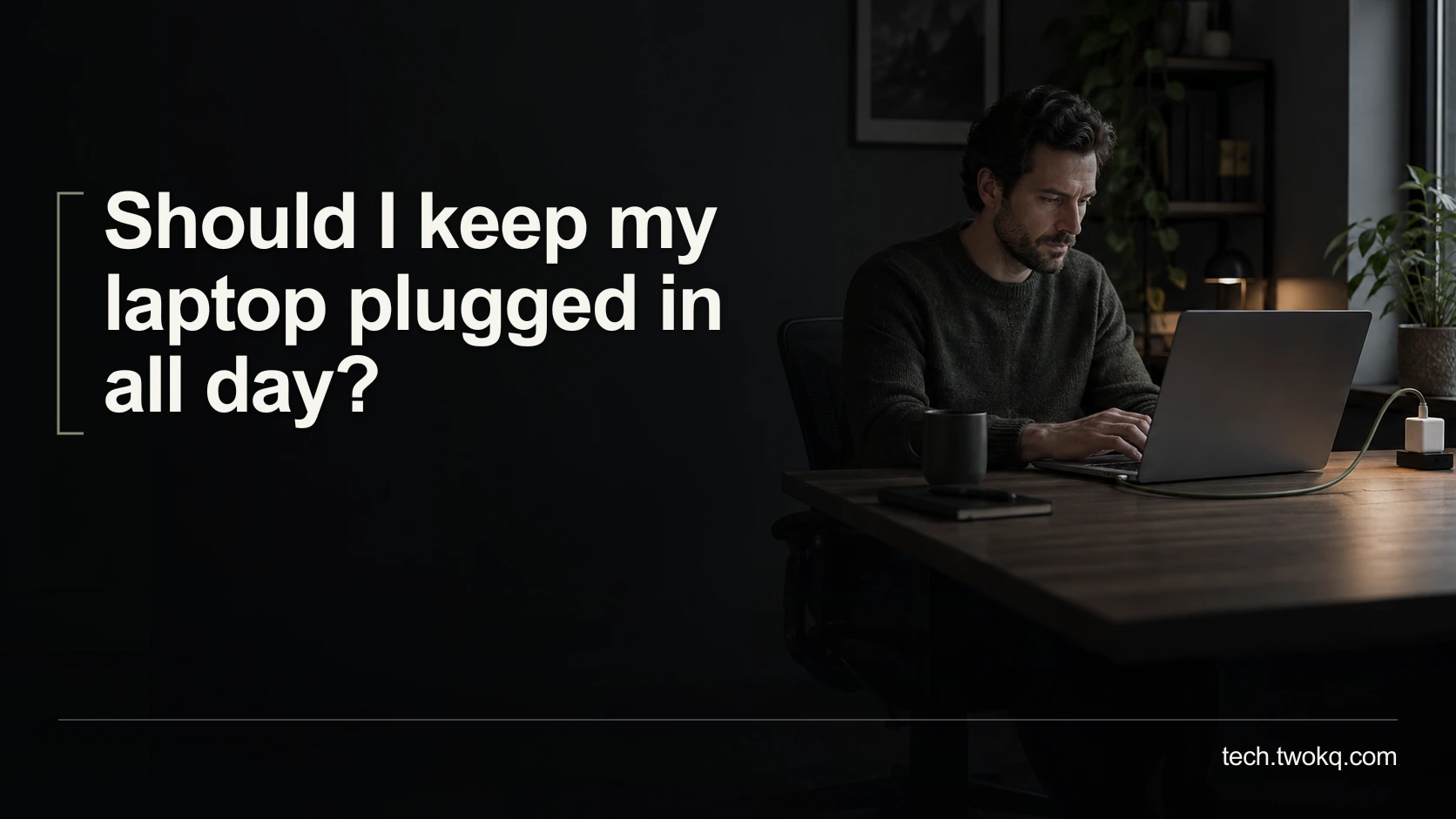
Choose a charging routine that fits desk work and travel, check your laptop’s supported battery controls, and avoid confusing charge level with battery health.

Check the exact processor, Windows edition, update eligibility and seller evidence before buying a used laptop, then compare the real cost of a supported setup.
Identify whether microphone selection or Bluetooth call mode is degrading your sound, test an existing alternative and check LE Audio support before buying.
Review Windows 11 cleanup candidates safely, protect Downloads and recovery options, and measure reclaimed space before considering changes to personal files.
Decide whether a RAM upgrade is worth doing by checking your real workload, the exact laptop’s upgrade options, remaining support and total replacement cost.
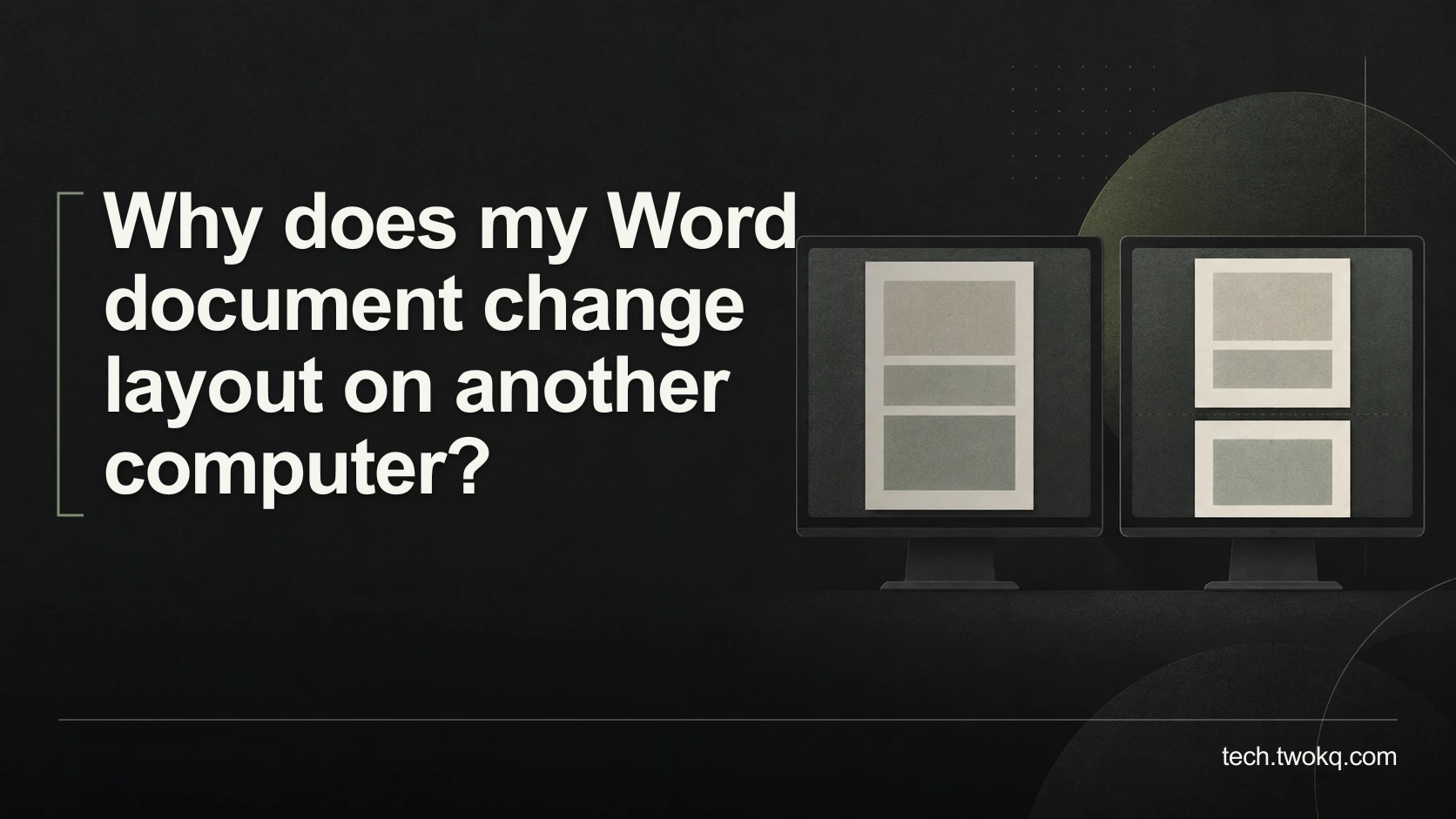
Diagnose changed Word pagination by comparing fonts, application versions and page settings, then choose a reliable editable file or fixed-layout PDF.
Find out whether an optional browser extension causes slowdowns with a repeatable timing test, reversible changes and a clear rule for keeping or removing it.
Check exported records, attachments, dates and relationships before cancelling a cloud app, then test whether you can read and use them outside the service.
Transfer team-account control before your only administrator leaves, with successor sign-in checks, recovery rehearsals and a staged access-removal plan.
Decide whether a little-used team app earns its cost by tracing who needs its output, testing alternatives and checking what a downgrade would change.
Measure form-to-spreadsheet automation against manual entry, including setup, review, failed runs and maintenance, so you can decide whether it is worth keeping.
Find where a USB-C display connection fails, check the laptop port and cable, and decide whether an existing HDMI connection can avoid an unnecessary purchase.
Choose between clearing cloud files and upgrading storage by measuring space, growth and recovery risk, with a household example and safe checks before deletion.

Find out what delays your Windows 11 laptop after sign-in, measure a repeatable baseline and test reversible startup changes before paying for an upgrade.