Choose between a shared inbox and forwarding by testing message ownership, reply visibility and access, with realistic costs and a safe handover process.
Direct answer: Use a shared inbox when several people must see the same incoming messages, cover each other's absence and know who has replied. Forwarding is adequate when one person owns the conversation and delegates occasional questions with a clear return route. Whichever you choose, define the response owner explicitly; common visibility does not automatically prevent duplicate replies.
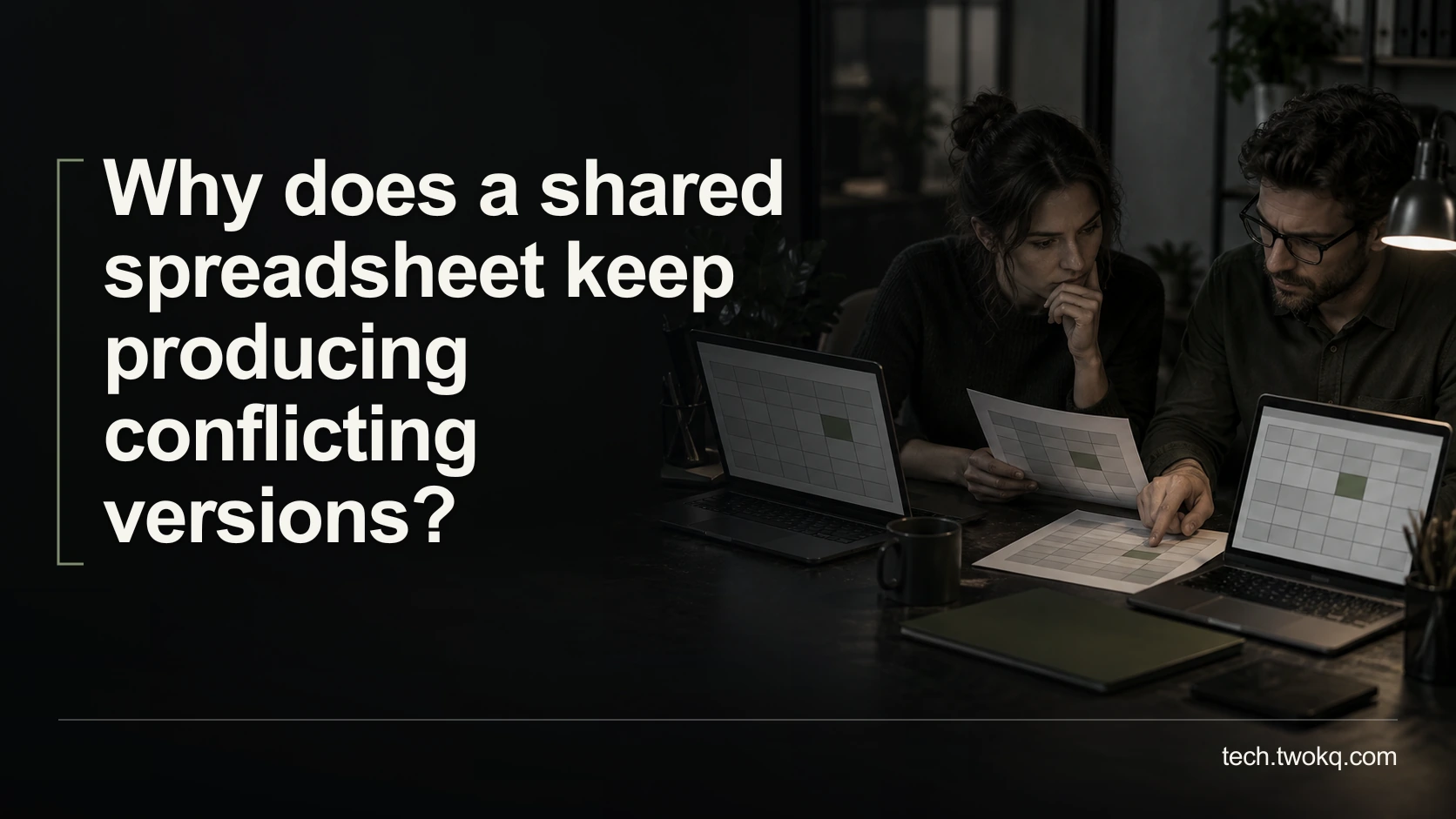
Forwarding is attractive because it works with an existing habit. The trouble begins when every recipient assumes someone else is handling the message, or two colleagues send incompatible answers from separate copies.
A shared mailbox can centralise access, but it does not turn an unassigned message into an assigned task. Your decision should cover identity, ownership and recovery, not just whether everyone can open the same address.
Applies to: small-team email workflows. Microsoft 365 shared mailboxes are a documentation-based example, not a claim that every email plan includes the same features or licensing conditions.
Make the message ownership comparison
The message ownership comparison is an editorial method that follows one enquiry from receipt to a confirmed answer. It asks who can see it, who may act and how another person knows the work is finished. This is the operational test behind knowing whether your tech stack works.
Start with a small set of ordinary enquiries. Do not move the entire mailbox or activate forwarding rules before deciding which information each person is authorised to receive. Messages may contain personal or client-confidential material, so wider visibility needs a legitimate task-related reason.
Use dummy messages for the trial and preserve existing access and recovery arrangements. Record the current forwarding rules, account owners and reply identities before changing anything. Do not share the password to an ordinary account and call that a shared-inbox implementation.
Identify the point where forwarding fails
Trace a recent non-sensitive example. Who received the original, who got a forwarded copy, who drafted an answer and who told the others that it was sent? If the answer exists only in one person's sent folder, absence or turnover can make the thread difficult to continue.
Forwarding remains a reasonable choice when the original recipient retains ownership. They can ask a colleague a specific question, receive the answer and send the final reply. The handover should say what is needed and by when, without implying that forwarding alone transfers responsibility.
If colleagues routinely need to reply directly, monitor a queue or cover the same public address, repeated forwarding may create unnecessary copies and uncertain status. The problem is not the number of employees by itself. It is the number of people who can act on the same conversation without shared evidence of that action.
Compare the working arrangements
| Criterion | Forwarding with one conversation owner | Shared mailbox with agreed ownership |
|---|---|---|
| Visibility | Selected copies go to selected people | Authorised members see the shared queue |
| Response ownership | Original owner retains responsibility unless explicitly transferred | A separate assignment rule is still needed |
| Reply identity | Depends on who sends and from which account | Shared identity requires appropriate send permissions |
| Absence cover | Requires a documented handover of the thread | Colleagues can continue through the approved shared route |
| Information exposure | Can be limited to a specific question or message | Membership can expose a broader message history |
Neither column is an automatic winner. If only one person needs the complete enquiry and others provide specialist input, forwarding a bounded question may expose less information. If the address is a team service, shared access may better match the responsibility.
Before granting mailbox access, confirm which messages are appropriate for every proposed member. A single public address used for both general enquiries and confidential personnel matters may need separation before wider access is acceptable.
Check the actual shared-mailbox requirements
Microsoft says users accessing a Microsoft 365 shared mailbox need licensed Exchange Online mailboxes and should access it through their own identities. It explicitly advises against direct sign-in to the shared mailbox account. See Microsoft's shared-mailbox guidance.
A separate shared-mailbox licence is not required for every basic configuration, but storage and advanced features can change licensing requirements. Check the actual tenant, capacity, archive and compliance needs with the administrator rather than calling the arrangement universally free.
Do not assume access and sending permission are identical. Ask the administrator to configure the permitted actions and confirm the reply identity and sent-message visibility in a harmless test. An outgoing answer must be traceable within the team's agreed process.
A shared mailbox is also not automatically a ticketing system. If you need enforced assignment, service deadlines, reporting or restricted views, verify those requirements separately. Do not invent a built-in “assign” button because that would make the recommendation convenient.
Give every message a visible owner
Choose a rule simple enough to follow during a busy morning. For example, one duty person reviews new enquiries and records the named responder in an approved shared work record. The precise mechanism depends on the tools you already have.
The rule needs a received state, an owner, a next action and a finished state. Reading a message should not silently mean accepting responsibility. Likewise, moving it out of view should not be the only evidence that a response was sent.
Test an absence: can another authorised colleague identify the latest answer and continue without asking for a password? Test a reassignment: does the previous owner know not to send their draft? These situations reveal more than a normal happy-path message.
My default is a shared mailbox for an ongoing team enquiry address, with explicit assignment and individual access. Keep forwarding for occasional consultation under one accountable conversation owner. Upgrade to a more structured system only when the simpler arrangement cannot satisfy a demonstrated requirement.
Calculate an illustrative week's overhead
Imagine a three-person office receives 84 messages per week. In a fictional review, nine receive duplicate drafting and four need a follow-up to discover who owns the answer. These counts are assumptions, not an industry rate.
If each duplicated draft takes six minutes, that consumes 9 × 6 = 54 minutes. If each ownership check takes four minutes, it adds 4 × 4 = 16 minutes. The identified coordination overhead is 54 + 16 = 70 minutes per week.
Suppose a trial shared process requires ten minutes of daily queue review across five days, or 5 × 10 = 50 minutes. Even if it removes all identified duplication, the net time released is only 70 − 50 = 20 minutes weekly, before other exceptions and maintenance.
If setup, permissions and training take an illustrative two hours, the time-only break-even is 120 ÷ 20 = six weeks, assuming the improvement persists. This is not a cash saving unless actual spending changes. Subscription or administration charges must be added separately if the current service does not cover the chosen configuration.
The stronger reason to change may be reliable absence cover, not the twenty minutes. State that benefit plainly and test it rather than inflating the arithmetic to justify a preferred tool.
Run a bounded handover trial
- Spend twenty minutes tracing how one ordinary enquiry currently gets answered and where ownership becomes unclear.
- Ask the administrator to verify the proposed access, licensing and recovery setup before configuration.
- Use dummy enquiries to test receipt, ownership, reply identity, reassignment and absence cover.
- Trial the agreed process for one working week and compare exceptions as well as time. Stop if confidential messages reach inappropriate members or the sender identity cannot be verified; revert the trial safely and resolve access first.
Related guides
Frequently asked questions
Is a shared mailbox just an account whose password everyone knows?
No. Use the provider's supported delegated-access arrangement, with each person identified through their own authorised account. Sharing one password weakens individual accountability and makes removal of one person's access harder to manage. It can also conflict with the service's terms or workplace policy. Ask the administrator to establish the appropriate mailbox permissions and recovery ownership. Test that each person can perform only the intended actions. A common email address is useful for a team, but it does not require the team to share the same sign-in secret or impersonate one another's individual account.
Will a shared inbox prevent duplicate replies automatically?
Do not assume so. Shared visibility can make coordination easier, but two people can still act on the same message if the workflow lacks an ownership rule. Establish how someone claims a conversation, how reassignment is communicated and where the final response is visible. Test those actions with dummy messages before moving real enquiries. If you need enforced assignment or collision warnings, verify the exact product capability rather than treating the phrase “shared inbox” as proof. The process must tell a colleague not only that a message exists, but whether another person is already responsible for answering it.
Should every employee have access to the team mailbox?
Only those with a legitimate need should receive access. Review the types of information in the mailbox and whether historical messages are appropriate for every proposed member. A general address may have accumulated confidential material that should not be exposed simply to improve absence cover. Separate workflows or seek administrator advice where necessary. Recheck membership when responsibilities change or someone leaves. A small team is not an exemption from thinking about permissions. The shared arrangement should match the actual work, not grant broad access because adding everyone is easier than defining responsibility carefully.
Can I keep forwarding for specialist advice?
Yes, if a named person remains responsible for the customer conversation and forwards only the material needed for the colleague's task. Explain the question and deadline, and specify whether the colleague should reply internally or directly to the sender. Avoid distributing a complete thread when a bounded summary would suffice. If direct replies become routine or several people need continuing access, reassess the workflow. Occasional forwarding can be an appropriate consultation method; the failure occurs when it becomes an undocumented assignment system where sending a copy is mistaken for confirming ownership of the next action.
Is a shared mailbox always free with Microsoft 365?
No universal price claim is safe. User access requires the relevant licensed mailbox, and additional storage, archiving or other features can change the requirements. Ask the administrator to compare the exact tenant and intended configuration with Microsoft's current documentation. A basic shared-mailbox arrangement may not require its own separate licence, but that is different from saying the whole workflow costs nothing. Include setup, membership administration, training and ongoing queue review. If another provider supplies your email, check its own terms rather than transferring Microsoft's licensing model to an unrelated subscription or account type.
What evidence should decide whether the trial worked?
Track missed ownership, duplicate drafting, unclear replies, reassignment problems and the time spent maintaining the queue. Check that authorised absence cover works without sharing credentials and that the final sender identity is correct. Compare the same kinds of enquiries across a representative period rather than celebrating a quiet first day. A successful trial can justify extra coordination time if it prevents consequential missed responses, but state that trade-off clearly. If the process only moves confusion into a shared folder, refine the ownership rule before buying a more elaborate system that may reproduce the same unresolved behaviour.
Sources and verification
- Microsoft Learn: shared mailboxes, checked 11 September 2026 for delegated access, user licensing, direct-sign-in restrictions and feature-dependent conditions.
- The parent was read from the supplied website source; its public route could not be retrieved. The message counts, time costs and trial outcomes are illustrative.
This article is practical guidance. Apply it in proportion to your tools, evidence, risks, and responsibilities.