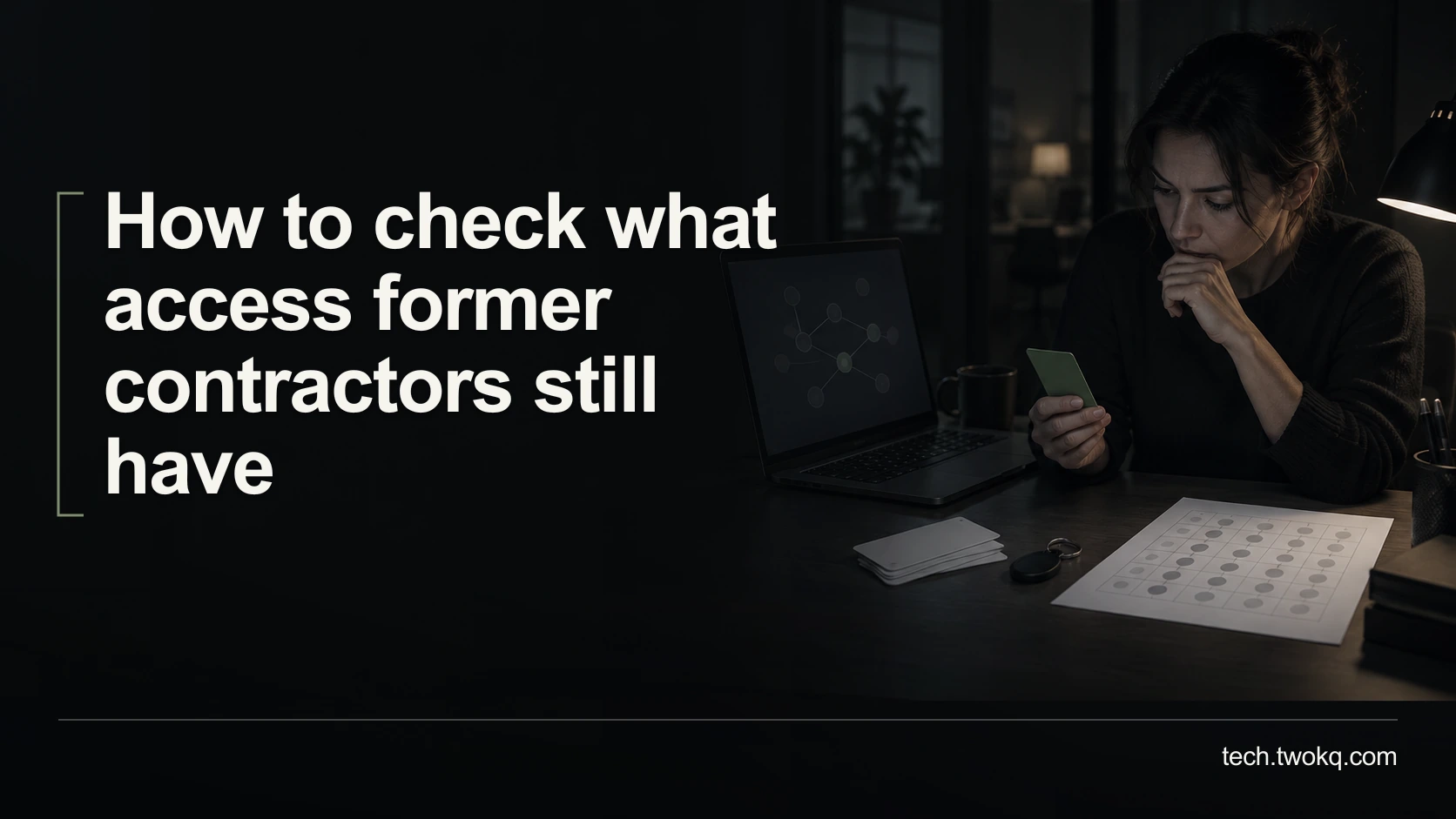
Review former contractors' direct accounts, group memberships, shared links and integrations, then close access safely while preserving ownership and records.
Direct answer: Review the contractor's direct accounts, group memberships, file and folder shares, public links and integration credentials across the services they used. Confirm ownership and live dependencies before routine removal, then revoke each supported access route and verify the result. Do not assume disabling one sign-in removes every application session or previously downloaded copy. If you suspect misuse or an active compromise, follow the authorised incident process immediately rather than waiting to finish a routine audit.
Project completion and access removal are different events. A contractor can disappear from the current team list while retaining a guest invitation, an inherited folder permission or a connection created during the project.
The practical problem is finding these routes without deleting the work or interrupting something that still depends on them. This article narrows the small-team technology retrospective to a controlled review of access left behind after a contractor's work ends.
Applies to: people authorised to review their organisation's accounts and sharing arrangements, using a UK business context. Do not access a contractor's personal account or device. Contractual rights, retention and incident duties vary by country, sector and agreement; obtain qualified local advice where needed.
Use the contractor access closure review
The contractor access closure review is an editorial method that separates discovery, dependency handling, revocation and verification. A row is not complete when someone clicks remove; it is complete when the intended access change is supported by evidence and the retained work still has an authorised owner.
Before starting, confirm which engagements have ended, the identities used and who can authorise changes. A person may have a company-issued identity, a personal guest address and an agency account. Do not assume that matching a display name identifies every route.
Gather the project service list, invitations and ownership records from locations you are permitted to inspect. Protect the review document because it describes your organisation's access arrangements. Record account identifiers and permission scope where necessary, but never paste passwords or complete access tokens into it.
My recommendation is to review by person and service together, rather than relying only on the central employee directory. This takes longer, but finds application-specific and file-sharing access that may sit outside the directory. A mature automated offboarding process can reduce the work, but it still needs evidence that the relevant services and exceptions are covered.
Identify the access route before removing it
Use a separate row for each materially different route:
| Route | What to inspect | What removal alone may miss |
|---|---|---|
| Direct account or guest role | Current status and assigned permissions | Another identity or separate application login |
| Group membership | Groups that grant project or folder access | Direct permissions granted elsewhere |
| File or folder share | Person, role and inherited access | Broader parent-folder or link access |
| Public or unrestricted link | Which resource the link exposes | Copies already obtained through the link |
| Integration credential | Owner, permissions and dependent workflows | A live automation using the same authority |
For file services, inspect how the permission is obtained rather than only whether a name appears on one document. Google's Drive guidance specifically notes the role of parent-folder permissions and distinguishes removing a person's access from controlling general access. Verify the relevant item and account behaviour instead of assuming a child-file change closes every route. Google Drive sharing documentation.
A public link may not identify who has used it. Treat it as a route requiring assessment, not proof that a particular contractor accessed the content. Likewise, an invitation or account entry establishes potential access, not misconduct.
Preserve ownership and working dependencies
Before routine revocation, identify files, projects, domains and automations owned or administered through the contractor's identity. Ask the authorised business owner to confirm the transfer or replacement route. Do not delete an account while assuming its files will automatically move to someone else.
Check the provider's current retention and ownership rules for your plan. Where the process could remove material, preserve an authorised recoverable copy and verify that it opens with the necessary content. Keep legal or contractual retention requirements separate from a desire to tidy the interface.
For an integration, identify what the credential allows and which workflow uses it. A credential is information or a token that authorises access; removing it may stop an unattended process even if nobody signs in manually. Plan an approved replacement and test it with dummy input before withdrawing the old authority where routine timing permits.
This is not a reason to retain unnecessary access indefinitely. Give unresolved dependencies an owner and deadline. If access presents an immediate risk, containment takes priority under the incident process, with operational recovery handled alongside it.
Revoke through the service's supported controls
Use the relevant administrator or owner account and the provider's documented process. Distinguish disabling sign-in, removing membership, revoking sessions, replacing credentials and deleting an account. They have different effects.
Microsoft's Entra documentation explains that an application can hold its own session token, which Entra cannot directly revoke. The time until access ends therefore depends on the application and token behaviour. This is why a central account change is not proof of immediate closure everywhere. Microsoft guidance on revoking user access.
Do not copy commands from an AI response or unrelated administrator guide into a live environment. If you lack the required permissions or cannot determine the effect, ask the responsible administrator to perform the action and record the result.
After a routine change, verify that the authorised replacement owner can still use the retained work. For a sharing change, inspect the remaining effective permissions and general-access setting. Do not sign in as the former contractor to test it unless an explicitly authorised, lawful test arrangement exists; use the service's supported audit and access evidence instead.
Count closure accurately
Imagine four former contractors who worked across nine services. This creates 4 × 9 = 36 person-service checks, not 36 known permissions. All counts and timings in this example are illustrative.
The review identifies 14 direct routes, eight group-based routes and five shared-link routes, giving 14 + 8 + 5 = 27 identified routes. Some lead to the same resources, so the figure is not a count of distinct exposed files.
Suppose 19 can be closed through routine authorised actions. Five need ownership or workflow handling first, and three remain unclear. After the five dependencies are resolved and their old access revoked, 24 of 27 routes are closed: 24 ÷ 27 × 100 = about 88.9%.
That percentage is not a security score. One unresolved administrator route may matter more than many low-impact links. Report the remaining scope and risk, not just the proportion completed.
For effort, assume two minutes per person-service check, three minutes to document each identified route, 12 minutes for each of the five dependency cases, and two minutes to verify each of the 24 closures:
(36 × 2) + (27 × 3) + (5 × 12) + (24 × 2) = 261 minutes, or 4 hours 21 minutes.
This is planning effort, not a benchmark. Better ownership records can reduce future reviews, while complex services may need substantially more time. Use the estimate to schedule the work instead of rushing access changes between meetings.
Close the highest-consequence gaps first
- Today, confirm the ended engagements and review authority. If there is evidence of compromise, stop the routine exercise and escalate immediately.
- In the first review session, inspect privileged accounts, sensitive shared resources and active integrations. Record routes and uncertainties without changing ownership blindly.
- Schedule authorised transfers and revocations, with recovery precautions before destructive steps. Verify both access closure and continuity of retained work.
- Before marking the review finished, assign every unresolved route an owner and deadline. Update the future offboarding process with the routes that were easy to miss.
A closed checklist should mean the known routes were addressed. It should not imply that you can recall every downloaded file or prove that no undiscovered route exists.
Related guides
Frequently asked questions
Does removing a guest account delete their copies of our files?
No. Removing access to your service is different from deleting a copy already downloaded or stored elsewhere. Review the contract and applicable data-handling obligations for return or deletion of material, and use the appropriate documented process. Do not access a former contractor's personal storage to investigate on your own. If you suspect unauthorised retention or disclosure, involve the responsible legal or security person. Your technical review can establish changes to the access routes you control, but it should not claim control over every historical copy of the information.
What if the contractor used several email addresses?
Review the known identities used for the engagement and verify them against authorised project records. Include agency accounts, company-issued addresses and guest invitations where relevant. Do not broaden the exercise into searching private accounts merely because the record is incomplete. Ask the project owner or contractor through the appropriate business channel to clarify missing identity information. Keep uncertainty explicit, particularly where display names are similar. Removing one address is not evidence that every account belonging to the person has been addressed, and an unfamiliar address should not be attributed to them without evidence.
Should we delete accounts or disable them first?
Use the provider's supported process and your retention requirements rather than a universal rule. Disabling access may preserve records while ownership and retention are resolved, whereas deletion can have irreversible or time-limited consequences. But disabling one account may leave separate sessions or access routes to address. Before a routine deletion, verify ownership, backups and dependencies with the authorised service owner. In an active incident, follow the containment process rather than waiting for administrative neatness. Document the chosen action and what it does not accomplish so nobody mistakes an interim step for completion.
Can we ask the former contractor to confirm they no longer have access?
Yes, a documented confirmation can support the review, but it should not replace checks on the systems you control. The person may not know about inherited permissions, dormant guest invitations or an old integration credential. Give them a clear, bounded request through the appropriate business contact and avoid asking for private passwords or account histories. Where return or deletion of information is contractual, handle that requirement accurately. If there is a dispute or suspected misuse, obtain appropriate advice before requesting actions that could remove evidence relevant to the incident.
What if removing a connection breaks an important automation?
Identify the connection's permissions, upstream account and dependent workflows before routine removal, then arrange an authorised replacement. Use dummy input to verify that the replacement creates the expected result and sends failure notices to the current owner. Do not preserve the contractor's personal login as the long-term solution. If a connection must be revoked immediately because of risk, use the manual fallback while the owner restores the workflow safely. Avoid blindly replaying failed runs, which may duplicate actions. Record the interruption and the evidence needed before resuming automatic processing.
How can we make the next review smaller?
Create time-bounded, task-specific access when the engagement starts and record the business owner of each invitation or integration. Use separate authorised identities instead of shared credentials, and make project closure include ownership and access checks. Supported expiry controls may help, but verify their scope and do not assume they cover every service or link. Keep the list current when new tools are introduced during the project. A smaller review should come from clearer records and fewer unnecessary routes, not from reducing verification while leaving the same uncertain access in place.
Sources and verification
- Google Drive: stop, limit or change sharing, checked 11 September 2026 for direct, general and folder-level access distinctions.
- Microsoft Entra: revoke user access, checked 11 September 2026 for session and application limitations, not used as a universal immediate-revocation promise.
- The parent was read in the supplied website source; its public route could not be retrieved. No contractor account or permission was inspected or changed for this article.
This article is practical guidance. Apply it in proportion to your tools, evidence, risks, and responsibilities.