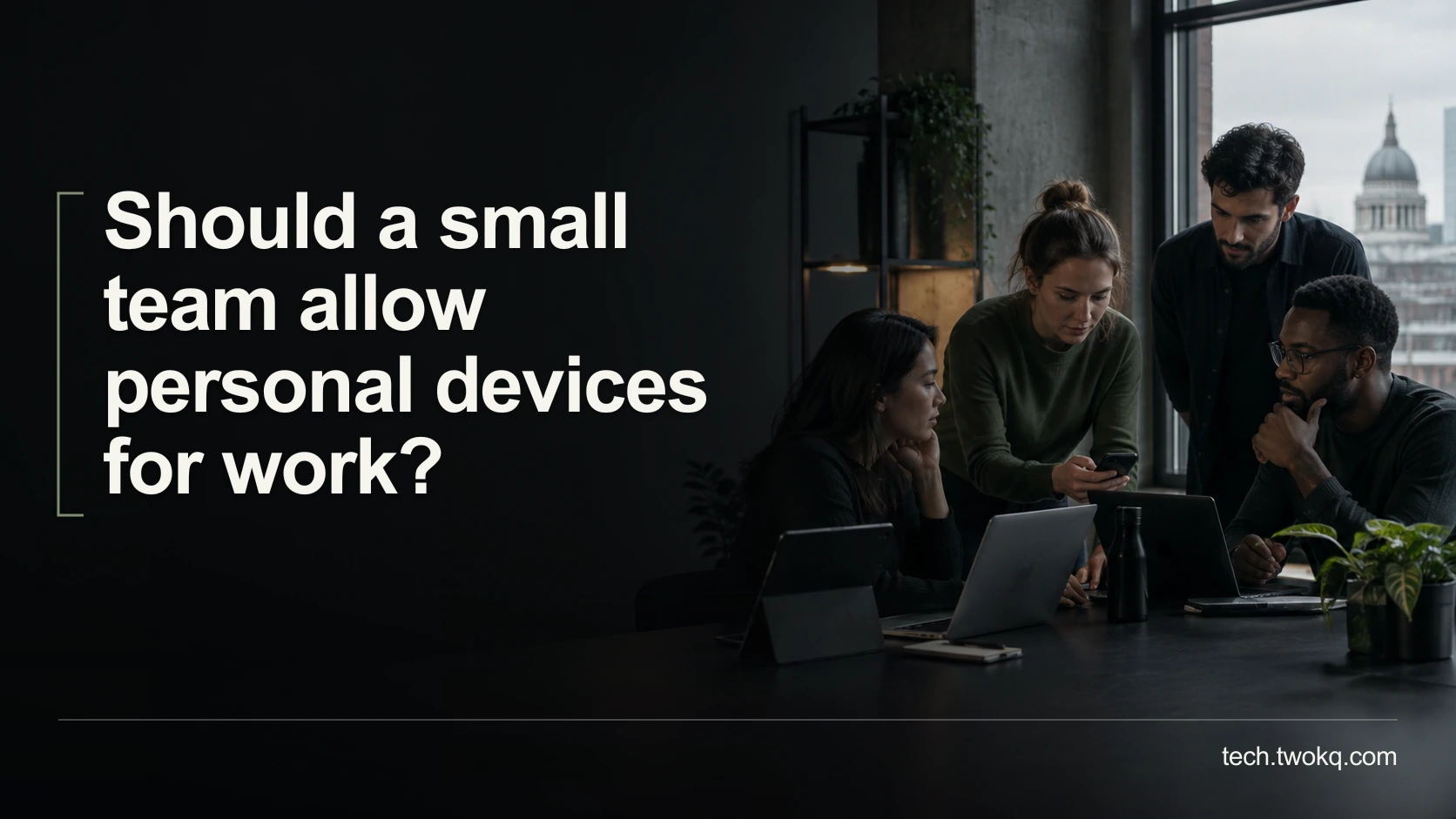
Decide whether personal devices suit your team's work by checking support, access, staff privacy, real costs and a tested way to remove business access safely.
Direct answer: Allow personal devices only for defined work where the team can verify suitable security, support the device, respect the owner's privacy and reliably remove business access when needed. Offer an organisation-owned alternative when a device or the required controls do not meet those conditions. If nobody can administer and explain the arrangement, issuing supported work devices is the more defensible default despite the higher initial purchase cost.
Bring your own device, usually shortened to BYOD, means using personally owned equipment for work. It can reduce new purchases, but it also combines two sets of responsibilities on something the organisation does not own.
My recommendation is limited, task-specific permission rather than blanket approval for any laptop or phone. A technically capable team with an agreed, tested management arrangement may reasonably allow more, while sensitive work or restrictive customer contracts may justify a narrower policy.
Applies to: small-team decisions about staff-owned computers, tablets and phones. UK privacy guidance is cited where relevant. Employment, data-protection and contractual requirements vary by jurisdiction and sector; obtain qualified local advice for a particular policy or dispute.
Agree responsibility before connecting information
Use The device responsibility agreement, an editorial decision method that assigns responsibility for access, updates, privacy, support and departure before a personal device becomes part of normal work. It is not a legal template or a certification.
The parent guide, the technology retrospective for small teams, helps uncover informal dependencies. A personal laptop used for an urgent deadline can become one of those dependencies unless the team makes its status explicit.
The National Cyber Security Centre emphasises that management, rather than ownership alone, is central to BYOD. Its guidance also recognises the tension between organisational control and the owner's privacy. See the NCSC introduction to personal devices at work.
Start with the task and information involved. Reading a non-confidential rota and administering a customer database are not equivalent uses. Do not approve the second simply because the device has already handled the first.
Before installing management software, connecting accounts or moving files, explain the proposed controls and preserve the owner's personal recovery arrangements. Use synthetic information in the initial trial. A technical enrolment screen is not a substitute for an understandable agreement.
Set eligibility without inspecting private life
Define what evidence the organisation needs about the device: model, supported operating system, update status, access protection and compatibility with the proposed working arrangement. Ask the technical owner to verify the actual platform rather than assuming every recent-looking device qualifies.
Collect only the relevant evidence. A support check does not require browsing someone's photographs, private messages or personal documents. If the chosen management method exposes information beyond what the team needs, investigate a more limited approach or provide a work device.
State how shared family use affects eligibility. An agreement that depends on nobody else accessing work material must be realistic on the actual device. A promise that cannot be maintained is not an effective control.
Also check accessibility and practical usability. A person should not have to abandon an assistive tool or use an unsuitable screen merely because their equipment technically runs the application.
Do not frame an ineligible device as a failing by its owner. The organisation is deciding which equipment suits a particular responsibility. Providing an appropriate alternative is part of that decision.
Define the boundary of work access
Write down which services the device may access and what information may remain locally. Do not treat “browser-based” as proof that no work information can be downloaded, cached or copied. Verify the actual application's behaviour and account controls.
Give each person their own authorised work identity. Determine how authentication, recovery and access removal will work without relying on a shared password or a personal account owned by somebody else.
Use the controls appropriate to the task and demonstrated on the selected platform. The NCSC's BYOD costs and implications guidance recommends limiting permitted tasks and information, and using strong authentication. It also warns that diverse devices create additional support demands.
Do not assume an application-specific management feature can erase only work data until that scope has been verified for the exact device and enrolment method. A control with a reassuring name may behave differently under another configuration.
If the required boundary cannot be explained to both administrator and owner, do not connect real customer information yet. Continue with a synthetic trial or use a supported organisation-owned arrangement.
Make privacy and support terms understandable
Tell staff what administrators can see, what they cannot see, what they can change and what happens after loss, repair or departure. Include who can access relevant logs and why they are retained.
For UK employers, the ICO says monitoring of personally owned devices should avoid capturing private use. Its guidance on monitoring device activity is relevant to that boundary. The page was marked under review when checked on 11 September 2026; seek current professional advice where the proposed monitoring requires a specific legal judgement.
Make the agreement concrete. Staff should know whether support can inspect a work application's logs, whether a device can be blocked from business services, and whether any operation could affect personal files. Do not describe a signature as permission for unlimited surveillance.
Assign responsibility for repairs and replacement equipment. If a personal laptop fails during a deadline, decide who provides a temporary working option. If it goes to a repair shop, the work-data handling question should already have an owner.
Keep support requests focused on work. The organisation should not quietly become responsible for every personal application, nor should the employee inherit unpriced business support obligations because they already own a computer.
Calculate the mixed-device option honestly
Consider a hypothetical six-person team. Four personal devices meet the agreed requirements; two do not, so those colleagues need suitable work devices. All prices and effort below are illustrative assumptions, not vendor quotes or market averages.
Assume each purchased device costs £620. The mixed arrangement needs 2 × £620 = £1,240 in hardware. Configuration is assumed to cost £45 for each personal device and £30 for each work device: 4 × £45 + 2 × £30 = £240.
Assume monthly external support costs £18 per personal device and £8 per work device. Over twelve months that is 4 × £18 × 12 + 2 × £8 × 12 = £864 + £192 = £1,056. The illustrative first-year cash total is £1,240 + £240 + £1,056 = £2,536.
Under an all-work-device option, hardware is 6 × £620 = £3,720, configuration is 6 × £30 = £180 and support is 6 × £8 × 12 = £576. Total: £3,720 + £180 + £576 = £4,476.
The illustrative difference is £4,476 − £2,536 = £1,940. That is not a universal BYOD saving. Management licences, reimbursements, repairs, taxes, existing equipment and different support needs could change either option.
Suppose the mixed arrangement also requires three hours to agree responsibilities and twenty minutes per participating personal-device owner for the initial review. That is 180 + 4 × 20 = 260 minutes, or four hours twenty minutes of internal capacity, separate from the cash total.
If the organisation already owns suitable spare computers, the purchase comparison must change. Compare your actual alternatives, not an expensive fictional baseline designed to make BYOD win.
Rehearse losing access before somebody leaves
Use a spare, resettable test device containing no personal data, with the intended enrolment configuration, an authorised test account and synthetic work. Never trial an unverified wipe on a staff member's actual device. Observe access removal and local-file effects on the test device as well as the administration interface.
Check that non-work functions remain usable. Resolve unexpected deletion or access restrictions before considering the arrangement for staff devices.
Account revocation and deletion of downloaded files are separate results. Do not claim the latter because the former succeeded. Determine what can be controlled, what requires a documented process and whether the remaining exposure is acceptable for the task.
Then rehearse the practical handover: who owns shared work, where recoverable records live, and who receives a lost-device report outside the original administrator's availability. A policy that works only while one founder is online is not ready for routine dependence.
Decide through a bounded trial this week
- Spend thirty minutes listing the permitted tasks, information and organisation-owned alternative. Identify who can approve the arrangement.
- Have the technical owner check a representative eligible device and explain management visibility before enrolment or account connection.
- Use synthetic work to test access, ordinary usability and removal. Preserve personal recovery options and document any failed boundary.
- Compare quoted cash costs and internal support capacity, then offer participation only where the arrangement meets the requirements and staff understand it.
- Review after the first working week and whenever a device changes. Stop personal-device access for the affected task if support, separation or offboarding cannot be made dependable; use the agreed work-device alternative.
Related guides
Frequently asked questions
Is a separate browser profile enough to make a personal laptop suitable?
Not by itself. A browser profile can help organise different accounts, but the organisation still needs to understand device access, downloaded information, support and the ability to remove business access. Do not confuse a visible separation between browser windows with a verified security boundary. Test the actual task and determine what information leaves the application or remains on the device. For a low-risk use, a limited arrangement may be sufficient once the responsible owner has assessed it. For confidential work or restricted customer systems, additional controls or an organisation-owned device may be necessary. The profile is one component, not approval for every task.
Can the company wipe my personal photographs when I leave?
Do not assume either that it can or that it cannot without checking the management method. Before enrolment, ask the administrator to explain the scope of each available action and demonstrate the intended offboarding process with synthetic data. Get the agreed boundary documented in language you understand. Preserve appropriate personal backups before any change that could affect the device, but do not treat backup as permission for unnecessary deletion. If the organisation cannot provide confidence about the scope of its controls, ask for a work device instead. A disputed or unclear employment policy needs qualified local advice, not an improvised technical experiment on your private files.
Should staff who decline BYOD have to buy another laptop?
My recommendation is to provide an appropriate organisation-owned alternative rather than make personal purchasing the default response. That keeps the technology decision tied to the work requirement and avoids making participation depend on an employee's finances or willingness to expose private equipment to management. The exact employment and reimbursement obligations depend on jurisdiction and the agreed terms, so obtain qualified advice for a specific situation. Include the alternative's cost in the original comparison rather than discovering it after announcing the policy. A voluntary arrangement is also easier to evaluate honestly when declining it does not leave somebody unable to perform their role.
Does using a personal phone only for authentication count as full BYOD?
It is a narrower use and should be assessed separately from storing documents or accessing customer systems. Identify the authentication method, information involved, recovery route and what happens when the phone is lost or replaced. Do not use approval for that limited purpose as permission to install broader management or work applications later. Explain any cost or accessibility implications and provide a suitable alternative where needed. The practical question is not which label wins, but what responsibility the organisation is placing on the owner. A narrowly defined authentication arrangement may be acceptable where general work access from the same device would not be.
What happens when a personal device stops receiving updates?
Review its eligibility for the permitted work rather than silently extending the original approval. Verify the support position for the exact device and operating system with authoritative documentation, then decide whether an approved update or replacement is possible. If the device no longer meets the agreed requirements, move the affected work to the organisation-owned alternative before normal access continues. Preserve authorised work and personal recovery arrangements during that transition. Do not advise the owner to disable protections or install an unverified workaround merely to keep a business application running. An older device may remain useful for other purposes without remaining suitable for this responsibility.
Does BYOD mean the company must monitor everything I do?
No. The organisation should explain the specific information and controls needed for the work, not treat personal ownership as a reason for broader surveillance. Ask what is collected, who sees it, how long it is retained and how private activity is excluded. A policy can distinguish an authorised work-account access record from continuous inspection of unrelated personal use. The precise legal requirements depend on location and circumstances, so seek qualified advice if the monitoring is intrusive or disputed. If the selected technology cannot respect the agreed boundary, reconsider that technology or provide separate work equipment rather than describing the intrusion as unavoidable.
Sources and verification
- NCSC: Bring your own device, checked on 11 September 2026 for the distinction between ownership, management and privacy.
- NCSC: Understand additional BYOD costs and implications, checked for support complexity, defined task boundaries and authentication considerations. No particular management product or price is assumed.
- ICO: Specific considerations for monitoring workers, checked for personal-device monitoring boundaries. The page carries an under-review notice.
- The assigned parent guide was read in the supplied site source. Its public route could not be retrieved during verification; the supplied canonical path is retained. All cost and time figures are illustrative.
This article is practical guidance. Apply it in proportion to your tools, evidence, risks, and responsibilities.