Decide whether to connect a shared drive to AI by checking real permissions, limiting relevant folders and testing access and removal before exposing team files.
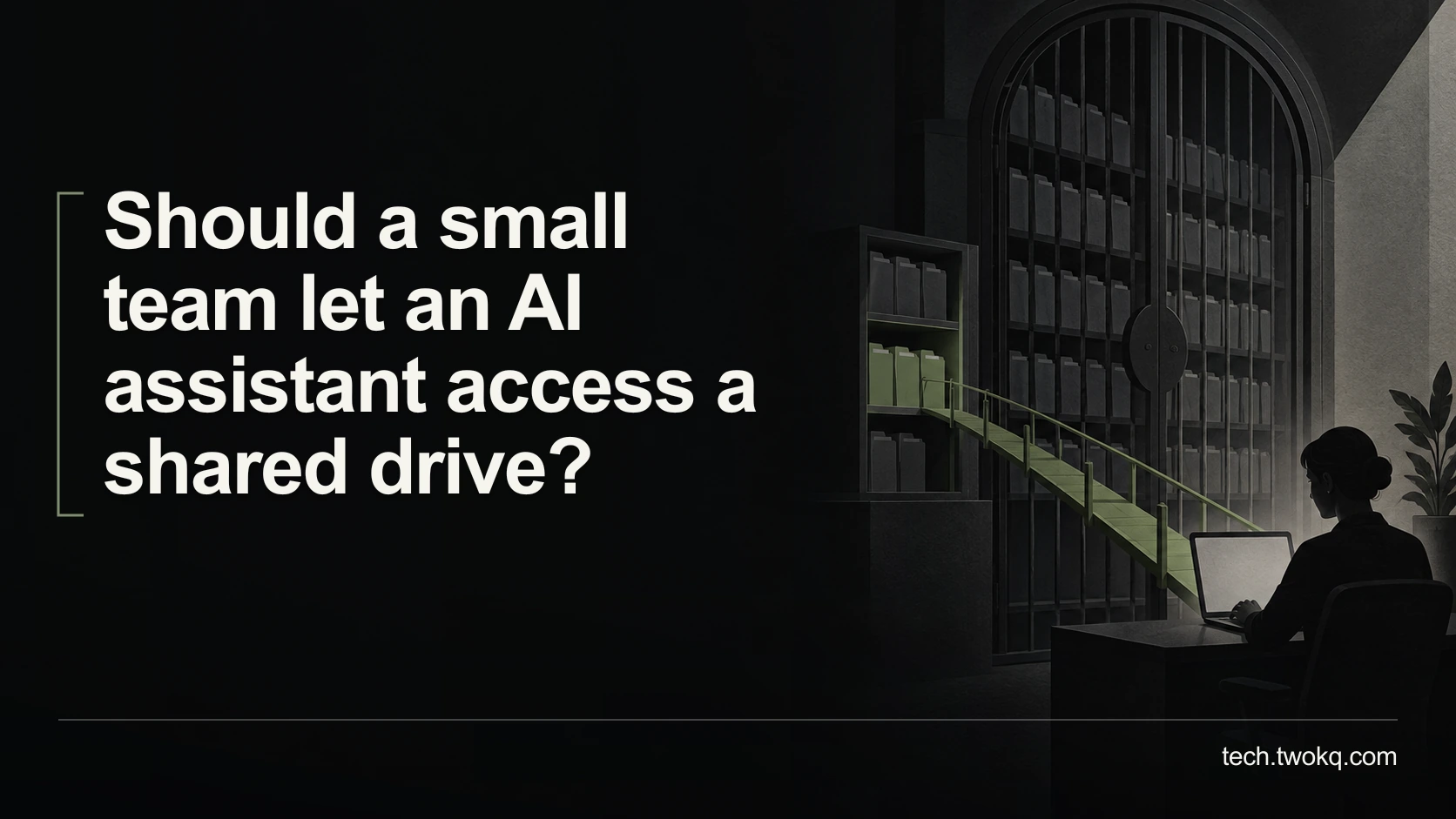
Direct answer: Only after you have verified the drive's actual permissions, identified a useful limited task and confirmed how the connector handles access, indexing and removal. Start with a small approved folder containing non-sensitive test material, not the entire drive. If nobody can explain which people can retrieve which content or how to stop future access and handle indexed copies, do not connect the shared drive yet.
A shared drive often reflects years of informal collaboration. Its name may suggest a team boundary that its permissions do not enforce. Making its contents easier to discover can expose an existing access problem without changing the underlying files.
I recommend a curated, purpose-specific collection before broad connection. The argument for connecting more material becomes stronger only when the real permissions are appropriate, the task needs that scope and the team can maintain the arrangement.
Applies to: shared file repositories and AI retrieval connectors. The Microsoft examples are documented product-specific behaviours, not instructions that apply to every provider or a security audit of your environment.
Use the connected-folder exposure review
The connected-folder exposure review is an editorial method for tracing the information boundary before enabling retrieval. It asks what is relevant, who can access it now, what the connector will copy or index and who can retrieve it afterwards.
Write the intended task first. “Find the current approved installation guide” may need one maintained collection. “Answer anything about the business” implies a much broader and less manageable boundary.
Identify a content owner and a person authorised to inspect permissions. Small-team status does not mean every member should read every document. Payroll, client-confidential material and draft commercial discussions may require different access even when they sit on the same drive.
The guide to AI adoption without losing trust recommends a small operating zone with clear ownership. Connecting files should preserve that zone, not expand it silently because the onboarding offers a convenient all-drive option.
Inspect effective access, not folder names
Ask the administrator to establish who can access the relevant folders through direct permissions, group membership, inherited access and sharing links. Effective access means what the person can actually reach after those arrangements combine.
Check representative ordinary users as well as administrators. A successful test from the owner's account says little about whether another colleague can retrieve a restricted item. Use authorised test accounts or an agreed administrator-led process, not credential sharing.
Microsoft's connector guidance explicitly warns that an “Everyone” visibility setting can overshare sensitive content. It distinguishes respecting source access-control lists from making connector content visible to all users in the organisation. Those are materially different configurations. Microsoft connector permission guidance.
Do not interpret a provider's statement that it respects permissions as evidence that your existing permissions are correct. If an old group already includes people who no longer need access, faithfully preserving that group preserves the problem.
Avoid changing production permissions casually during the review. Record the current configuration, identify affected users and have the authorised owner approve any correction with a recovery plan. A rushed restriction can disrupt legitimate work, while a rushed expansion can expose information.
Understand the connector's information path
Ask whether the assistant retrieves files when requested or creates a separate searchable index. An index is a stored representation used to find content; its existence means you need to understand synchronisation, access updates and removal as well as the original drive.
Identify the account or service identity used to read files, which locations it can reach and which users can receive results. Check whether filenames, snippets or metadata are exposed even when a user cannot open the original document.
Microsoft's File Share connector documentation illustrates why the distinction matters: it indexes Windows file-share content for search and describes different search-permission choices, while source controls still apply when a person opens a file. Review the connector-specific behaviour rather than assuming file-opening permissions alone cover discovery. Microsoft File Share connector.
Check the provider's current processing, retention and deletion terms for the exact service and account. Do not assume disconnecting the drive deletes earlier prompts, retrieved passages or generated responses. Ask what remains and how it is governed.
If the drive contains personal or contractually protected information, obtain the required approval before any connection. Requirements vary by country, sector and contract. Use qualified advice for a specific legal or data-protection assessment rather than treating this technical review as permission to proceed.
Build a limited test collection
Create or identify a small approved location for the trial. Use synthetic documents with clear titles and distinct harmless content, including one item meant to be accessible and another deliberately restricted under the test plan.
State the expected result for each authorised test identity before querying. The allowed user should retrieve the permitted material; a user outside the intended group should not receive restricted content, filenames or snippets if those are themselves confidential.
Have the administrator verify both positive and negative cases through the provider's documented tools. Do not attempt to bypass restrictions. You are confirming intended boundaries in an authorised environment, not probing somebody else's files.
Test a content update and an approved removal in the synthetic collection. Record when the connector reflects each change under its documented synchronisation process. If results remain stale, investigate before using the connection for current guidance.
Keep the trial separate from real restricted folders. A failed boundary check using dummy data can be corrected without first exposing the actual material you were trying to protect.
Work through a ninety-folder drive
Consider a fictional shared drive with 90 folders. The proposed task needs 12 folders of approved guidance. Eight other folders contain restricted material, while the remaining 70 are unrelated to the task. The categories are distinct in this example: 12 + 8 + 70 = 90.
Connecting the entire drive includes 90 minus 12 = 78 folders beyond the stated need. The relevant share is 12 ÷ 90 ≈ 13.3%. This is a scope calculation, not a risk score or a prediction that the other folders will be exposed.
The eight restricted folders deserve individual treatment regardless of percentage. One sensitive document can matter more than thousands of harmless files. Counting folders also says nothing about file volume, inherited permissions or the sensitivity of filenames.
Suppose checking the 12 relevant folders takes an illustrative four minutes each, plus twenty minutes to inspect group membership and the connector boundary. Initial review takes 12 × 4 + 20 = 68 minutes.
If the team instead tries to review all 90 at the same assumed rate, the equivalent work is 90 × 4 + 20 = 380 minutes, or six hours twenty minutes. These are fictional effort assumptions, not an audit estimate. They show how a broad default can create maintenance work that the small task never needed.
The recommendation is not to skip permission review on unrelated production material forever. It is to avoid making that whole-drive problem a prerequisite for a narrow AI experiment when a properly controlled smaller collection can serve the purpose.
Assign maintenance and a stopping process
Name who approves new folders, checks membership changes and reviews stale or superseded documents. A connection that was appropriate at setup can drift when people join, files move or a folder's purpose changes.
Keep a record of the approved scope and test results. If the connector cannot support the required scope, do not compensate by promising that users will avoid asking about the wrong content. The system boundary should match the intended permission.
Before expanding, document how to disable the connector, revoke its access and address indexed content. Have the authorised administrator confirm any provider-specific limitations. Avoid deleting a production connection as an experiment without understanding its effect on search and recovery.
If a user receives unexpected restricted content, pause the connection and follow the organisation's incident process. Preserve relevant facts, including what appeared and to whom, without circulating the sensitive result more widely in an effort to explain it.
Reach a connection decision this week
- Define one retrieval task and list only the folders it needs.
- Ask the authorised owner to inspect effective permissions and the connector's index, visibility and removal behaviour.
- Run positive, negative, update and removal checks on synthetic material during a planned review session.
- Enable only the approved limited scope if all required boundaries are established, then assign a maintenance owner and a review trigger.
Stop if restricted content appears in an unauthorised result, if removal behaviour is unclear or if nobody can maintain the permission arrangement. An unconnected drive with useful manual search is a valid outcome while those questions remain unresolved.
Related guides
Frequently asked questions
If everyone can already open the drive, is there any new concern?
Yes. First confirm that everyone is genuinely supposed to have that access, rather than assuming a historical permission is intentional. Easier retrieval can make previously obscure material more discoverable, and a connector may create an additional index or copy governed by its own controls. Check what content and metadata can appear in results and how removal works. Broad existing access is not automatically a reason to preserve it. If the task needs only approved guidance, a smaller collection can remain easier to maintain and understand even when the original drive is widely accessible.
Can we tell the AI not to read confidential folders?
Do not treat a prompt as a substitute for an enforceable access boundary. If the connector can reach material that should be excluded, establish a supported restriction at the appropriate system layer or do not connect it. A written instruction can describe intended behaviour, but it does not prove the underlying permissions have changed. Ask the administrator to verify the actual scope using documented controls and authorised tests. If the provider cannot support the restriction your task requires, choose a smaller approved collection or a manual workflow instead of relying on a promise inside the conversation.
Does read-only access mean the connection has no meaningful risk?
No. Read-only access may prevent modification, but it can still expose file contents, names or metadata to another service or user. Evaluate disclosure and retention separately from the ability to edit or delete. Check the exact account permissions and the connector's result visibility, not just the phrase read-only in a description. For a retrieval task, reading is the main action you are authorising, so its scope matters. A limited read-only connection can be appropriate after review, but it is not automatically acceptable for every document the account can technically reach.
What should happen when a colleague leaves the team?
Follow the established account-offboarding process and verify how the connector reflects changes to source permissions and group membership. Do not assume that removing someone from one folder immediately updates every index, session or separately shared output. The exact behaviour depends on the service and configuration, so use its current documentation and authorised checks. Keep responsibility for this process assigned rather than relying on the departed colleague to remove access. If generated answers or exported documents were shared separately, those records may need their own review under the organisation's information-handling policy.
Can we connect the whole drive for a day and then decide?
That is a poor default because the trial may expose or index information before you have assessed the boundary. Start with a small synthetic or approved collection and define the expected permissions first. A short connection period does not establish that indexed content or generated outputs disappear when it ends. Check removal behaviour and retention before expanding scope. If you need a realistic trial, choose representative permitted material rather than the entire repository. You should be able to learn whether the feature helps without first granting access to unrelated restricted files.
What if the connector's documentation is unclear about deletion?
Keep the relevant data out of the connection until the provider or authorised administrator can explain what deletion and disconnection actually affect. Ask separately about the source file, searchable index, cached results, conversation history and any other retained copies relevant to the service. Do not assume a single remove button covers all of them. Record the answer and its scope, especially if the material is confidential. A synthetic trial can help verify visible behaviour, but it cannot prove every server-side retention detail. Use a manual alternative when the unanswered question changes whether connection is acceptable.
Sources and verification
- Microsoft: manage connector access permissions, checked 11 September 2026 for source-permission and organisation-wide visibility distinctions.
- Microsoft: File Share connector, checked for indexing, search permissions and source-opening distinctions. These examples are product-specific; no production connector was configured or tested.
- The parent was read locally after public retrieval failed. Supplied internal paths are retained without independent live confirmation. Folder counts and timings are illustrative, not an audit of a real drive.
This article is practical guidance. Apply it in proportion to your tools, evidence, risks, and responsibilities.