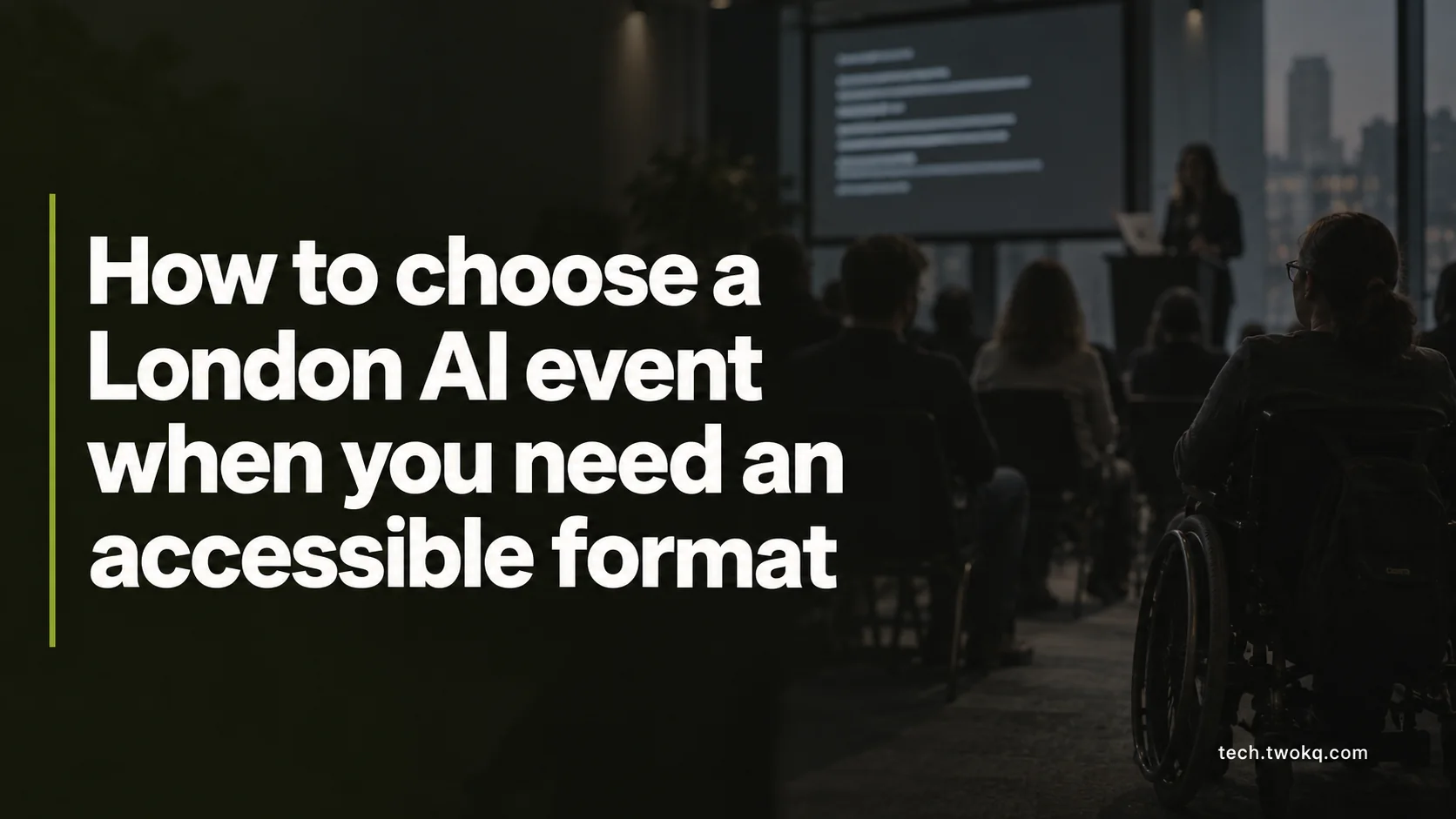
Check the London journey, venue, communication, materials and AI exercise together so an event is genuinely usable with your access requirements.
Direct answer: Check two separate things before booking: whether you can reach and use the venue, and whether you can participate in the AI task. Confirm the actual step-free route, seating, captions or interpretation, breaks, material format, device controls and help route you need. Choose another format when the organiser offers physical access but cannot make the central exercise usable.
“Accessible venue” can hide an incomplete answer. The entrance may be step-free while the breakout room is not. The room may work well while an exercise depends on a mouse, uncaptioned video or scanned worksheet that cannot be read with assistive technology.
The right question is not whether an event has an accessibility label. It is whether the complete chain from your door to the post-event material lets you achieve the same learning or decision outcome.
Applies to: in-person and hybrid AI meetups, demonstrations and workshops in London. Access needs are individual, venue conditions change, and this article does not verify a named event.
Use the two-layer access check
The two-layer access check is an editorial method which tests physical participation and task participation independently, then checks the hand-offs between them.
Layer one: place and communication
- door-to-door journey and interchange;
- entrance, lifts, toilets, room and evacuation information;
- seating, lighting, sound and quiet-space needs;
- microphones, captions, interpretation and advance information;
- breaks, food and schedule.
Layer two: AI activity
- accessible registration and account setup;
- device, keyboard and pointer requirements;
- screen-reader and magnification compatibility;
- accessible slides, documents and datasets;
- usable time limits and facilitator instructions;
- an alternative when the chosen product is inaccessible.
An event passes only when the two layers connect. A step-free room does not compensate for an unusable tool, and an accessible application does not compensate for a route you cannot complete.
The parent article on choosing the right AI tool says task fit includes the user's real constraints. Accessibility is part of task fit, not an optional benefit considered after the ticket is bought.
Ask about the actual route and room
Start with the venue's precise entrance and room, not just its postcode or nearest station. Ask whether the step-free entrance is the event entrance, whether a lift has access restrictions and whether staff know the accessible route between the main session and breakouts.
Transport for London's official accessible-journey page points to Journey Planner and TfL Go for access options and live information. Use the actual date, address and required access setting. A station described as step-free may still involve a platform-to-train step or gap that matters to you, and live lift availability can change. Check again before travel and keep a workable alternative.
Ask about arrival and waiting. Standing registration queues, security checks and an unstaffed alternative entrance can make a technically accessible building difficult to use. Request a named contact and arrival process where needed.
For sensory and cognitive access, ask about crowd size, lighting, amplified sound, quiet space, agenda detail and the ability to leave and re-enter. These are factual planning questions, not a request to disclose a diagnosis.
Test the AI exercise itself
Ask the organiser to describe the exercise from registration to submission. Identify every interface the attendee must use: ticketing form, email verification, product signup, slide deck, sample file, chat, breakout platform and feedback form.
For keyboard use, ask whether all central functions are available without a pointer. For screen-reader use, ask whether controls have usable labels and whether the output can be read in a logical order. For captions, distinguish live speaker captions from prerecorded video captions. For materials, request structured documents rather than images of text.
The Web Content Accessibility Guidelines are technical standards for web content. W3C's summary includes text alternatives, captions, keyboard availability, enough time and compatibility with assistive technologies. The summary links to the normative WCAG standards and supporting documents. An event organiser need not claim formal conformance to answer practical questions about the exact exercise.
If the chosen AI product creates the barrier, ask for an equivalent route to the learning outcome. That could be paired operation directed by the attendee, an accessible exported result, a different supported interface or a facilitator demonstration followed by accessible analysis. The alternative should preserve agency and assessment, not reduce the attendee to watching someone else complete the task.
My recommendation is to choose the event with verified task access even when its headline programme is smaller. A more prominent event becomes the better choice only when it can confirm the adjustments and equivalent participation you need.
Evaluate the organiser's answer
Government inclusive-communication guidance says organisers should consider accessibility across publicity, venue facilities, staff, speakers and exhibitors, and should plan early. It also mentions compatibility with specialist access hardware and software.
A useful reply is specific:
The workshop is in room 2.4, reached by the staffed lift beside the east entrance. Live captions are displayed and available through a browser link. Exercise files are tagged documents sent two days before the session. The facilitator can accept answers in the shared document instead of the drag-and-drop board.
A weak reply repeats “the venue is fully accessible” without addressing your questions. Ask for clarification once. If the organiser does not know, request the venue contact or the person responsible for the workshop platform.
Do not require perfection from the first reply, especially for a small community group. Look for willingness to obtain facts, propose an equivalent and confirm it in writing. The stopping condition is an unresolved barrier to the central outcome, not a slow response by itself.
Compare access using time and task completion
This worked example uses illustrative assumptions, not audited events. A reader compares two three-hour London workshops.
Event A costs £20 and is 35 minutes away each way. Its organiser confirms the entrance and captions but says the required drag-and-drop AI exercise has no keyboard alternative.
Event B costs £35 and is 55 minutes away each way. It confirms a step-free route, browser captions, keyboard operation, accessible source documents and a facilitator who accepts the output in an ordinary document.
Complete time before follow-up:
- A: 35 + 180 + 35 = 250 minutes, or 4 hours 10 minutes.
- B: 55 + 180 + 55 = 290 minutes, or 4 hours 50 minutes.
At an illustrative time value of £18 per hour:
- A time value: 4.1667 × £18 = £75, plus £20 ticket and illustrative £8 travel, totalling £103.
- B time value: 4.8333 × £18 = £87, plus £35 ticket and illustrative £12 travel, totalling £134.
Event B costs £31 more under these assumptions. Yet A cannot deliver the central exercise by keyboard. Its lower figure is not better value for this reader because the output cannot be completed. If A supplies an equivalent keyboard route, the decision can be recalculated.
The time value is not cash saved. The example shows why an accessibility gate should come before a price ranking.
Protect privacy when requesting adjustments
Tell the organiser what change or information you need, not more health information than necessary. An access request may itself reveal personal information. Ask who receives it, why it is needed and how long it is kept when the answer matters.
If an exercise uses AI to transcribe speech, describe images or generate alternative formats, ask where the content goes and whether attendees or bystanders are captured. An accessibility feature does not remove privacy, accuracy or permission requirements.
UK duties and remedies depend on the service, facts and jurisdiction. Government guidance for service providers says reasonable changes may involve policies, the built environment, information in accessible formats, equipment or staff support. The quick-start guide explains that context affects what is reasonable. It is general guidance, not a determination about a particular event. Seek qualified advice where a dispute or legal decision matters.
Plan and confirm access seven days before the event
When possible, ask before the refund deadline and at least seven days before attendance. List the one or two changes which determine whether you can complete the event outcome. Save the response and add the named contact to your travel plan.
Two days before the event, test supplied files and links with your actual device and assistive technology. On the day, check TfL and venue updates. Afterward, record whether the agreed route worked and tell the organiser about any gap with a concrete example.
Choose the event when both access layers are confirmed. Stop when the central exercise remains unusable, the accessible entrance or room cannot be identified, or a promised alternative removes meaningful participation. A refund or different event may be more useful than spending the day proving a known barrier exists.
Related guides
Frequently asked questions
Is a step-free venue enough to call an AI event accessible?
No. Step-free access may be essential, but attendees also need to register, navigate the room, hear or read speakers, use materials, complete the AI task, take breaks and leave safely. Different people need different information. Ask about the complete route and central activity rather than a universal label. The event may be accessible for one attendee and blocked for another. The exception is a listing which uses “step-free” only to describe that specific feature, not the whole event; treat it as one useful fact and continue the check.
How far in advance should I request an adjustment?
Ask as early as practical, ideally before purchase or the refund deadline, because captions, interpreters, accessible files, equipment and room changes can require preparation. State the required outcome and date. A late request should still receive a considered response, but some options may be harder to arrange. Keep a written confirmation and check again if the venue or format changes. The exception is a need which arises unexpectedly; contact the organiser promptly and ask what can still be done rather than assuming attendance is impossible.
Can I ask to receive slides before the event?
Yes. Explain the format and timing that let you prepare, such as a tagged document, accessible presentation or text outline two days beforehand. The organiser may need the speaker's permission and late speaker changes can affect delivery, so ask for the best available version and updates. Slides alone do not contain every spoken explanation, but advance access can support navigation, terminology and assistive technology. If confidential or embargoed material cannot be shared early, request an accessible outline or vocabulary list and an equivalent way to follow live content.
What if the AI product itself does not work with my assistive technology?
Ask whether another supported interface, accessible export or facilitator-led equivalent can achieve the same learning outcome while preserving your control. Record the incompatibility as product evidence, not personal failure. Do not let anyone disable security or install unapproved software as an improvised fix. If the event is specifically teaching that product and no equivalent participation exists, another session may be the better choice. The condition changes when you are attending only to evaluate the limitation, provided the format still lets you observe and ask questions safely.
Are automatic captions sufficient for a live workshop?
Sometimes, but not universally. Accuracy can change with speakers, room sound, specialist terms and connection quality. Ask whether captions cover audience questions and breakout work, whether they can be viewed on a personal device and what fallback exists. A transcript after the event does not provide equal live participation. Human speech-to-text support may be appropriate in some contexts. State the communication outcome you need rather than accepting a generic “captions available”. If an important legal or safety instruction is involved, organisers should not rely on unreviewed automatic text alone.
What should I do if an agreed adjustment is missing on arrival?
Contact the named organiser, state the agreed arrangement and ask for the documented fallback. Preserve the message and note what happened without recording other attendees unnecessarily. Decide whether a safe equivalent is possible or whether continuing would deny meaningful participation. Afterwards, use the organiser's complaint or refund route and describe the concrete impact. UK legal options depend on the facts and service; obtain qualified advice when the matter is consequential. The exception is a brief technical fault which the organiser promptly fixes without losing the central activity, though it should still inform contingency planning.
Sources and verification
- Plan an accessible journey, Transport for London, checked 6 October 2026 for current official London journey-access tools and options.
- WCAG 2 at a Glance, W3C Web Accessibility Initiative, checked 6 October 2026 for its current summary of text alternatives, captions, keyboard access, timing and compatibility principles.
- Using a range of communication channels to reach disabled people, GOV.UK, checked 6 October 2026 for official event-accessibility planning guidance.
- Disability quick-start guide for service providers, GOV.UK, checked 6 October 2026 for general UK guidance on reasonable changes. It is not legal advice for a particular event.
No current London venue, route, workshop, product or adjustment was audited. All prices, times and access arrangements in the example are illustrative.
This article is practical guidance. Apply it in proportion to your tools, evidence, risks, and responsibilities.