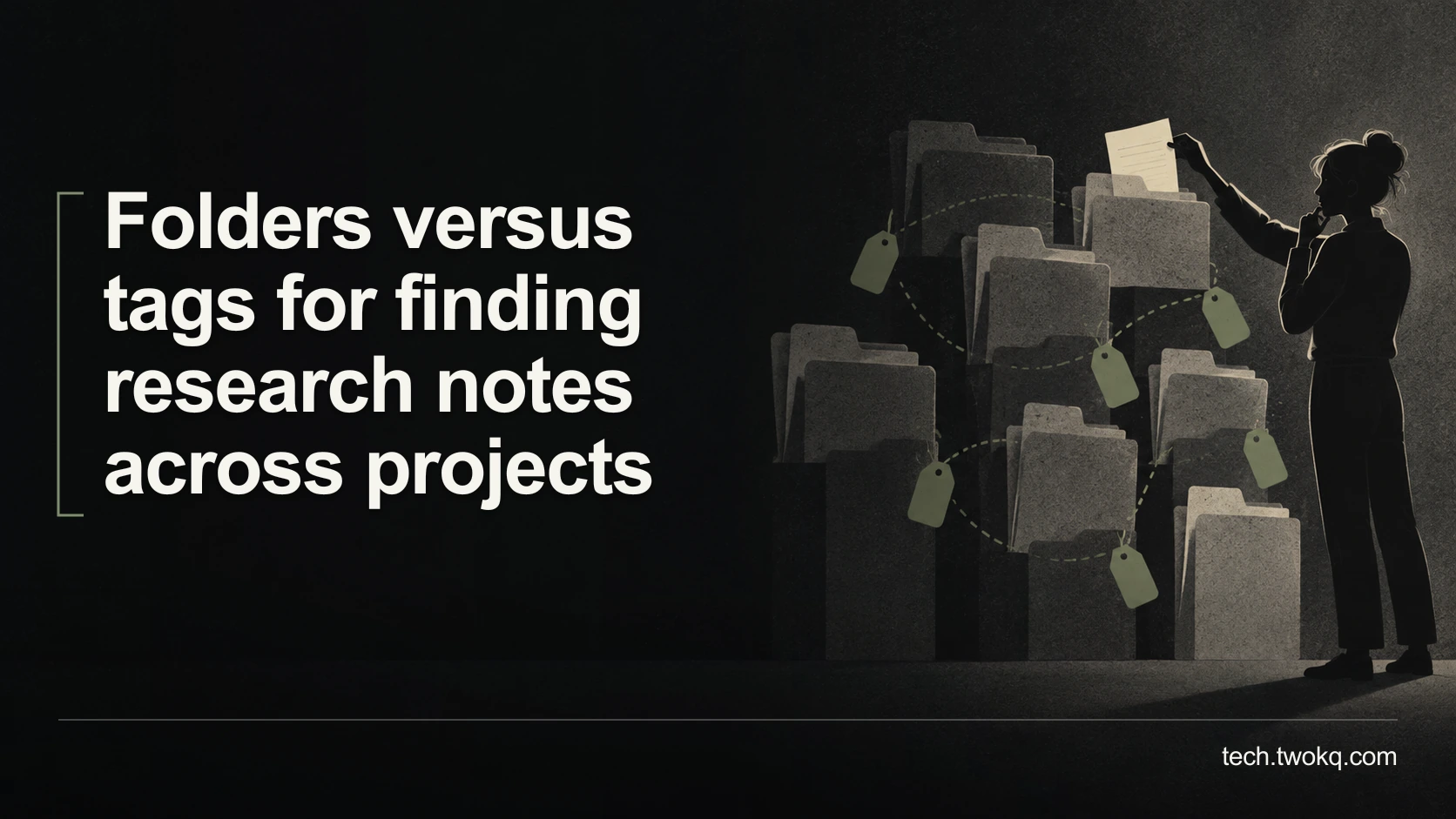
Compare folders and tags with a timed retrieval exercise, measure the upkeep each adds, and choose a simple structure for research notes across projects.
Direct answer: Start with a shallow project-folder structure and useful note titles, then add tags only for questions that repeatedly cross project boundaries. Compare both approaches by timing realistic attempts to find the same evidence, including the effort needed to maintain the structure. Tags deserve their place when they make those cross-project searches meaningfully easier; a large tag vocabulary that you rarely search is extra administration.
The tempting choice is the system that looks most organised. That is the wrong success measure. Your actual task is to recover an idea together with enough source context to use it correctly.
A tidy folder tree can conceal duplication, while an elaborate tag system can become a second vocabulary you must remember. This is a narrower problem than deciding what makes a useful research note: here, the note already exists and you need to find it again.
Applies to: personal research libraries in a note-taking application or ordinary files. The Zotero and Obsidian examples below are based on current documentation, not hands-on testing.
Use a retrieval trial before reorganising
The retrieval trial is an editorial method for choosing a filing structure. It compares three costs: finding evidence, filing new material and repairing inconsistent organisation. It is not a validated research instrument or a universal productivity benchmark.
Begin with a bounded collection, such as the notes for two current projects. Do not reorganise your full archive. Keep an export or backup and record existing locations before moving files; links and attachments may behave differently in different applications.
Write several retrieval questions before looking at your notes. Include a source you remember by author, a claim you remember without its source, a comparison spanning both projects and a note you have not opened recently. These questions stop you choosing a system around whichever notes happen to be easiest to find.
A successful retrieval means opening the correct note and its supporting source passage. Merely finding a familiar title does not count. Record wrong turns as well as elapsed time, because the fastest result is not useful if it is the wrong version.
Establish what your application means by a folder
A folder in a file manager usually places a file at a particular path. A folder-shaped collection inside an application may instead group references to the same item. That distinction changes whether cross-project organisation requires duplicate copies.
For example, Zotero documents that an item can belong to multiple collections without being duplicated. Removing it from a collection is different from moving the item to the trash. This is a documented Zotero behaviour, not a promise about every note application. Zotero collections and tags
Check your own tool with a disposable note. Put it into two project groupings, change a sentence, then inspect both views. If both show the update, you probably have references to one record. If they differ, investigate whether you created copies before applying the method to important work.
Do not use deletion to discover this distinction. Use the application's documentation and a reversible move or removal operation, and confirm where the note remains afterwards.
Match the structure to the way you remember
The strongest case for folders is predictable context. If you remember that a note belongs to a particular course or assignment, a short path can be easier than inventing a search query. Folders also make a bounded project easier to inspect before handover.
The strongest case for tags is a recurring connection across contexts. A note about interview consent may belong to a documentary project but also answer questions in a research project. A consistent tag can collect those items without forcing you to remember their original project.
My recommendation is to make projects the default organising boundary and earn additional tags through actual retrieval failures. Someone conducting systematic research across recurring themes may reasonably reverse that priority. Their repeated cross-project questions provide the evidence for doing so.
| Approach | Strongest retrieval cue | Upkeep to watch | Reason to reject it |
|---|---|---|---|
| Shallow project folders | You remember the project or course | Misfiled notes and unnecessary nesting | You regularly search across many unrelated projects |
| A controlled tag vocabulary | You remember a recurring subject or status | Synonyms, inconsistent spelling and obsolete labels | You cannot remember which labels you used |
| Folders with a few cross-project tags | You use both kinds of cue | Maintaining two structures | The added tags do not improve tested searches |
A controlled vocabulary simply means agreeing which label represents a concept. You might choose “interview-consent” rather than alternating between “permissions”, “consent” and “recording-rules”. It does not require specialist software.
Give each tag a retrieval job
Before adding a tag, finish this sentence: “I will use this to find notes when I need to...” If the ending is vague, improve the note title instead.
Separate subject labels from workflow states in your own rules. “Accessibility” describes a subject; “needs-source-check” describes unfinished work. Mixing them is not inherently wrong, but you should know why both appear when filtering results.
Start with labels you can explain on one short page. There is no defensible universal maximum. A working rule for this trial is to add a new tag only after an existing retrieval question cannot be answered conveniently with the current set. Adjust that rule if your work involves established disciplinary terminology.
Application behaviour matters. Obsidian supports tags in notes and in a tags property, and its documentation explains nested tags. Those capabilities can help, but nesting can also recreate a complicated folder tree under another name. Use only the depth your retrieval questions require. Obsidian tag documentation
Count the cost of the apparent improvement
Consider a postgraduate student comparing two arrangements for a small literature project. The following figures are illustrative assumptions, not measured results.
Suppose ten retrieval attempts take 18 minutes with folders and 12 minutes with folders plus tags. The apparent saving is 18 minus 12, or 6 minutes per set of ten searches.
Now include upkeep. Assume the tagged arrangement adds 15 minutes of labelling and 5 minutes of corrections each week. At thirty similar searches a week, retrieval saves 3 × 6 = 18 minutes, but upkeep adds 20 minutes. Net result: 18 minus 20 = negative 2 minutes a week.
Assume initial setup also took 35 minutes. The first week is therefore 37 minutes worse on these figures. This is not evidence that tags are bad. It shows that this particular arrangement has not earned its maintenance cost.
If the same student later performs sixty comparable searches weekly, the saving becomes 6 × 6 = 36 minutes. After 20 minutes of upkeep, 16 minutes are released each week. Recovering the 35-minute setup cost takes about 2.2 weeks at that workload.
These are minutes available for other work, not cash saved. Recheck the result with unfamiliar notes: remembering the answers from the first trial could make the second arrangement look better than it is.
Repair the smallest part that failed
When a search fails, record the cause before redesigning anything. A vague title, missing source link or incorrect date is not necessarily a folder problem. Adding more tags may disguise rather than repair it.
If several failures involve the same cross-project subject, trial one shared tag on those notes. If the failures involve recognising notes within a single project, improve titles and introductory sentences first. If you find duplicate versions, identify the authoritative copy and reconcile differences before merging or removing anything.
Preserve old names in a short mapping when renaming labels. During a transition, search both the old and new terms. Once the expected notes appear consistently, retire the redundant term. Avoid a large batch rename while other people are editing the same library.
Make a decision over the next working week
- Today, spend about twenty minutes selecting a small collection and writing retrieval questions. Back up the material and record what counts as a correct result.
- During ordinary work, log the next useful searches, including failures and filing effort. Do not substitute searches you already know by heart.
- Trial one change on that collection, such as clearer project folders or one cross-project tag. Repeat comparable searches with different notes.
- At the end of the week, keep the change only if the improved retrieval or reduced mistakes justify its upkeep. Remove experimental labels if they add no value.
Stop reorganising when the evidence you need is consistently recoverable. The library exists to support your work, not to become another permanent project.
Related guides
Frequently asked questions
Can I rely on search instead of organising notes?
Yes, if your notes have descriptive titles, searchable text and reliable source details. Test the queries you actually use before adding a filing system. Search is less helpful when you remember a concept using different words from the note, or when many almost identical results appear. A small amount of structure can then narrow the field. Do not assume that every application searches attachments, handwriting or scanned pages in the same way. Check those content types separately. If the required evidence is not indexed, a tag will not make its full text searchable.
Should I tag every note immediately?
No. Start by identifying which notes benefit from being retrieved as a group. Labelling every item can create work without improving a single decision. You can leave a new note in its project context until a recurring cross-project question justifies another label. The exception is a shared research process where a required classification has a defined purpose and owner. In that situation, document the rule and check that colleagues interpret it consistently. Do not let an attractive empty tag field become an obligation to classify material you may never use again.
What if one note belongs to several projects?
Keep one authoritative note where possible, then reference it from each relevant project. Check whether your application supports multiple collection membership or internal links before creating copies. If it does not, a short index note can point to the original location. Separate copies are reasonable when the projects need genuinely different interpretations, but label those as project-specific work rather than interchangeable evidence. Retain the common source reference in both. The risk is not multiple viewpoints; it is silently editing one copy while treating an older copy elsewhere as the same record.
Do tags make it easier to move to another application?
Only if the export preserves them in a form the destination understands. Test a few notes containing tags, links and attachments before deciding that your organisation is portable. Inspect the exported material outside the original application and then import it into a disposable destination. A text file containing tag names is not proof that the new app will recognise their function. Keep a separate list of important labels and their meanings during migration. If the tool stores organisation only in its own database, you may need a simpler exportable index as a fallback.
How should a small team agree its tags?
Begin with shared questions, then agree the smallest set of labels needed to answer them. Give someone responsibility for resolving duplicate terms, but let contributors describe examples that do not fit. A short note explaining each ambiguous label is more useful than a long taxonomy nobody consults. Test the scheme with a colleague who did not create it and record where they hesitate. If a classification is needed for contractual reporting or regulated work, follow the applicable organisational requirements. An informal tag convention should not be presented as a substitute for those controls.
Will AI organise the notes better for me?
It may propose useful groupings, but judge them against your retrieval questions rather than their apparent sophistication. Use a small, permitted sample and inspect why each note was placed in a group. Do not upload confidential research merely to obtain suggested labels, and do not assume that an AI-generated connection is supported by the source. Automated labels also need maintenance when your interests change. If ordinary search and a few project folders already recover the evidence quickly, introducing another service may add more review and dependency than the organisation problem warrants.
Sources and verification
- Zotero: Collections and Tags. Checked collection membership and the distinction between removing membership and deleting records.
- Obsidian: Tags. Checked support for note tags, the tags property and nested tags.
- Material product documentation checked on 9 September 2026. The retrieval trial and all arithmetic are editorial methods and illustrative assumptions, not product tests.
- Parent-guide content was read from the supplied project. Its specified public route could not be retrieved during verification; the supplied internal paths are retained.
This article is practical guidance. Apply it in proportion to your tools, evidence, risks, and responsibilities.