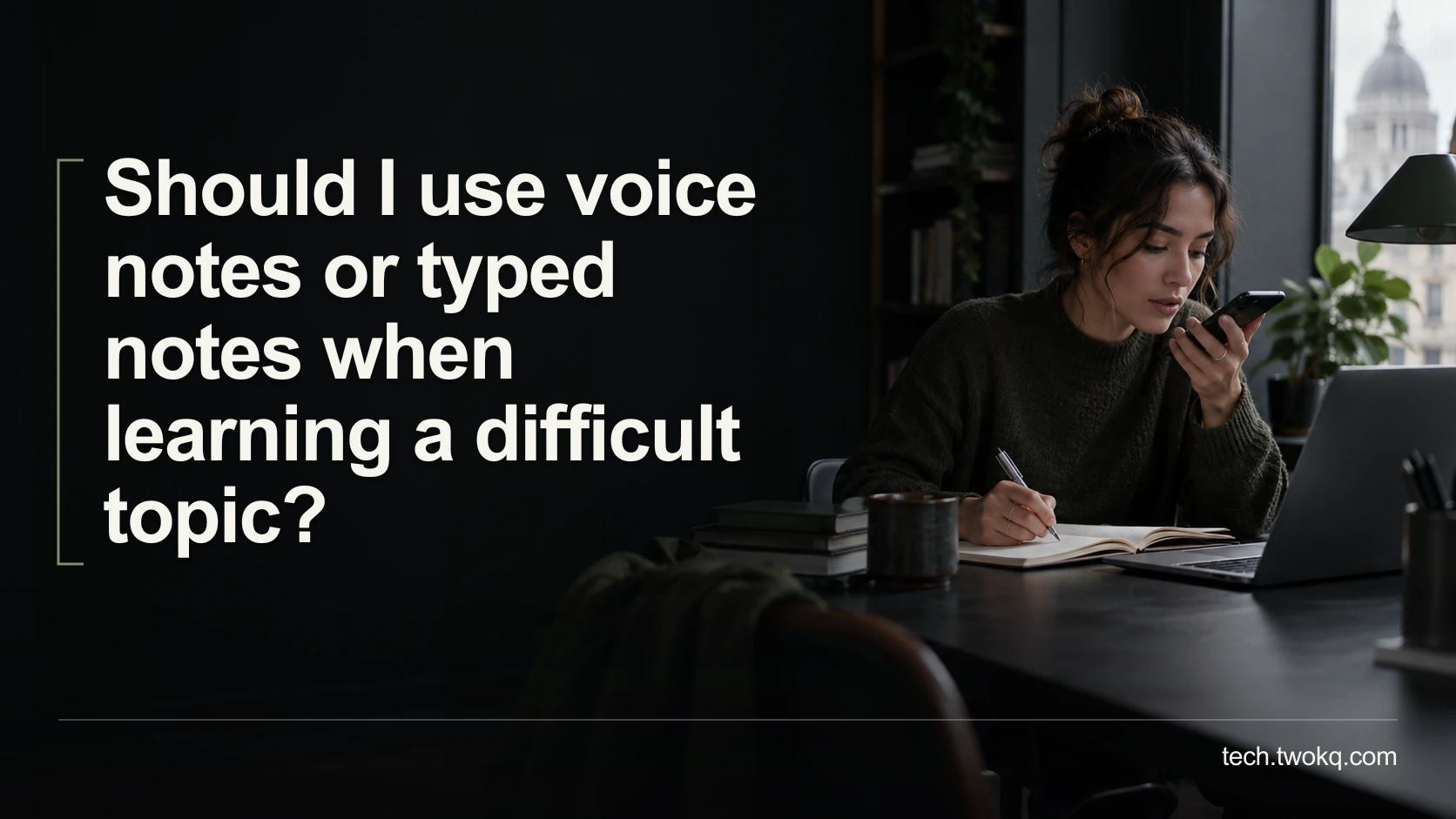
Compare voice and typed notes by the effort needed to explain, check and revisit a difficult idea, with a practical trial that includes accessibility needs.
Direct answer: Use typed notes as your default when you need to scan, compare or quote precise details, and use voice notes when speaking makes it easier to form an explanation or typing creates an access barrier. Compare the complete process, including checking and revisiting the note, rather than recording speed alone. Keep a short text index for audio where practical, but do not create a full transcript unless you will use it.
A three-minute recording can feel easier than writing a paragraph. The cost may appear later, when you need one definition from a folder of unnamed recordings. Conversely, a beautifully formatted page can conceal the fact that you copied language you cannot yet explain.
The useful question is not which medium is universally better for memory. It is which one lets you produce a checked explanation and use it again under your real constraints. This article offers a practical comparison, not a claim that one method improves learning by a fixed amount.
Run the capture-to-understanding comparison
The capture-to-understanding comparison is an editorial method for choosing a note format. Follow one idea from its source to your explanation, through a correctness check, and back into a later task. Count the effort at each stage.
Before starting, choose two similarly difficult concepts from material you are allowed to use. Have the original source available for checking, and use a recorder and text editor you already understand. You do not need transcription software for this trial.
If you record, record your own explanation in a private setting. Check whether your chosen app uploads recordings or synchronises them to a shared account before including confidential information. Do not assume that a recording stored on a phone stays only on that phone. Use a permitted storage arrangement, and avoid capturing people nearby.
The broader guide to thoughtful note-taking concerns the judgement you add. Here, the narrower decision is which format best preserves that judgement for a particular learning task.
Separate the medium from the learning activity
Speaking, typing, copying, explaining and testing yourself are different activities. A comparison between reading aloud into a recorder and writing an explanation from memory changes both the medium and the task. It cannot tell you that typing itself caused the difference.
For a fair practical trial, ask the same thing of each format: explain the concept, give an example, and state where your understanding is uncertain. Keep the source closed during the first explanation, then reopen it to check your account. If the concept is genuinely new, read it first; this is not a test of knowledge you have never encountered.
University of Leeds guidance frames note-making as reviewing, connecting and synthesising ideas rather than simply capturing everything. It also treats review and organisation as part of the process. That supports examining the whole workflow, without establishing that voice or typing is inherently superior. Leeds note-making guidance.
Choose according to the job the note must do
| Format | Strongest practical use | Main cost to inspect | When to reject it |
|---|---|---|---|
| Typed explanation | Scanning exact terms, comparing concepts, linking evidence | Editing and the temptation to copy source wording | Typing prevents useful capture or causes unacceptable strain |
| Voice explanation | Talking through an uncertain idea or reducing typing | Listening time and finding the relevant passage | You cannot review audio privately or reliably |
| Voice plus short text index | Keeping spoken reasoning with a findable summary | Maintaining both the recording and its index | The extra layer is not used after capture |
This is a task comparison, not a claim about fixed learner types. Your preference can change with the subject, device, fatigue and environment. An equation with several similar symbols may need a written or visual record even if you prefer speaking through the reasoning.
My recommendation is to favour the simplest format that remains useful at review time. For many desk-based tasks, that means a short typed explanation. An accessibility need or a clear improvement in your ability to express the concept can outweigh the convenience of scanning text.
Make a voice note reviewable without transcribing everything
Begin a recording with the question, source and concept name. Explain one bounded idea rather than narrating an entire study session. Say when you are guessing. A spoken uncertainty marker prevents a later listener, including you, from mistaking a tentative idea for checked knowledge.
After recording, listen once with the source open. Correct a mistaken term in a short follow-up note or replace the explanation, retaining the original only if it serves a purpose. Do not leave a known error hidden halfway through a recording that you intend to reuse.
Add a short label that identifies the concept and result: “Cache invalidation: why the saved copy becomes stale; example checked against chapter 3.” If you need to return to a particular passage, record its playback time. The index can be a sentence; it does not have to be a transcript.
Success means that you can locate the explanation and identify its unresolved part without replaying every recording. If you cannot, shorten the next recording and improve its label. Buying a search tool is not the first correction.
Make typed notes more than a copy of the source
Write the question as a heading, then answer it in ordinary language before adding technical terms. Keep exact quotations visibly separate. Put the source locator beside the detail it supports, especially for a definition or formula you must reproduce accurately.
Include one contrast that changes the answer. If your note explains synchronisation, state how it differs from an independent backup rather than only listing its benefits. A concrete distinction is easier to check than a paragraph full of approving adjectives.
Reopen the source and mark corrections explicitly. If you cannot explain a passage without closely copying it, identify the unclear term and return to that part of the material. Formatting the paragraph more neatly will not resolve the gap.
Calculate the total effort for 12 notes
Consider a learner preparing 12 concept notes for a professional course. These are illustrative assumptions, not recorded results or a benchmark of either medium.
For voice notes, assume two minutes to record each explanation, two minutes to listen and correct it, and 30 seconds to create an index. Per-note effort is 2 + 2 + 0.5 = 4.5 minutes. Across 12 notes, that is 12 × 4.5 = 54 minutes. Allow another six minutes to organise filenames and check storage: total 60 minutes.
For typed notes, assume three minutes to write each explanation and 90 seconds to check it. Per-note effort is 3 + 1.5 = 4.5 minutes. Twelve notes again take 54 minutes. Add four minutes of organisation: total 58 minutes.
Voice wins on initial capture, taking 24 minutes rather than 36. Yet the complete workflow differs by only two minutes. That difference is too small to drive the choice if one method is substantially more accessible or produces explanations you can actually use.
If the learner then transcribes every recording, the transcription and checking effort must be added. Do not call automatically produced text “free” merely because the service is already paid for. Corrections still consume attention. Equally, do not count released minutes as cash saved unless they reduce an actual expense.
Decide after two short sessions
- In a 20-minute session, make one voice explanation and one typed explanation, checking each against its source.
- The following day, allow ten minutes to find and use both notes to answer a fresh example.
- Record which explanation was easier to retrieve, which contained errors, and what each cost to maintain.
- Choose one default for the next week, keeping the other for situations where it removes a clear obstacle.
Stop comparing formats when the problem is an unresolved concept rather than the medium. Ask a tutor or knowledgeable colleague a specific question, or return to a clearer source. No note format can repair an explanation you have never verified.
Related guides
Frequently asked questions
Should I transcribe all my voice notes automatically?
No. Transcribe when you need searchable wording, quotations or text-based access, not merely because a button is available. A short recording with a precise index may already do the job. If you use a transcription service, check where the audio is processed and who can access the resulting text before uploading sensitive material. Review technical terms and negations against the recording; a plausible transcript can still change meaning. Where text is essential for accessibility or collaboration, transcription may justify the extra work. Keep its relationship to the checked source clear rather than treating generated text as a new authority.
Does speaking an explanation prove that I understand it?
No. Fluency shows that you can produce an explanation, not that the explanation is correct. Compare the account with the source, then try applying it to a different example or explaining the condition under which it fails. A recording can help you notice hesitation or an unsupported jump in reasoning, but those are prompts for checking, not a validated score of understanding. The same limitation applies to confident typed prose. If the concept affects a consequential professional decision, verify it with authoritative material or someone qualified rather than relying on how convincing your explanation sounds.
What if typing is painful or difficult for me?
Give accessibility priority over a small theoretical efficiency gain. A voice-first approach, dictation, shorter sessions or another input method may be more workable than forcing a typed workflow. Keep enough structure to find and check the note, but adapt the structure to what you can comfortably maintain. Do not treat the timing example in this article as a target you must meet. If you need educational or workplace adjustments, discuss them with the relevant support service. The comparison should reveal what lets you participate reliably, not penalise you for using a different way to capture and review information.
Can I record a lecture instead of making notes?
An authorised recording can provide a reference, but it does not decide what you need to understand or practise. Follow your institution's recording and reuse rules, including any approved accessibility arrangements, before recording someone else. Requirements vary by jurisdiction and setting, so do not assume permission to attend means permission to record or share. Use the recording to revisit a specific explanation and add your own checked interpretation. If an official recording already exists, linking to the relevant moment may be enough. Avoid accumulating whole lectures without a question or review plan for using them.
How can I study from voice notes in a noisy place?
Prepare a short text index and reserve detailed listening for somewhere you can hear safely and clearly. Raising the volume to overcome the environment is not a sensible workflow requirement. If noisy settings are your normal study environment, text may be the more practical default, or you may need a checked transcript for essential material. Do not judge voice notes only during ideal conditions that never occur in your routine. The exception is when audio provides an important access benefit; then plan an appropriate listening arrangement rather than abandoning the format solely because one location is unsuitable.
Should I keep both formats for every concept?
Usually not. Two formats create two places to correct, label and maintain the same idea. Keep both when they serve distinct purposes, such as a spoken explanation for review and a written formula for precise reference. Make clear which version contains the checked correction if the content changes. Otherwise, choose one main note and a minimal pointer from the other format. If you notice that you never revisit one version, stop producing it for a week and see whether anything useful is lost. Reducing unused duplication is a valid improvement, even when creating more material feels productive.
Sources and verification
- University of Leeds: note-making explained, consulted 11 September 2026 for the distinction between capture, synthesis and review. It is not cited as experimental proof of voice or typing superiority.
- The supplied parent was read in local publication files because its public route could not be retrieved. The comparison method and all timing figures are editorial constructions.
This article is practical guidance. Apply it in proportion to your tools, evidence, risks, and responsibilities.